WordPress Maintenance vs One-Time Fixes: How to Choose
Decide whether your WordPress website needs a focused repair or ongoing care, and learn what to ask before hiring a developer for support.

In this article
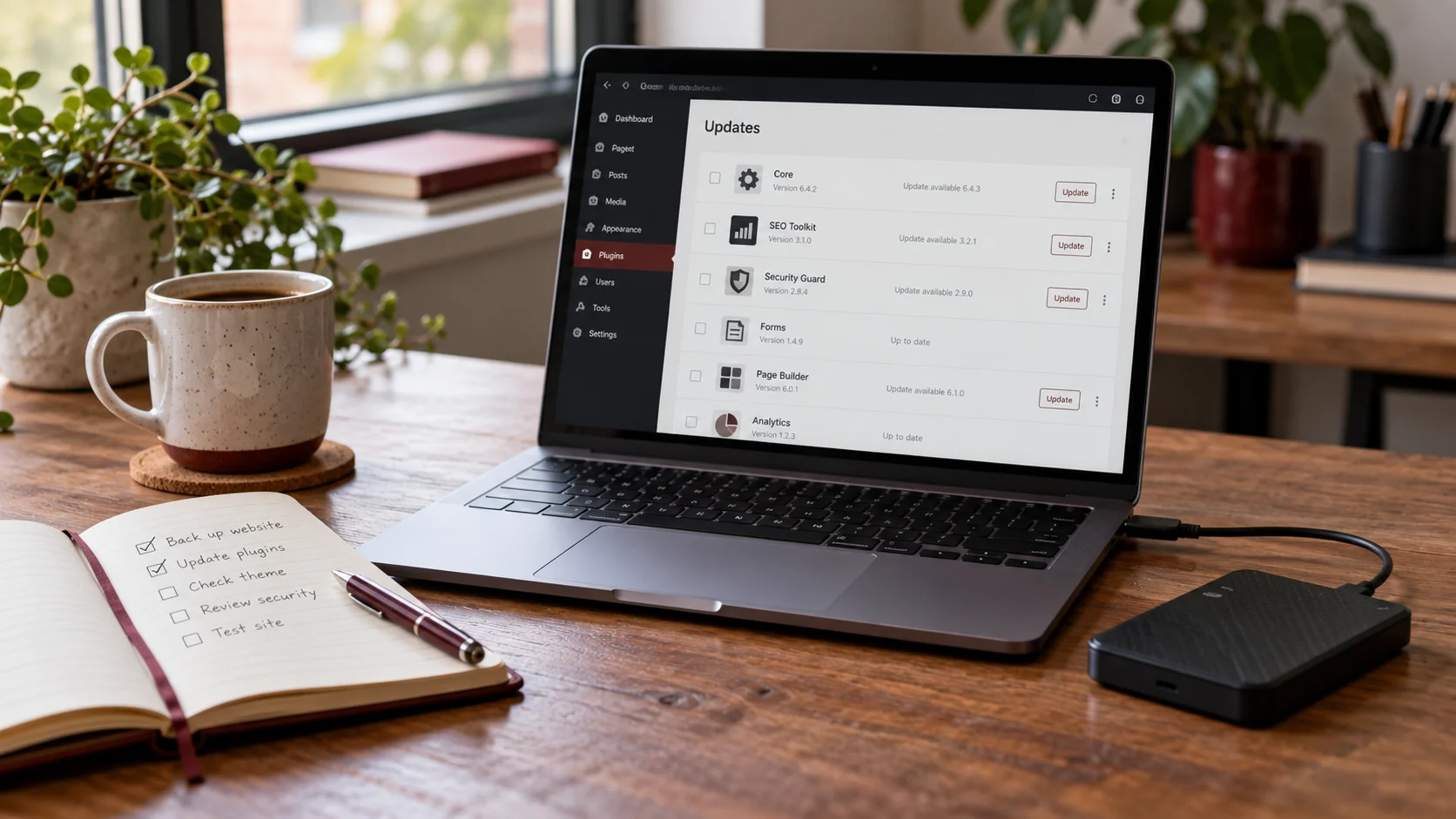
Illustrative workspace. Screens show concepts, not a delivered client system.
A broken contact form needs attention today. A business website with nobody responsible for updates and backups needs a longer-term decision. These are related problems, but they do not call for the same kind of agreement.
A one-time WordPress fix is useful when the issue and finishing point are clear. Ongoing maintenance is useful when someone needs to take responsibility for recurring checks and agreed support. This guide helps you choose between them without assuming every website needs the same package.
When a one-time fix makes sense
Choose a focused repair when you can describe a specific problem and your team already manages routine care. Examples include a layout broken on mobile, an error after a plugin change or a form that no longer sends its expected notification.
Give the developer the affected URL, steps to reproduce the issue and information about recent changes. Avoid sending private account credentials in a general enquiry. Agree how access will be provided once the job is scoped.
The proposal should name the problem, the investigation included and the checks that define completion. “The button works” is less useful than “a visitor can complete the agreed enquiry journey on mobile and desktop, and the authorised test is recorded correctly.”
A repair can also reveal a larger issue. If a fix depends on replacing an unsupported integration or rebuilding a custom feature, ask for a revised scope before treating it as routine support.
When ongoing maintenance is a better fit
Recurring care is worth considering when the website supports sales, receives frequent content changes or relies on several connected services. It is also useful when nobody on your team owns the recurring work.
A maintenance agreement can define responsibility for backups, updates, monitoring and a specified amount of support. The important word is “define”: maintenance does not automatically include unlimited development, new landing pages or every hosting problem.
- Who reviews updates and checks important pages afterwards?
- Who confirms backups are usable?
- Who investigates a broken enquiry journey?
- What support hours and response targets are agreed?
- Which third-party accounts and licences remain your responsibility?
Compare the answers rather than judging plans only by how many items appear in a sales checklist.
What a useful WordPress care scope includes
Backups and recovery
Agree what is backed up, where copies are stored and how a restore will be checked. WordPress recommends backing up before an upgrade; its instructions include both files and the database. See the official WordPress upgrade guidance.
Updates and compatibility checks
Define how changes to WordPress, plugins and themes will be handled. Include checks for the parts your business relies on, such as forms, checkout or booking. More complex sites may need a staging environment before changes reach visitors.
Enquiry and integration checks
A page loading successfully does not prove that its enquiry notification, payment provider or CRM connection works. Identify which connections need checking and obtain permission before sending test messages or making test transactions.
Clear support boundaries
Specify included work, exclusions, escalation and ownership. Make sure you know whether a request is covered, needs a separate quote or must be handled by your host or another supplier.
Compare the two options by responsibility
| Question | One-time repair | Ongoing maintenance |
|---|---|---|
| What starts the work? | A defined fault or change request. | A recurring care schedule and agreed support requests. |
| What marks completion? | The scoped issue is resolved and checked. | Each agreed care cycle and support task is recorded. |
| Who owns routine checks? | Your team or another provider, unless added to the scope. | The responsibilities named in the maintenance agreement. |
| Are new features included? | Only if explicitly scoped. | Only within the agreed development allowance, if there is one. |
It is reasonable to start with a repair and then decide whether recurring support would help. It is equally reasonable to keep maintenance in-house if your team has the time and skills to manage it.
How to compare quotes and avoid surprises
Ask what the initial website review covers and whether inherited problems are included in the monthly scope. A provider may need to repair the site before routine maintenance can begin.
Review backup arrangements, licence fees, hosting responsibilities and the treatment of unused support time. Ask how the agreement can end and what account access or handover material you receive.
A lower headline price may cover fewer responsibilities. A higher price does not prove a better fit. Compare the work and ownership you actually need, and request a separate quote for larger changes.
If the website needs a larger rebuild, use my WordPress redesign checklist to separate that project from recurring maintenance.
Prepare a useful support enquiry
Share your website URL, the problem or recurring task, the systems connected to the site and who currently manages updates. For an active fault, include what visitors see and when the problem began. State which business journey needs to work first.
I provide WordPress maintenance and support, with work agreed around the website and its requirements. Send the context first so we can discuss whether you need a focused repair, ongoing care or a separate development project.
Written by
Jagjeet Singh
Full stack development, WordPress engineering and practical web products. I work with businesses, teams and agencies in India and worldwide.
Explore my work