WordPress Broken After a PHP Upgrade? A Recovery Brief for US Businesses
Prepare a useful repair brief when a PHP update breaks your WordPress website. Capture errors, protect enquiries and agree a tested recovery plan.

In this article
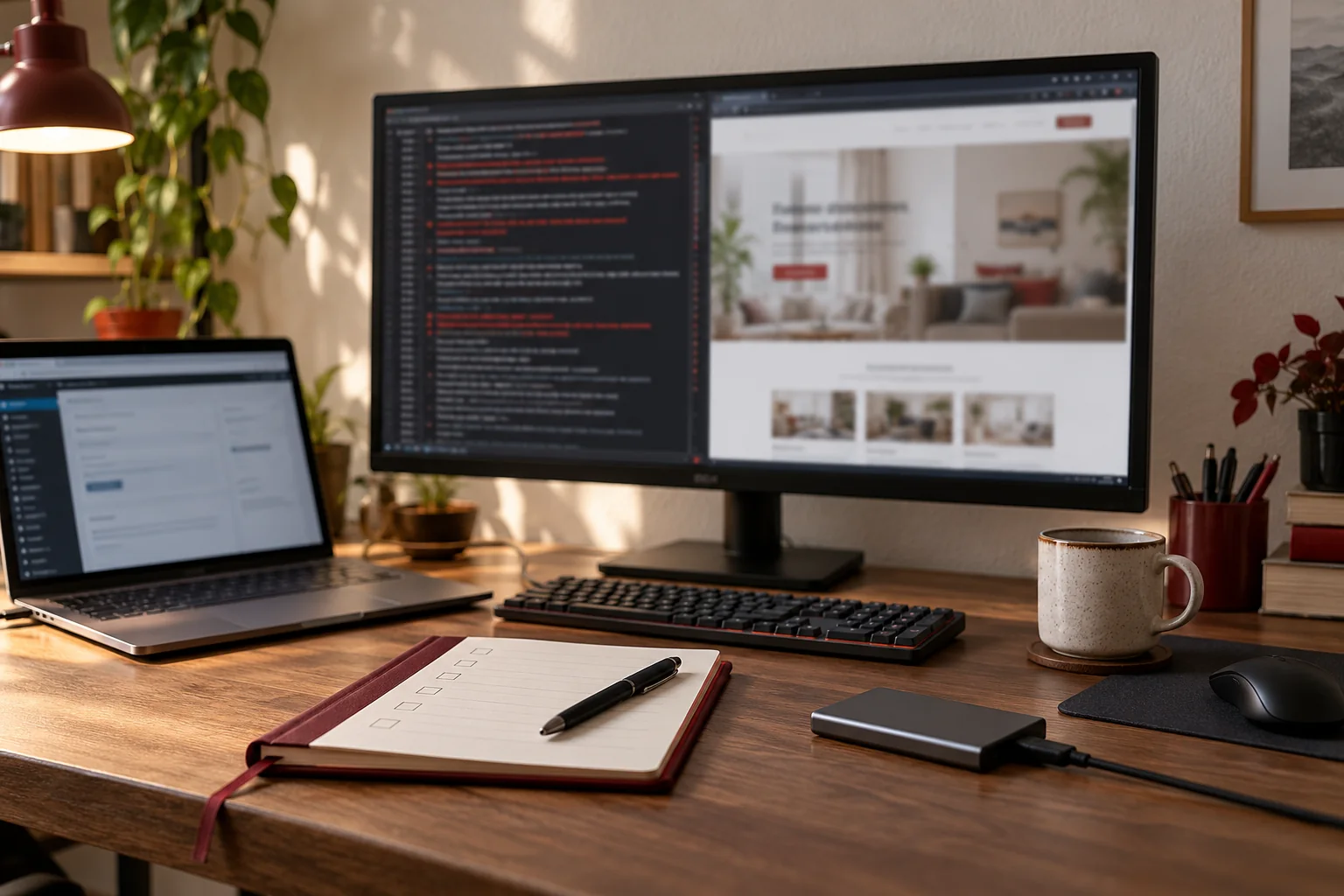
Illustrative editorial workspace; not a client website, incident or delivered system.
Your host changes PHP, the website starts showing an error and the business needs an answer quickly. Switching settings repeatedly may make the timeline harder to understand, especially when several people are trying to help. Start by recording what changed and which customer or staff functions stopped working.
This guide is for US business teams commissioning a WordPress PHP compatibility repair. It explains the information that helps a developer assess the problem and the release decisions you should agree before further production changes.
Record the change, the symptom and the business impact
Note the approximate change time, the PHP version selected by the host and the first error noticed. Capture the visible message and the page or action that produces it. If the administration area still opens, say so. If the public page works but a form or upload fails, include that distinction.
Describe the business impact in concrete terms: staff cannot edit a service page, enquiries no longer reach the team, or a customer portal cannot be opened. The developer can then prioritise investigation around the functions you need restored instead of treating the homepage screenshot as the entire incident.
Keep a useful error record without exposing secrets
Ask the hosting provider for the relevant log excerpt through an agreed secure channel. Do not publish full logs, access tokens or customer details in a public support request. An initial enquiry needs the symptom and environment, not a copy of every sensitive record on the server.
List other recent changes, including plugin updates, theme releases or hosting migrations. A PHP change may reveal an existing code problem, but timing alone does not identify the component responsible. A good investigation establishes a reproducible failure before recommending a plugin replacement or a larger website rebuild.
Commission diagnosis before approving an open-ended rebuild
A useful first scope identifies the affected code or dependency, whether an update or targeted repair is available and what the host must change. Ask what access is needed, whether the problem can be reproduced on staging and what findings you will receive.
For example, the appropriate outcome could be a maintained extension release, a custom-code change or replacement of an unsupported component. Those options have different costs and future obligations. An assessment should let you choose between them; it should not disguise a speculative full redesign as the only possible response to an error.
Agree how recovery will protect new business data
A backup is a recovery option, but the team needs to know what it contains and what has changed since it was made. A full restore can overwrite newer enquiries, staff edits or integration records. Agree the recovery point and the handling of those changes before anyone restores production.
If temporarily reverting the runtime is proposed, treat it as a time-limited operational decision with a supported destination still to be reached. The PHP migration guidance highlights compatibility testing before production switches. The repair plan should make that testing part of the next release rather than repeatedly returning to an old environment.
Check more than the page that first failed
After the repair, work through agreed public pages, administration, search, forms, uploads and the integrations that move information to staff. Check the actions affected by the original failure as well as related functions. Obtain approval before sending test notifications or creating real records.
A US team and a remote delivery partner should agree who reviews those results and when. Include the time zone in the release appointment and name the person who can accept the fix. A technically completed change can still cause confusion if the sales team has not been told how enquiries were checked.
Request a repair scope with a usable handover
Send the website URL, hosting company, error description, change timeline and the functions affected. Mention the available backup and staging environment if known. I can assess the information and propose remote compatibility investigation or implementation work from India.
The handover should identify the cause established, components changed, checks completed and any remaining work. If the evidence points to unauthorised changes rather than compatibility alone, we can define a separate WordPress recovery assessment. The point is to restore a useful website through a traceable decision, not simply to make an error disappear from view.
Related planning: PHP 8.2 End of Life: An Upgrade Plan for UK WordPress Businesses · Changing WordPress Hosts in the UK: Include PHP Compatibility in the Brief.
References reviewed 23 October 2026: PHP migration guidance.
Written by
Jagjeet Singh
Full stack development, WordPress engineering and practical web products. I work with businesses, teams and agencies in India and worldwide.
Explore my work