AEM to WordPress Migration: Scope, Redirects and Launch Planning for US Businesses
A buying checklist for marketing teams planning a WordPress rebuild, with clear content decisions, redirect ownership and launch responsibilities.

In this article
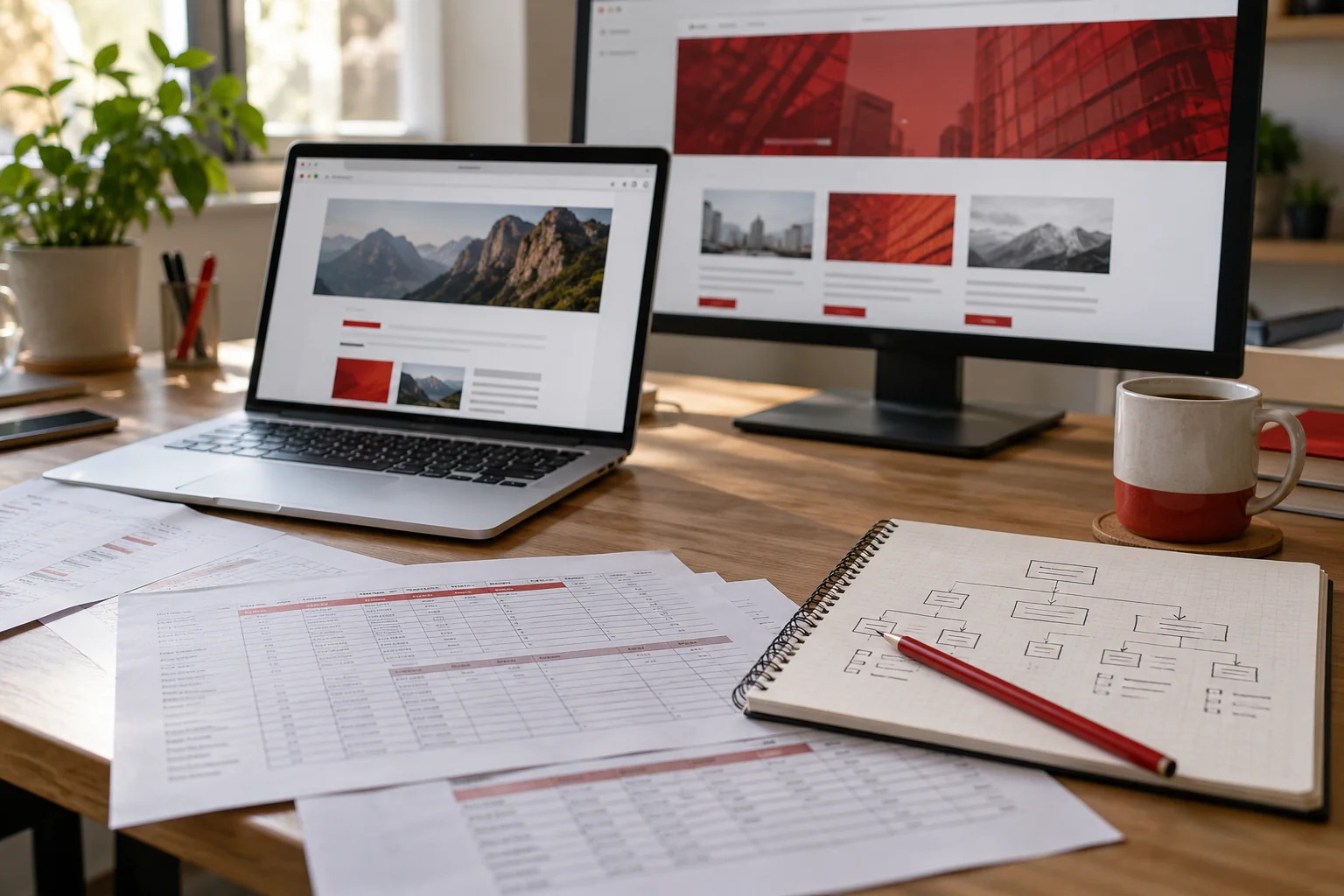
Illustrative workspace. Screens show concepts, not a delivered client system.
Your marketing team wants a website it can update more comfortably, and WordPress is on the shortlist. Before approving an AEM to WordPress migration, define what must survive the move: useful content, enquiry journeys, integrations, URLs and the way your team publishes. A lower platform bill is only useful if the replacement supports the work your business actually does.
I’m Jagjeet Singh, a WordPress developer based in India. If your US business or agency is considering a move, I can help scope the WordPress rebuild, editable templates and launch requirements. The source content, export options and specialist dependencies should be reviewed before committing to the transfer. Start with a migration scope discussion and a summary of your current website.
Decide what the migration needs to achieve
Start with the reason for the change. Does publishing require too many handoffs? Are marketing pages difficult to maintain? Has the current platform become more complex than the website needs? Name the problem and the expected improvement so the project has a useful finishing point.
An AEM implementation can include more than public pages. List approval workflows, language variants, asset management, search, personalisation and connected services. Decide which capabilities the WordPress site must reproduce, which can be simplified and which belong in another system. A page builder alone does not replace every enterprise workflow.
Build a content inventory before asking for a fixed quote
Ask the current team for a public URL list, page types, languages, assets and an outline of how content is stored. A catalogue of 300 pages built from five reusable templates has a different scope from 300 individually designed pages. Separate the content count from the template count.
| Item to inventory | Decision before development |
|---|---|
| Public pages and articles | Keep, merge, rewrite or retire; assign a content owner. |
| Images, PDFs and downloads | Confirm availability, usage rights and destination URLs. |
| Templates and components | Choose the WordPress structure and editing controls. |
| Forms and connected services | Document field rules, destinations and access requirements. |
| Languages and regional pages | Agree which versions move and who checks each one. |
Adobe describes Package Manager for AEM 6.5 as a way to import and export repository content. An AEM package still needs a destination mapping; it is not a ready-made WordPress import. Confirm your AEM version, available exports and authorised access with the source team.
Agree how WordPress content will be edited
Choose the editing model before rebuilding templates. Marketing teams may need Elementor pages they can maintain, structured fields for repeated content, or a combination. Identify which parts editors can change and which shared components need controlled access.
A useful pilot is one representative landing page, one article and a navigation or footer template. Review the actual editing experience with the people who will publish content. If the first page looks good but ordinary edits break it, resolve that structure before expanding the build.
You can review my portfolio and the types of websites I work on before discussing implementation. For a migration proposal, we should identify the relevant work and the parts of your project that require additional investigation.
Treat URL mapping as a deliverable
Create a redirect sheet with the old URL, planned destination, content decision and check result. Preserve a useful URL where the new structure allows it. When a URL changes, map it to the equivalent page rather than sending every old address to the homepage.
Google’s site-move guidance recommends permanent server-side redirects and updating internal links to new destinations. Include canonicals, sitemaps and crawl access in the launch review. Search visibility can fluctuate during a move, so a proposal should explain the checks and monitoring rather than promise unchanged rankings.
Check important campaign landing pages and linked downloads as well as the main navigation. A redirected page can still lose enquiries if its form, offer or campaign tracking is missing.
Write down integration and enquiry requirements
A visible form is only part of the journey. Document required fields, validation, consent wording, confirmation behaviour, CRM routing and notification recipients. Specify whether the project includes rebuilding the integration or only maintaining its current destination.
Name the owner for analytics, advertising tags, email delivery, search and any authenticated area. Third-party licences, approval delays and specialist application work should be visible in the scope. During discovery, share requirements and sample structures; avoid sending customer records or credentials in a general enquiry.
Separate launch approval from finishing the page layouts
Build on staging and agree the review steps: design, sample content, migration batches and launch readiness. For each stage, name the reviewer and the checks that mean the work is accepted. Resolve who can approve rewritten content and retired pages.
- Check representative pages on desktop and mobile, including navigation and downloads.
- Validate the redirect map, internal links, metadata and public crawl settings.
- Verify enquiry journeys with an agreed test plan and authorised recipients.
- Agree a content freeze or final sync so late edits are not silently lost.
- Record launch ownership, recovery steps and the post-launch support period.
If the project also changes hosting or the domain, include those decisions explicitly. A responsible cutover needs an agreed recovery route and a clear contact for launch issues.
What changes the cost and timeline?
The main drivers are content quality, reusable template count, export format, custom functionality, language variants, integrations and review availability. A clean export with approved copy usually creates fewer unknowns than discovering inconsistent content during the build.
Request a quote that separates discovery, WordPress development, content transfer, URL work, testing and support. Ask which third-party costs and content revisions are excluded. A fixed price becomes meaningful when the deliverables and assumptions are written down; a page count on its own is not enough.
Questions to ask before approving the move
Can all AEM features move directly? Review each requirement. Some can be rebuilt in WordPress, some need a connected service, and others may be outside the agreed project.
Can the business keep its domain? A platform migration can retain the domain. The URL structure, hosting and launch responsibilities still need review.
Can the team edit the result in Elementor? That can be part of the WordPress build. Confirm reusable templates, editor permissions and a practical handover in the scope.
Can rankings be guaranteed? No. Specify migration checks, redirect ownership and monitoring so the risks are managed and issues can be investigated.
Bring a useful migration brief
Send your current URL, approximate page and template counts, AEM version if known, required languages, key integrations, reasons for moving and preferred launch window. Mention whether the current team can provide exports and help with source-side questions.
I’ll discuss the WordPress delivery scope and the information needed to assess the migration. Use the enquiry button below or WhatsApp to start with your requirements. If your source platform is Drupal, the Drupal migration planning guide covers the corresponding content and launch questions.
Written by
Jagjeet Singh
Full stack development, WordPress engineering and practical web products. I work with businesses, teams and agencies in India and worldwide.
Explore my work