WordPress Malware Removal: What to Do When Your Website Is Hacked
A calm recovery guide for business website owners: recognise suspicious behaviour, preserve evidence, assess cleanup and restore the site with a clear follow-up plan.

In this article
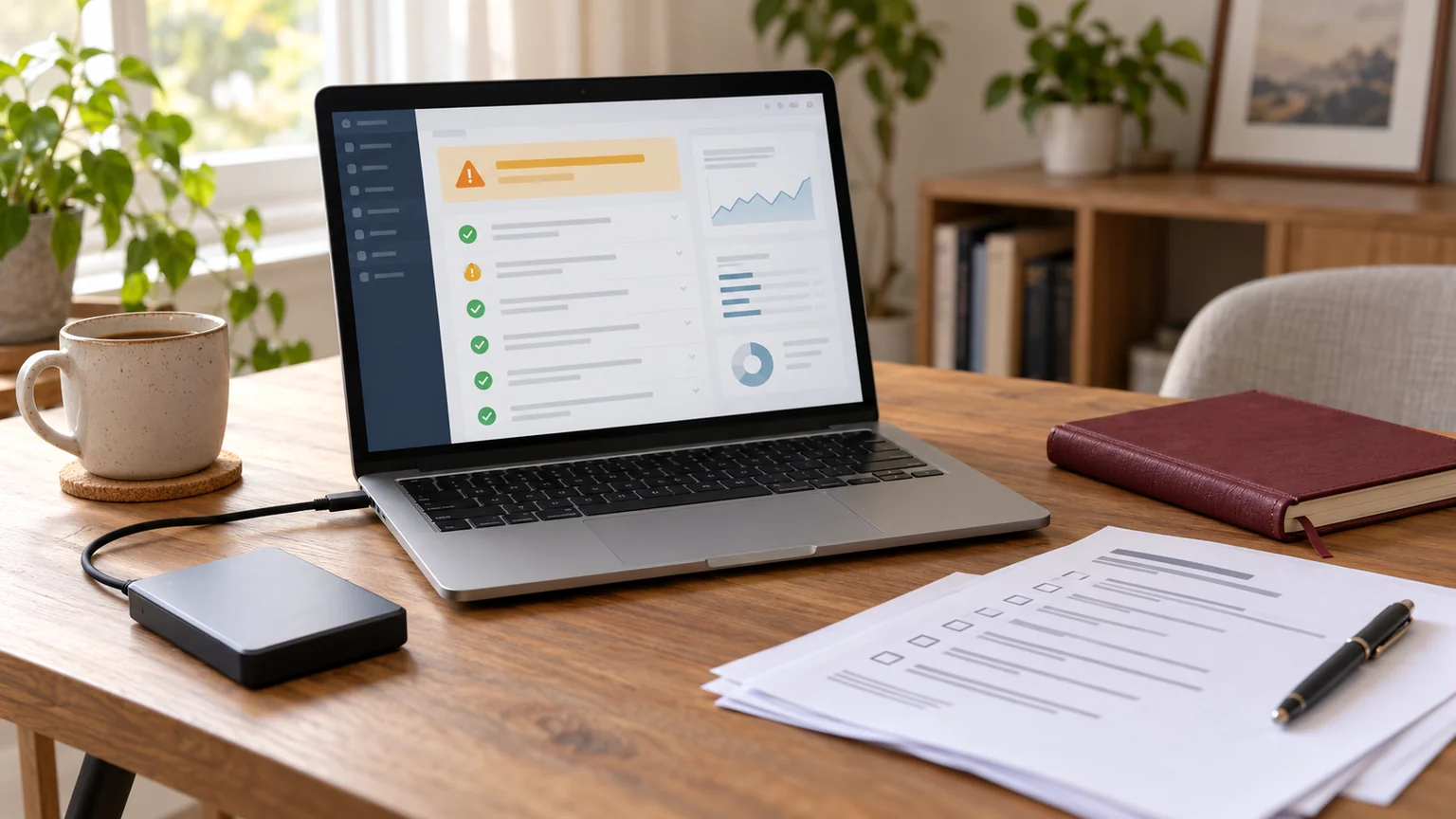
Illustrative workspace. Screens show concepts, not a delivered client system.
Your WordPress website redirects visitors, unfamiliar pages appear in search or your host reports suspicious activity. The immediate question is how to make the site safe and usable again without losing important content.
WordPress malware removal needs a review of the problem, not a promise based on one screenshot. If you need development help assessing a suspected hack, request a WordPress security and recovery review. Share the public website URL and symptoms; I’ll discuss the required access, cleanup or rebuild scope, and support arrangements before work starts.
Signs that deserve a WordPress security review
Unexpected redirects, unauthorised administrator accounts, injected advertising or a host’s malware notice are reasons to investigate. A site may also serve different content to visitors and administrators, so a normal-looking logged-in page does not resolve a visitor’s report.
Record which URL was affected, the warning or behaviour and when it happened. A broken layout after an update or a spam form submission does not automatically establish a compromise. Keep the diagnosis separate from the symptom.
The official WordPress hacked-site guide recommends documenting the incident and reviewing indicators of compromise before deciding on recovery steps.
What a business owner should do first
Contact your hosting provider about the reported activity and appropriate containment. If the site is actively harming visitors, work with the host or authorised administrator to restrict access while the incident is assessed. Do not ask visitors to ignore a browser security warning.
Preserve a copy of the current files and database for investigation, along with relevant logs, notices and timestamps. Label an incident snapshot clearly and keep it separate from any backup you believe predates the compromise. An infected snapshot is evidence, not a clean restoration source.
Wordfence’s cleanup guidance explains why backups and inspection matter before repairs. Avoid deleting files simply because their names look unfamiliar; custom code and legitimate assets can be damaged by indiscriminate cleanup.
What a cleanup or recovery assessment should cover
The review needs to establish where the compromise exists and what the website depends on. Depending on the incident, that may include WordPress files, themes and plugins, uploaded files, database content, administrator access and other installations in the hosting account.
A recovery scope should distinguish affected components, retained custom work and the proposed repair method. Trusted original packages can help review changed software files, but a file comparison alone does not establish that database content or credentials are safe.
- Document affected areas and the evidence supporting the findings.
- Agree whether to clean, restore a verified backup or rebuild selected components.
- Preserve required content and identify what needs separate validation.
- Check the restored website’s forms, navigation and business-critical functions.
- Record unresolved issues and the next review point.
A passive public scan can surface warning signs; it cannot see every file, database record or hosting-level problem. The access and investigation required are discussed for the actual site.
Why malware can return after a visible repair
Removing an unwanted redirect is not enough if an attacker still has access or a vulnerable component remains. A recovery plan should review the likely entry point and other ways the compromise could persist.
WordPress’s hardening guidance covers maintained software, access controls, backups and monitoring. Use supported software, review unnecessary accounts and components, and plan how updates are tested.
Credential changes and access revocation should be coordinated by the account owner from a trusted environment as part of incident recovery. Review hosting and related services as well as WordPress where the evidence calls for it. No cleanup or security plugin makes a website permanently immune to compromise.
Recovering from Google security warnings
A repaired page and a removed search warning are separate milestones. Check the affected property in Search Console and follow the instructions for the issue Google has reported.
Google’s Security Issues report guidance describes reviewing affected URLs, fixing the reported problems and requesting a security review once the issues are resolved. Do not request a review while known affected areas remain.
Recovery timing depends on the incident and the relevant review process. A developer cannot guarantee an immediate warning removal or restored search rankings. Keep a record of the repair and monitor both website behaviour and the reported issue after the request.
Agree the deliverables before paying for cleanup
Ask what the review can inspect, which access it needs, what will be repaired and how the result will be checked. Establish whether custom code, other sites in the hosting account and database content are included or require additional work.
Useful handover items include a summary of findings, repairs completed, remaining risks, functional checks and recommendations for monitoring and maintenance. A clean scan is one signal, not a blanket guarantee.
Cost and timing depend on the extent of the compromise, available backups, access, custom functionality and hosting conditions. A suspected infection is assessed before agreeing a cleanup or rebuild estimate. Support availability is confirmed for the engagement; this page does not imply round-the-clock incident response.
What to send when you request help
Start with information that explains the problem without exposing your accounts:
- The public website URL and affected page URLs.
- A description or screenshot of the redirect, warning or host notice.
- When the behaviour started and any recent site changes you know about.
- Your hosting provider and whether a backup is available.
- Business functions that must be prioritised during recovery.
Do not put passwords, API keys, database exports or customer records in the public enquiry form or an initial WhatsApp message. Necessary access is arranged separately after the scope and responsibilities are agreed.
If the issue is a normal maintenance problem, my maintenance versus one-time repair guide helps distinguish the support arrangement you need.
WordPress malware removal questions
Will installing a security plugin remove every infection?
No single tool can establish that every affected area is repaired. Review its findings and the parts of the site or hosting account it cannot inspect.
Can we restore an old backup?
Only after reviewing whether it is suitable and predates the compromise. Account access and the original entry point still need attention, and newer legitimate content may need a separate recovery plan.
Can we keep the existing Elementor design?
That depends on what is affected. The assessment can identify reusable layouts and assets; there is no need to assume a full redesign before reviewing the site.
Is malware removal included in monthly maintenance?
Incident work is scoped separately unless explicitly included in your agreement. Routine care and a compromised-site investigation involve different requirements.
Request help with your affected WordPress website
I’m Jagjeet Singh, a WordPress developer. I can review the reported problem and discuss troubleshooting, recovery development or a rebuild where appropriate. If the incident requires hosting-level or specialist response, those needs are identified in the assessment.
Share the public URL and symptoms through the enquiry or WhatsApp action below. After recovery, we can discuss ongoing WordPress maintenance around updates, backups, checks and agreed support.
Written by
Jagjeet Singh
Full stack development, WordPress engineering and practical web products. I work with businesses, teams and agencies in India and worldwide.
Explore my work