WordPress Website Redesign Checklist: A Plan for More Enquiries
A practical redesign checklist for business owners: clarify your offer, improve the enquiry journey, preserve useful URLs and prepare a brief a developer can quote.

In this article
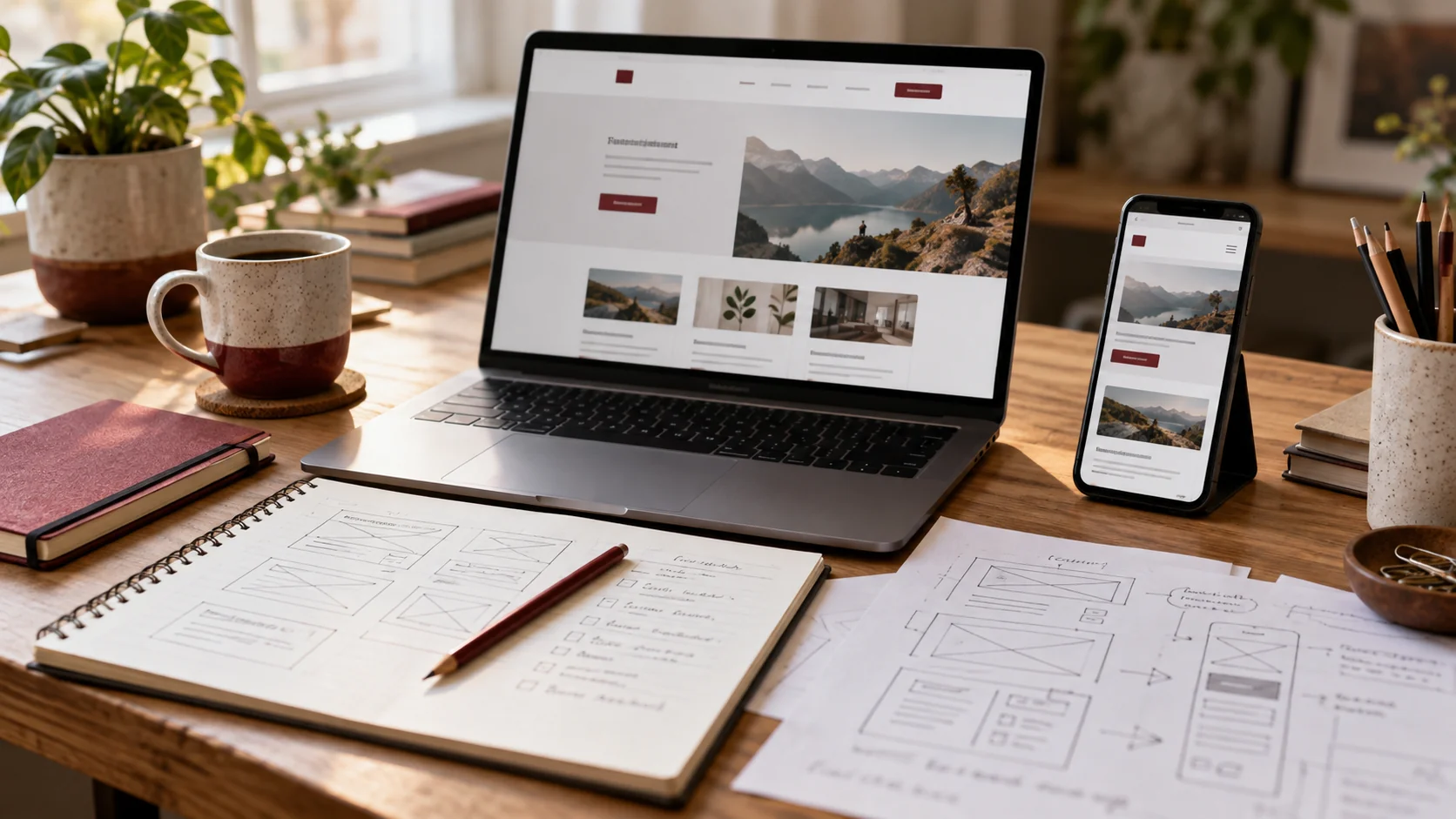
Illustrative workspace. Screens show concepts, not a delivered client system.
A business website can look dated and still bring in good enquiries. Another can look polished while leaving visitors unsure what to do next. Before commissioning a WordPress redesign, identify which problem you are trying to solve.
This checklist helps you turn “we need a better website” into a clear project brief. The goal is a site that explains your services, makes your work easier to assess and gives a potential client a useful next step. More enquiries are an outcome to measure after launch, rather than a number a new design can promise.
1. Start with the enquiry journey
Choose one priority action for each important page. A consultancy might want a project brief; a local service business might want a call; an agency might want a discovery meeting. These actions need different supporting information.
Walk through the current journey on a phone. Can a new visitor understand what you do, who you work with and how to contact you? Does a project button lead to the right form? Does the form explain what happens after submission?
- List the pages that attract relevant visitors.
- Record the action each page should encourage.
- Identify unanswered buying questions, confusing links and unnecessary form steps.
- Use existing analytics and enquiry records as a baseline when available.
An increase in visits with no improvement in relevant enquiries is a different problem from a page that receives very little traffic. Your brief should distinguish the two.
2. Decide what to keep before replacing it
Make an inventory of your pages, useful articles, project examples, downloadable files and integrations. Ask your team which content customers use before speaking to sales. Keep material that still answers a real question.
Build a simple page list with four decisions: keep, improve, combine or remove. Record the existing URL beside the proposed destination. A redesign does not automatically require a new domain, a new URL structure or a complete rewrite.
When URLs must change, map each old address to a relevant replacement. Google recommends permanent server-side redirects for URL moves, updating internal links and checking canonical tags. Its site-move guidance is a useful reference for planning that part of the launch.
3. Write the important content before polishing the layout
A homepage needs a clear offer before it needs an animation. Explain what you build, who it is for and what a client should share to get started. Give individual service pages enough detail to help someone decide whether the service fits.
For example, “website development” is broad. A better brief says you need an editable WordPress website with service pages, project examples, an enquiry form and a connection to your existing CRM. That gives a developer something concrete to scope.
- Use real project examples and describe your contribution accurately.
- Answer common questions about scope, ownership and ongoing care.
- Make phone, email and project enquiries easy to find.
- Explain deliverables without inventing performance results or testimonials.
See my web development portfolio for work examples, and use your own project evidence to prepare the equivalent section of your website.
4. Make the WordPress editing experience part of the scope
The website needs to work for the person who updates it after launch. Agree which parts your team should edit: headings, services, images, projects, forms and shared navigation.
If you want an Elementor build, specify editable widgets and containers, a consistent set of fonts and colours, and shared header and footer templates. Ask the developer to demonstrate an ordinary content update before handover. A layout that is easy to show in a design review can still be awkward to maintain.
Also agree how more complex features will be built. A booking integration or custom quoting tool may need development beyond visual page editing. Include account access, licence ownership and handover notes in the brief.
5. Test the complete journey before launch
Check more than the desktop homepage. Review service pages, articles, menus, search, forms and important downloads on narrow mobile screens as well as larger displays.
- Confirm buttons lead to the correct enquiry destination.
- Check required fields, readable labels and international phone-number entry.
- Verify that an authorised test enquiry is stored and reaches the intended recipient.
- Check image sizes, layout shifts and obvious loading problems.
- Review old-to-new URL mappings and the pages that matter most to your business.
- Keep a current backup and agree how to reverse a failed launch.
Tell the developer which integrations are essential. A successful visual launch with a disconnected lead notification is not a finished business website.
6. Give a developer a brief they can quote
Share your current website, the business goal, the pages you need, editing requirements, integrations and a realistic launch window. Include examples of layouts you like, but explain what appeals to you: clearer navigation, stronger project presentation or a simpler enquiry journey.
Request a proposal that separates content, design, development, migration, testing and ongoing support. This makes quotes easier to compare than a single “redesign” line with no scope.
If you are still deciding who to work with, read how to choose a website developer. For planning after launch, my guide to WordPress maintenance and one-time fixes covers a different part of the decision.
Choose the delivery partner and send a complete project brief
A redesign proposal should separate page layouts, content decisions, custom functionality and launch responsibilities. Give the developer your current website, pages to retain, relevant references, required integrations and target release window. Explain who will supply and approve the content. This helps compare the actual deliverables rather than only the quoted total.
If you need someone to assess and build that project, the hire a website developer page includes WordPress, Elementor and other website options, real work previews and a quote form. Agency teams can also review white-label WordPress development. If a CMS change is part of the redesign, assess website migration requirements alongside the design so important URLs and dependencies are included in the scope.
Ready to plan your redesign?
I offer WordPress development and Elementor implementation for businesses and agency partners in India and internationally. Share your current URL, the parts that are not working well and the action you want visitors to take. We can use that information to define a practical redesign scope.
Written by
Jagjeet Singh
Full stack development, WordPress engineering and practical web products. I work with businesses, teams and agencies in India and worldwide.
Explore my work