Drupal to WordPress Migration: Content, Redirects and Launch Planning
A business-focused migration plan covering content relationships, editable templates, URL mapping, staging validation and a controlled Drupal-to-WordPress launch.

In this article
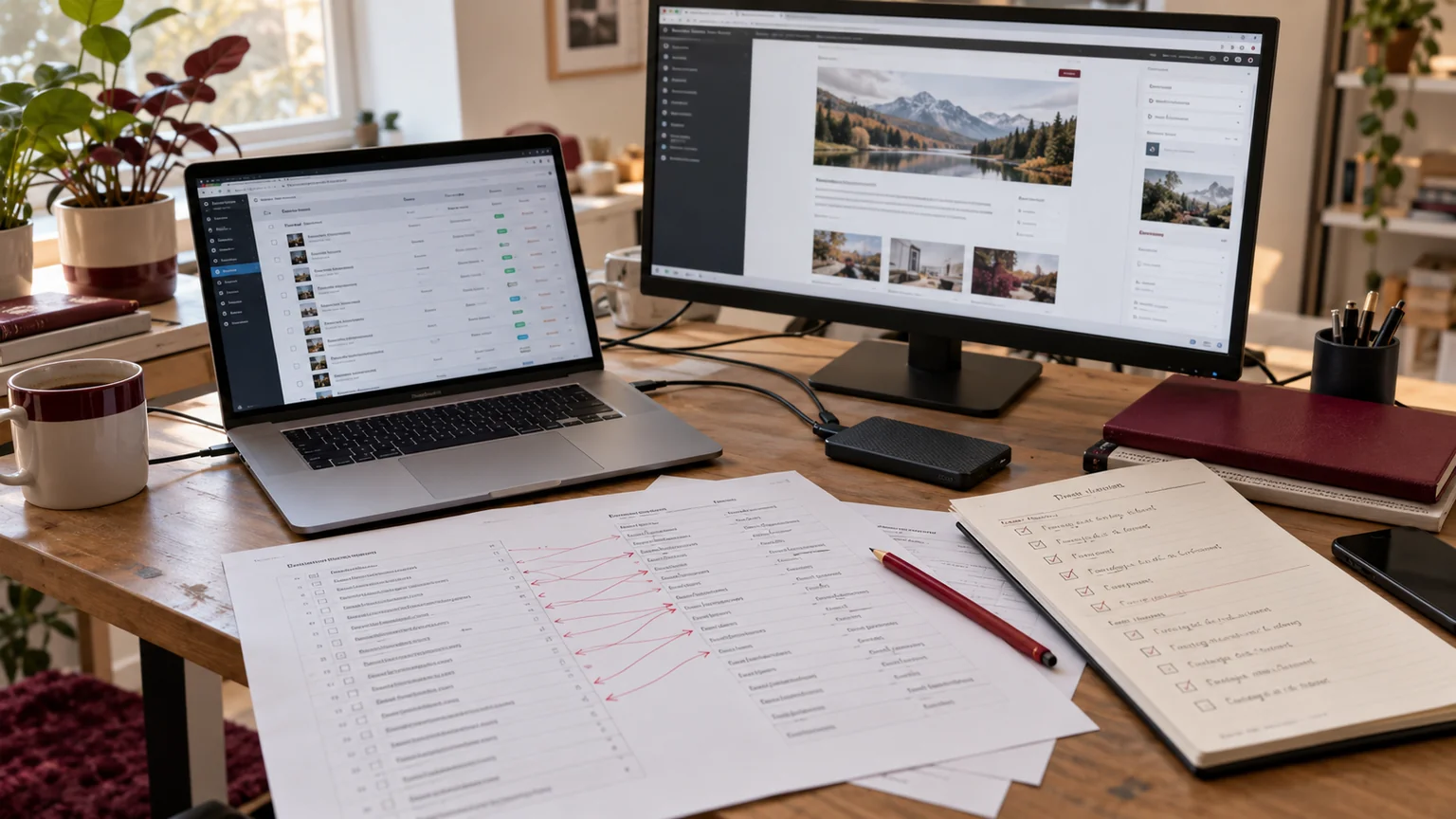
Illustrative workspace. Screens show concepts, not a delivered client system.
A Drupal to WordPress migration is a move of content and working processes, not just a change of page design. The articles, downloads, forms, relationships and landing-page URLs your organisation relies on need a clear destination.
I offer Drupal to WordPress migration development for businesses and agency partners. Before quoting the move, I review a representative content sample, the features that must continue working and the publishing experience you want after launch. If your team is considering a move, start with a migration review rather than an assumed page count.
Begin with the reason for moving
Write down the change your team needs: easier publishing, a new design system, different integrations or a maintainable website with clearer ownership. That goal determines what should stay, what should be redesigned and which requirements need custom development.
A platform switch does not automatically solve an unclear content structure or a broken enquiry process. Separate the migration from optional improvements so your team can make an informed scope decision.
Bring the people who publish content and the people who manage enquiries into discovery. Their everyday tasks reveal requirements that a homepage screenshot cannot capture.
Inventory content, media and functionality
Count the actual types of content, not only the URLs. A long article, a staff profile, a resource download and an event may use different fields and relationships even if they share a similar page layout.
- Content types, fields, categories, tags and author relationships.
- Images, documents, embedded media and references between records.
- Navigation, redirects, language variants and important landing pages.
- Forms, search, user access and custom Drupal modules.
- Integrations, analytics, consent tools and notification destinations.
For a fictional example, a resource can have a document, an author, a subject and a related service. Migrating only its title and body would leave part of the publishing model behind. Identify those relationships before importing.
Map Drupal records into an editable WordPress structure
Choose a destination for each content type and field. Define whether it becomes a post, page or custom content type, how related records connect and who can edit it. Test the editor with a realistic record rather than a blank template.
Where Elementor is appropriate, use reusable editable layouts for the agreed page types. Content editors should be able to update routine text and images without rebuilding the design. Custom forms and business rules may need a separate plugin or integration scope.
Plan a trial migration for the hardest content sample. Check accented characters, embedded images, documents, dates and relationships. An attractive template does not establish that the imported data is complete.
Plan redirects before the old URLs disappear
Create an explicit mapping from important existing URLs to their closest relevant destinations. Preserve stable URLs where practical; where a URL changes, review the redirect behaviour and test the destination. Sending unrelated retired pages to the homepage can leave visitors without the information they expected.
Google’s site-move guidance recommends URL mapping, appropriate permanent redirects and updating internal references. Check internal links, canonical URLs and the generated sitemap as part of the move.
Search visibility can fluctuate while search engines process a migration. A careful plan helps reduce avoidable problems; it does not guarantee preserved rankings. Record key landing pages and their baseline performance so the team can investigate changes after launch.
Use staging to test the complete visitor journey
The staging site should let your team review both the public website and the publishing workflow. Keep it protected from unintended public indexing and plan how those restrictions will be removed from production at launch.
- Compare content counts and review a sample from every mapped type.
- Confirm images, downloads, navigation and cross-links.
- Test forms, validation and the agreed enquiry destinations.
- Check responsive templates and the pages your visitors use most.
- Verify representative redirects and avoid unnecessary chains.
- Let an editor create and update a record using the new workflow.
Record failures with their expected result and owner. A checklist is useful only when it produces a decision about readiness.
Make launch a controlled handover
Agree the final content freeze, any changes to bring across after the trial import and the people who can approve the launch. Prepare backups and define the conditions that would trigger a rollback.
Confirm who controls hosting, the domain, DNS and deployment. Keep domain or infrastructure changes separate where possible so a problem has fewer potential causes. After launch, check key URLs, forms, assets, redirects, analytics and indexing controls on the actual production site.
Continue reviewing errors and important landing pages after release. Give the publishing team an editing walkthrough and assign responsibility for maintenance, backups and future changes.
What affects a migration quote?
Content volume is only one input. Complex relationships, missing files, custom modules, multilingual requirements, integrations and a major redesign can create more work than a larger collection of simple articles.
Provide a content inventory, current site URL, sample records, known custom features and preferred launch window. Where discovery reveals unknowns, a defined assessment phase can produce a firmer implementation scope. Hosting, licences and ongoing WordPress maintenance are identified separately.
If your agency needs someone to deliver the migration under its project process, the white-label WordPress partnership guide explains how we can organise reviews and responsibilities.
Migration questions to settle before starting
Can we keep the current design?
Often the visual direction can be retained, but templates and interactive behaviour need review. Decide which parts must match and which can improve before estimating the build.
Can every custom Drupal feature move automatically?
No. Review what each feature does and choose whether to configure, integrate or rebuild it in WordPress. Test the hardest requirement early.
How long will the migration take?
The timeline is agreed after reviewing data, features, design changes and approvals. A representative trial makes the estimate more useful than an assumed number of days per page.
Get a migration plan for your actual website
Share your Drupal website URL, the content and features you need to retain, your main reason for moving and any fixed launch constraints. Do not send database exports or credentials through the public enquiry form.
I’ll review the requirement and discuss a discovery or implementation scope covering content mapping, editable templates, redirects, validation and launch. Explore my development portfolio if you want to review the wider website work first.
Written by
Jagjeet Singh
Full stack development, WordPress engineering and practical web products. I work with businesses, teams and agencies in India and worldwide.
Explore my work