Custom WordPress Plugin Development: When Your Business Needs More Than Existing Plugins
Learn when a custom WordPress plugin is a useful investment, how to brief the developer and what to agree about integrations, testing and ongoing ownership.

In this article
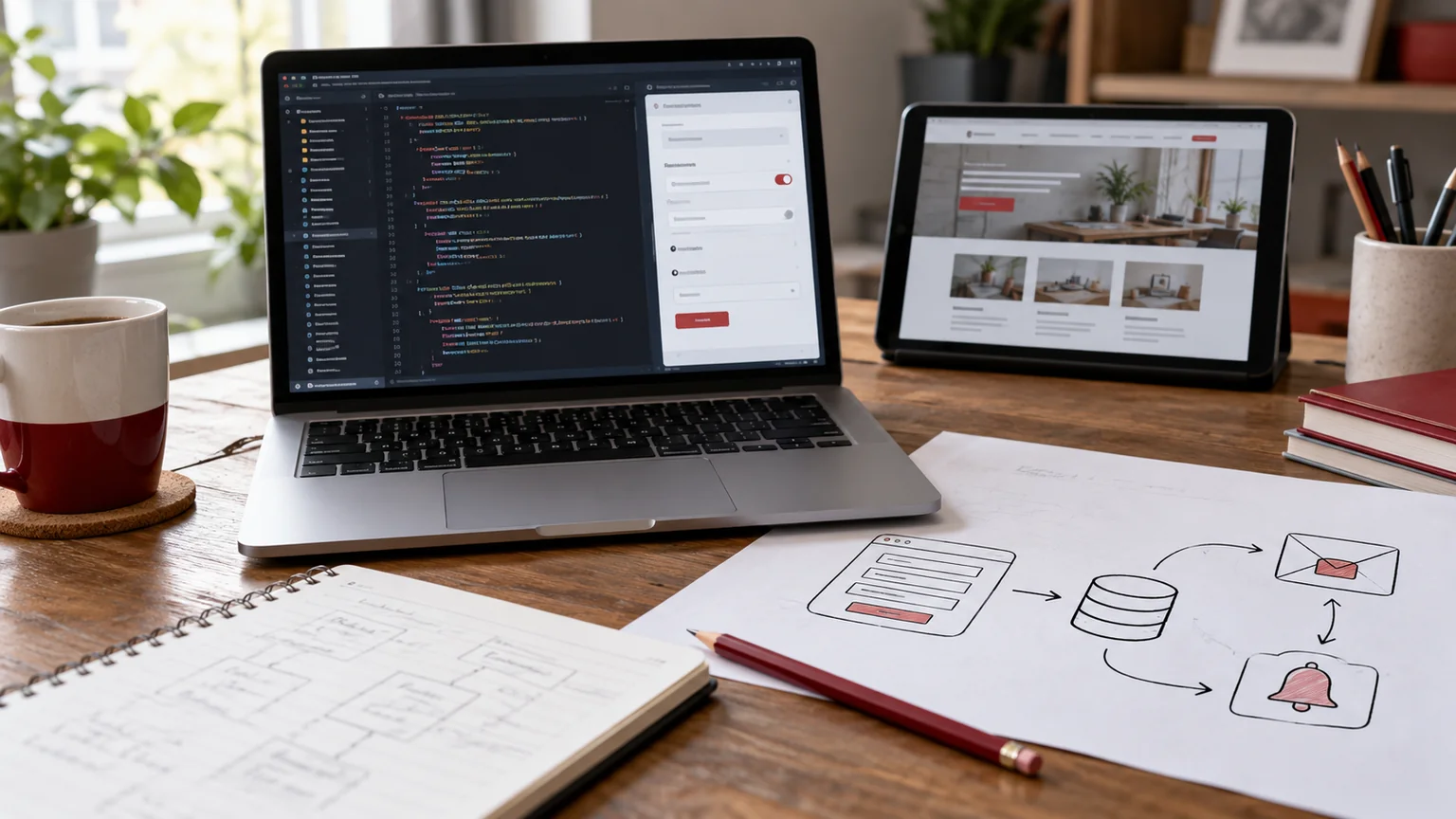
Illustrative workspace. Screens show concepts, not a delivered client system.
Your WordPress website works, but one important process still depends on copying data, checking spreadsheets or asking an administrator to finish a task manually. You have tried plugins, yet none handles the workflow in a way your team can comfortably use.
That is a useful starting point for custom WordPress plugin development: a specific requirement with a measurable acceptance test. I build custom WordPress functionality and integrations for businesses and agencies. Describe the task you want to improve and I can review whether configuration, a small extension or a dedicated plugin fits the requirement.
Decide whether you need custom development
Start by testing the existing options against the real workflow. If a supported plugin meets the requirement with understandable configuration, it may be the most practical choice. Custom code adds responsibility for testing, updates and support.
A custom plugin becomes worth assessing when a business rule is unusual, several tools need to exchange data or the standard editing interface does not fit the people doing the work. The goal is a clearer process, not a larger collection of features.
- A quotation needs a calculation and approval route specific to your business.
- A website enquiry must reach another system with reliable duplicate handling.
- A staff member needs a restricted dashboard for a defined task.
- An existing plugin needs an extension through its supported hooks.
These are illustrative requirements, not claims about completed client systems.
Write the workflow before requesting a feature list
Explain who starts the task, what information they supply, what should happen next and who handles an exception. Include the result the user needs to see. “Connect the website to our CRM” is too broad to estimate without these details.
For example, a fictional enquiry workflow might validate a form, find an existing contact, create one opportunity and alert the responsible person. What happens when the external service is unavailable? Should a repeated submission create another opportunity? Those decisions belong in the brief.
Bring an anonymised sample and the names of the systems involved. Keep passwords, API keys and customer records out of the initial website enquiry.
Choose the smallest maintainable implementation
The first release should solve one complete workflow. A small feature that staff can use and review is a better starting point than an admin dashboard full of unfinished possibilities.
Keep the functionality organised so a visual redesign does not require rewriting unrelated business rules. WordPress’s Plugin Developer Handbook describes plugins as a way to extend the platform without modifying WordPress core.
Where the site uses Elementor, the public layout can remain editable while the plugin handles the agreed logic. Document which settings editors can change and which decisions require a developer. If standard functionality already covers part of the process, avoid rebuilding it unnecessarily.
Plan integrations and failure handling
A working connection needs more than a successful demonstration. Define which system owns each record, which fields are shared, when the transfer runs and how staff can tell that an action failed.
- Document identifiers and duplicate rules.
- Agree which events trigger a transfer or update.
- Identify provider limits, paid services and required account permissions.
- Make failures visible to the person responsible for resolving them.
- Test retries without creating duplicate records or repeated notifications.
Confirm whether the integration can be tested with a provider sandbox or controlled sample data. External API behaviour and account configuration affect the development scope.
Security and permissions are part of the feature
Define the permitted actions for each role before designing the interface. Hiding a button is not a substitute for checking whether the user may perform the underlying operation.
WordPress’s security guidance emphasises checking untrusted data, using appropriate platform APIs and handling input and output safely. Review the plugin’s permission checks, input validation and output handling as part of implementation.
Also agree what information the plugin stores, who can export it and what happens when it is disabled or removed. A development brief should identify privacy and retention requirements, rather than treating all submitted information as something to keep forever.
Test the business outcome and the handover
Describe acceptance checks in language your team can confirm. “The feature is installed” does not establish that a quotation is correct or an enquiry arrived in the right system.
- A valid request creates the expected record once.
- Invalid input produces a useful message without corrupting data.
- A user without permission cannot perform a restricted action.
- An external failure appears as an actionable exception.
- The feature works with the agreed WordPress, PHP and plugin versions.
- The business owner can review the normal workflow and its documentation.
Include source-code handover, configuration instructions, known dependencies and a release process. Agree who tests compatibility when the site or an integration changes.
What determines custom plugin cost and timing?
The main inputs are workflow complexity, integrations, data migration, user roles, admin screens and testing requirements. A custom calculation with a clear rule is a different project from a multi-system workflow with incomplete documentation.
Give the developer the actual problem, required result, current plugin list and any fixed launch constraint. Discovery can be scoped separately if an integration or legacy codebase needs investigation before implementation.
Clarify included review rounds, provider charges, deployment and future support. My WordPress maintenance service can be discussed for ongoing care; maintenance and new feature development should have understandable boundaries.
Custom plugin development questions
Can you extend an existing plugin?
That depends on its supported extension points, licence and required behaviour. I review those before deciding whether an extension is sensible.
Will the custom feature work after every future update?
No developer can guarantee compatibility with every unknown future change. Agree supported versions, update testing and who maintains dependencies.
Can an agency hire you to build a client feature?
Yes, we can scope the functionality within the agency’s delivery process. Review the white-label WordPress partnership guide for responsibilities and review checkpoints.
Describe the feature your team is missing
Send your website URL, the task you want to improve, the roles involved and any system that must connect to WordPress. Add an example of what should happen and what currently goes wrong.
I’ll review the requirement and discuss a configuration, extension or custom development scope. You can review my website and development portfolio before getting in touch.
Written by
Jagjeet Singh
Full stack development, WordPress engineering and practical web products. I work with businesses, teams and agencies in India and worldwide.
Explore my work