Elementor Forms Not Sending Emails? A Repair Brief for Business Websites
Missing Elementor enquiries? Separate form errors, saved submissions and email delivery. See what a developer should diagnose, repair and verify for your site.

In this article
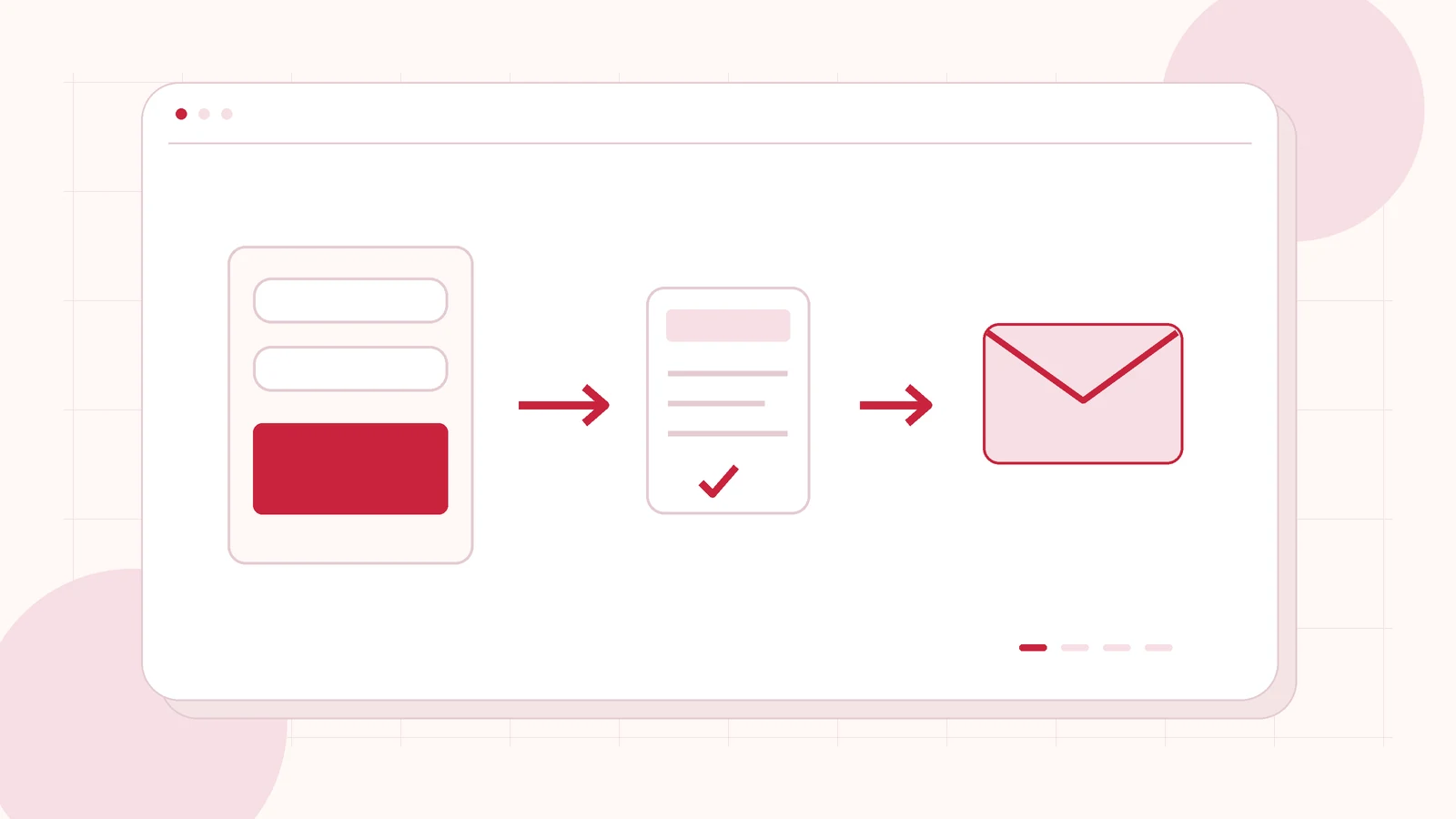
Original editorial illustration of the topic; not a client screenshot or finished-product demonstration.
Your website says the enquiry was sent, but the inbox is empty. Or the visitor sees an error and does not know whether to try again. Both problems can lose a business conversation, but they need different investigations. Changing the recipient address repeatedly may leave the actual fault untouched.
If your Elementor forms are not sending emails, commission a check of the complete enquiry journey: validation, submission processing, storage, notification and the visitor’s next step. I offer WordPress maintenance and scoped repairs for business websites. The first task is to establish where the journey stops, then agree the repair and evidence needed to accept it.
First, establish which failure you actually have
Record the affected page, device, approximate time and exact message. Does the button do nothing, does the form reject a field, or does a success message appear without an email? Check whether every form is affected or only one landing page. A copied form can have different submission actions from the original, even when both look identical.
Give the developer a redacted example and the date you last remember the form working. Recent cache, security, mail-provider or plugin changes are useful context, not proof of the cause. Keep real customer messages and credentials out of an initial public enquiry. Access can be arranged through an appropriate private channel once the investigation is agreed.
Separate saved submissions from email notifications
Ask whether the form is configured to collect submissions and whether an authorised administrator can find the affected record. Elementor documents submission actions separately from email recipient and sender settings. A saved record can help locate the failure, but it does not demonstrate that a notification reached the team.
The investigation should describe the result of each stage. For example: browser validation passed; the application accepted the request; a record was saved; the mail provider rejected the sender. This is a hypothetical diagnostic sequence, not a result claimed for your site. It produces a much more useful repair decision than “the contact form is broken”.
Check the mail connection without hiding form problems
Review the intended recipient, sender identity, reply address and the supported connection to the mail provider. If a mail plugin is involved, check its relevant status and logs using authorised access. Provider authentication, sender verification and connection expiry belong in that assessment. Installing another mail plugin without understanding the current connection can make the configuration harder to maintain.
A successful mail-provider check still does not prove that the website form uses the expected configuration. Conversely, a working form does not guarantee inbox placement. Ask the developer to distinguish application processing, provider acceptance and actual delivery. Agree which recipient will verify the final result and who will maintain the connection afterwards.
Include caching, spam protection and mobile validation
Forms rely on more than a visible button. The scope may need to cover stale cached pages, browser errors, security rules, anti-spam checks and unsupported field values. Investigate changes one at a time in a controlled environment. Do not disable protection across the website just to make a single example submit.
Test the fields real customers use: international telephone numbers, longer names, required selections and messages entered on mobile. Keep labels visible and make errors understandable. If an integration fails, the visitor needs a truthful next step. A cheerful success message should not be used to conceal an unsuccessful application request.
Agree a small, complete acceptance check
A repair proposal should include a named form, agreed test recipient, expected stored record and notification, plus the confirmation or redirect the visitor should receive. Use a clearly labelled test with the owner’s approval. If there are multiple destinations or enquiry types, select representative cases rather than assuming a single form proves all routes.
- Valid enquiries follow the intended route.
- Missing required details show a helpful error.
- The team can find the authorised test record where storage is configured.
- Notification delivery and the visitor confirmation are checked separately.
- Any lead event represents the agreed successful action.
Document remaining limits, including provider-side delivery risks. Avoid promising that every future email will always reach an inbox.
Get a repair scope that protects future enquiries
Send the affected URL, the message you see, the approximate start of the problem and the platform used for website email. Explain whether you need a one-time repair or ongoing monitoring and maintenance. The initial brief does not need mailbox passwords or customer exports.
I can review the issue and propose a WordPress form and notification repair scope. Ask for the findings, changes, acceptance evidence and responsibility for the ongoing mail connection. If the repair reveals a wider website problem, that work should be discussed separately before the scope grows.
Related planning: WordPress Enquiry Form Repairs for London Businesses: Check the Whole Lead Journey · WordPress Maintenance vs One-Time Fixes: How to Choose.
Official references, reviewed 26 October 2026: Elementor: form email settings · Elementor: Form widget and submission actions.
Written by
Jagjeet Singh
Full stack development, WordPress engineering and practical web products. I work with businesses, teams and agencies in India and worldwide.
Explore my work