WordPress Website Accessibility Fixes: Scope Keyboard, Forms and Content
Commission WordPress accessibility fixes with a clear scope for keyboard navigation, forms, content and manual review. Get evidence beyond a scanner score.

In this article
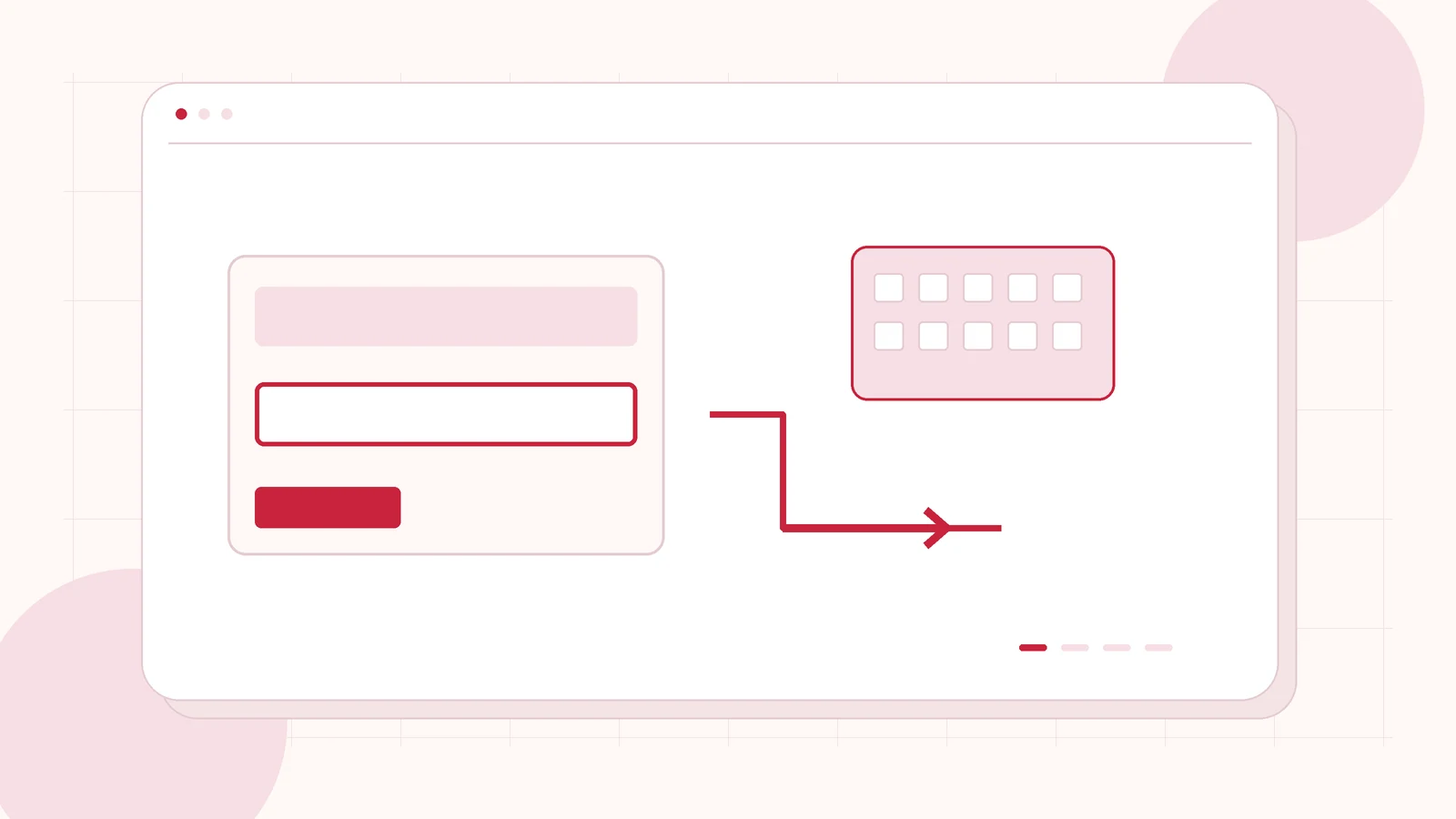
Original editorial illustration of the topic; not a client screenshot or finished-product demonstration.
A visitor should be able to find your service, understand the information and contact you without needing the exact device or input method your designer used. If a menu traps keyboard focus or a form explains errors only through colour, a polished visual design can still be difficult to use.
WordPress accessibility fixes should be commissioned as specific, reviewable improvements. Start with the journeys people need to complete and the templates shared across the site. I offer WordPress development and scoped website improvements; the work, review method and any specialist assessment should be agreed before delivery.
Choose the visitor journeys that matter first
Identify a useful first scope: finding a service, navigating a menu, reading a case study and completing the contact form. Include common templates and recurring controls. Repairing a shared header may reach more journeys than adjusting a single low-traffic page, but the effect still needs checking wherever that header is used.
Agree the pages and states to review, including open menus, expanded FAQs, errors and success messages. An accessibility brief should include content ownership as well as development. A reusable layout cannot make an unclear instruction understandable or supply a missing description of an important image by itself.
Test keyboard operation and visible focus
Ask for manual checks of the main controls using the keyboard. Can someone reach the navigation, understand which item has focus, open and close a menu, and continue to the page? Check whether a dialog returns focus appropriately and whether hidden controls remain unexpectedly reachable.
The W3C WCAG quick reference is a useful way to agree relevant criteria. Use it to define the review target rather than treating “accessible” as an unexplained label. The deliverable should identify what was tested, which issues were fixed and what still requires attention.
Repair forms as a complete interaction
Each field needs an understandable purpose, instructions where necessary and feedback that helps a visitor correct a mistake. The W3C form-labelling guidance explains the relationship between controls and their labels. A placeholder that disappears while typing should not carry all of the information a visitor needs.
Include required telephone formats, country-code guidance, selection controls and error summaries in the brief. Check that a successful submission produces an understandable next step. If a form uses an anti-spam challenge or external integration, review that part of the journey too; the visible fields alone do not define the experience.
Include text, images and responsive reading
Review headings as a meaningful outline, links as useful destinations and images according to their purpose. Decorative art and informative screenshots require different editorial decisions. Avoid writing alternative text that merely repeats nearby headings when the image communicates something more specific.
Ask reviewers to check reading at zoom and on narrow screens, including longer labels and translated text where relevant. Avoid fixed-height containers that clip useful information. Interactive tables, diagrams and media may need their own treatment. Put those items in the scope instead of assuming a standard page template covers every content format.
Use automated checks alongside human review
A scanner can help find some issues and repeat checks after changes, but a numerical score does not show that every visitor journey works. Request manual review of the agreed tasks and, where the project requires it, an assistive-technology review by a suitably experienced specialist.
Record issues in a way the team can act on: location, reproduction steps, impact, proposed change and retest result. Define the expected standard and scope with the client or relevant adviser. A limited development project should not be marketed as legal certification or as proof that every part of a website conforms.
Ask for a remediation plan your team can maintain
Send the website URL, important visitor actions, any existing review and the people responsible for content. Explain whether you need a focused set of repairs or a broader assessment and implementation project. Prioritise blockers and shared components before adding cosmetic changes to the same brief.
I can discuss a WordPress improvement scope with explicit acceptance checks and specialist involvement where needed. Handover should explain how future content and component changes will be reviewed. Accessibility work continues as the site changes; it is not a one-time badge that removes the need for ongoing care.
Related planning: Accessible WordPress for Norwegian Service Businesses: Review the Enquiry Form · WordPress Website Redesign Checklist: A Plan for More Enquiries.
Official references, reviewed 26 October 2026: W3C WAI: labelling form controls · W3C: WCAG quick reference.
Written by
Jagjeet Singh
Full stack development, WordPress engineering and practical web products. I work with businesses, teams and agencies in India and worldwide.
Explore my work