
Real Estate CRM Lead Follow-Up: From Property Enquiry to Site Visit
A practical workflow for property sales teams: give each enquiry an owner, connect preferences to projects and make site-visit follow-ups visible.

In this article
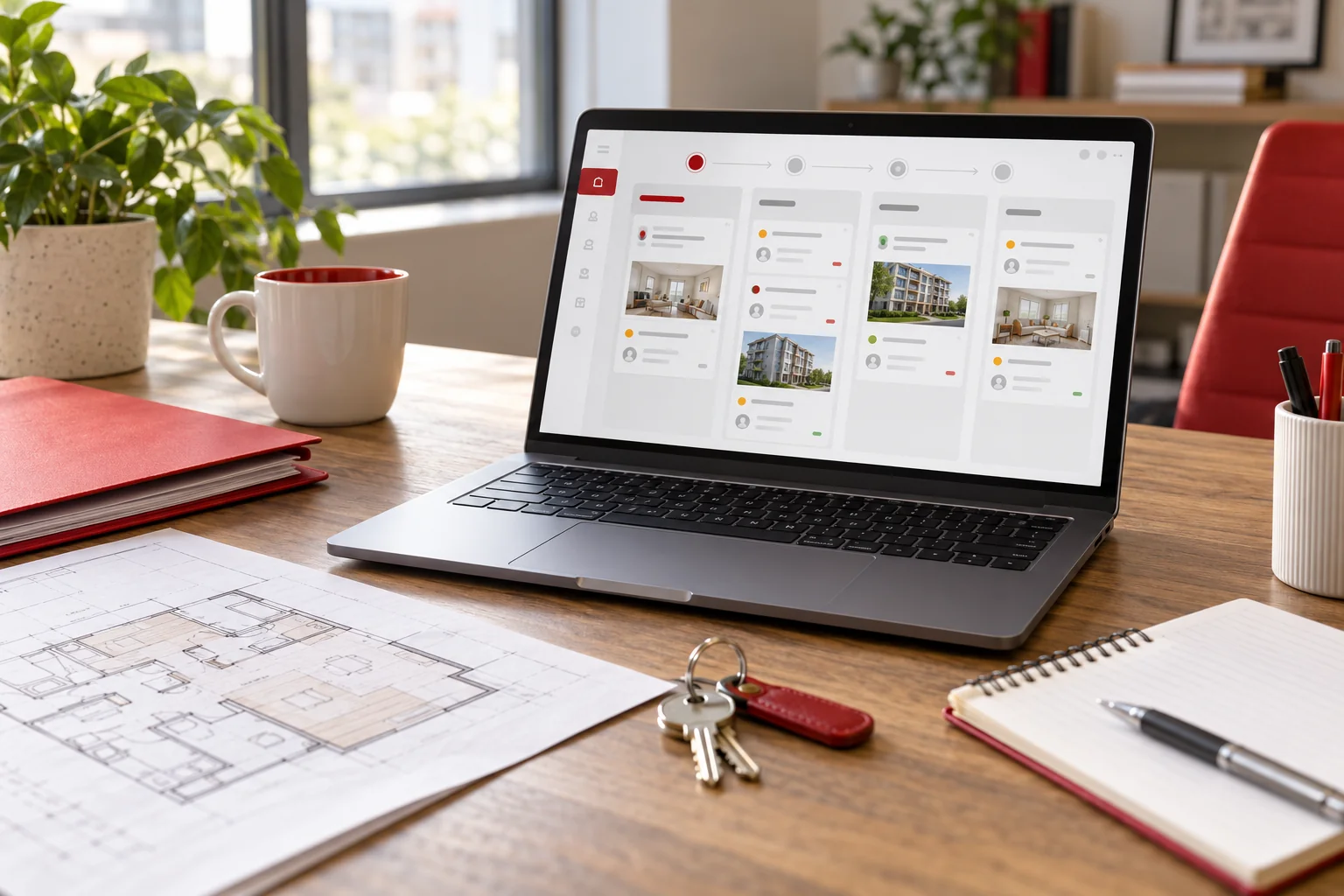
Illustrative workspace. Screens show concepts, not a delivered client system.
A property enquiry can reach your website, an agent’s phone, a broker or an advertising campaign. If those conversations remain separate, the next salesperson may not know which project was discussed, whether a visit took place or when the buyer wants a callback.
Real estate CRM lead follow-up works best when the system connects that context to an owner and a next action. This guide outlines a practical enquiry-to-site-visit workflow and the questions to settle before commissioning a custom CRM for a property sales team, developer or agency.
Define a lead record your agents will actually use
Begin with the enquiry source, contact details, preferred location, budget range, property type, buying timeframe, assigned agent and next action. Add project-specific fields only where they help staff qualify the requirement.
Separate contacts from opportunities when a buyer may enquire about several projects. Keep the source of each enquiry and the conversation history, while giving staff a way to identify possible duplicates. Agree who can merge records and what should happen to their notes and assignments.
A source label should describe where the enquiry came from. It should not overwrite the history every time someone responds through a different channel.
Make ownership and reassignment visible
Decide how an enquiry is assigned: by project, location, team, availability or a manual queue. Define what happens if it remains unaccepted and who may reassign it. The CRM should display that ownership change to the people doing the work.
A daily follow-up queue can group due callbacks, uncontacted enquiries and records waiting for a decision. Staff should be able to record an outcome and set the next action in the same flow.
Keep the contact-attempt history when an enquiry moves between agents. This helps a replacement agent continue the conversation without asking the buyer to repeat everything.
Use sales stages with clear entry and exit rules
An illustrative pipeline might include new enquiry, requirement reviewed, property shortlisted, visit scheduled, visit completed, negotiation and closed outcome. Adapt those stages to the way your team sells.
Microsoft’s opportunity-stage documentation illustrates how stages can connect progress to required information. For a custom property CRM, apply that principle to your own decisions instead of copying another product’s stage names.
For example, “visit scheduled” needs a confirmed project, date and responsible person. “Visit completed” needs an outcome and next action. Include withdrawn or unsuitable outcomes so the pipeline distinguishes active work from historical records.
Treat a site visit as its own record
Store the date, project or property, agent, confirmation status, reschedule history and visit outcome. One buyer may attend several visits, so a single date field on the contact is usually too limited.
As an illustrative scenario, a buyer reschedules a visit from one day to another. The system should retain the earlier status, show the confirmed appointment and update the relevant follow-up queue. If the buyer does not attend, record the outcome and assign a callback rather than moving the opportunity forward automatically.
Calendar or reminder integrations should make failures visible. The visit remains an operational record even if an outgoing message cannot be delivered.
Link property preferences to a reliable inventory source
A CRM can associate a requirement with projects, configurations or units. Before adding availability to the screen, decide who maintains that information and how frequently it is checked.
If another system controls inventory or booking status, assess its API and define which fields can be read or updated. Show the time of the latest update where that context matters. A stale feed should not be presented as a confirmed available unit.
Start with project and preference records if unit-level integration would delay the first release. Reservation, booking and payment workflows require their own approval and data rules.
Separate WhatsApp shortcuts from messaging automation
A click-to-chat action can open a conversation with useful context. It does not, by itself, prove that the message was sent or that a buyer replied. Keep staff notes and outcomes distinct from automated delivery events.
For deeper WhatsApp, telephony or property-portal connections, review the provider, supported APIs, consent requirements, templates and charges. Decide how records are matched and how incoming events are retried without creating duplicate enquiries.
Agent, broker and manager views also need defined permissions. Agree access to leads, exports, notes and reassignment actions rather than relying only on separate dashboard layouts.
Measure follow-up work before promising sales outcomes
Useful operational reports include enquiries awaiting assignment, overdue callbacks, visits awaiting confirmation, completed-visit outcomes and open opportunities by project. They show work the team can act on.
If you report enquiry-to-visit or visit-to-booking conversion, define the population, date range and treatment of duplicates. A visit reschedule should not become two completed visits in a report. Compare source outcomes after staff have recorded them consistently.
A clearer CRM workflow can support a more organised sales process. Booking results also depend on the property, price, enquiry quality and the team’s execution, so do not assess a software project through an unsupported sales guarantee.
Questions for a real estate CRM development brief
Can existing Excel leads be migrated?
Usually, after mapping columns, duplicates, project references and agent ownership. Review a sample import with the sales team before moving the full history.
Can several projects share one CRM?
Yes, if project records, assignment and cross-project visibility are explicitly scoped. Decide whether one buyer’s enquiries are visible to all project teams.
What determines the quote?
Assignment rules, site visits, property data, broker access, reports, migration and provider integrations determine development scope. Identify recurring provider fees separately.
What is a sensible first release?
Lead capture, ownership, a follow-up queue, project preferences and visit records can form a focused starting scope. Validate it with a small sales team before adding more automation.
Discuss a custom property CRM workflow
My real estate CRM development service covers custom enquiry, assignment, property and site-visit workflows agreed for your team.
Share the number of projects and agents, enquiry sources, current tools and a typical follow-up journey. I can review the workflow and discuss an implementation scope. For broader requirements, explore custom CRM development and my development portfolio.
Written by
Jagjeet Singh
Full stack development, WordPress engineering and practical web products. I work with businesses, teams and agencies in India and worldwide.
Explore my work

