
Kentico to WordPress Migration: Plan Page Types, Custom Features and the Rebuild
Identify the actual Kentico implementation and separate content, reusable layouts and operational features before commissioning WordPress development.

In this article
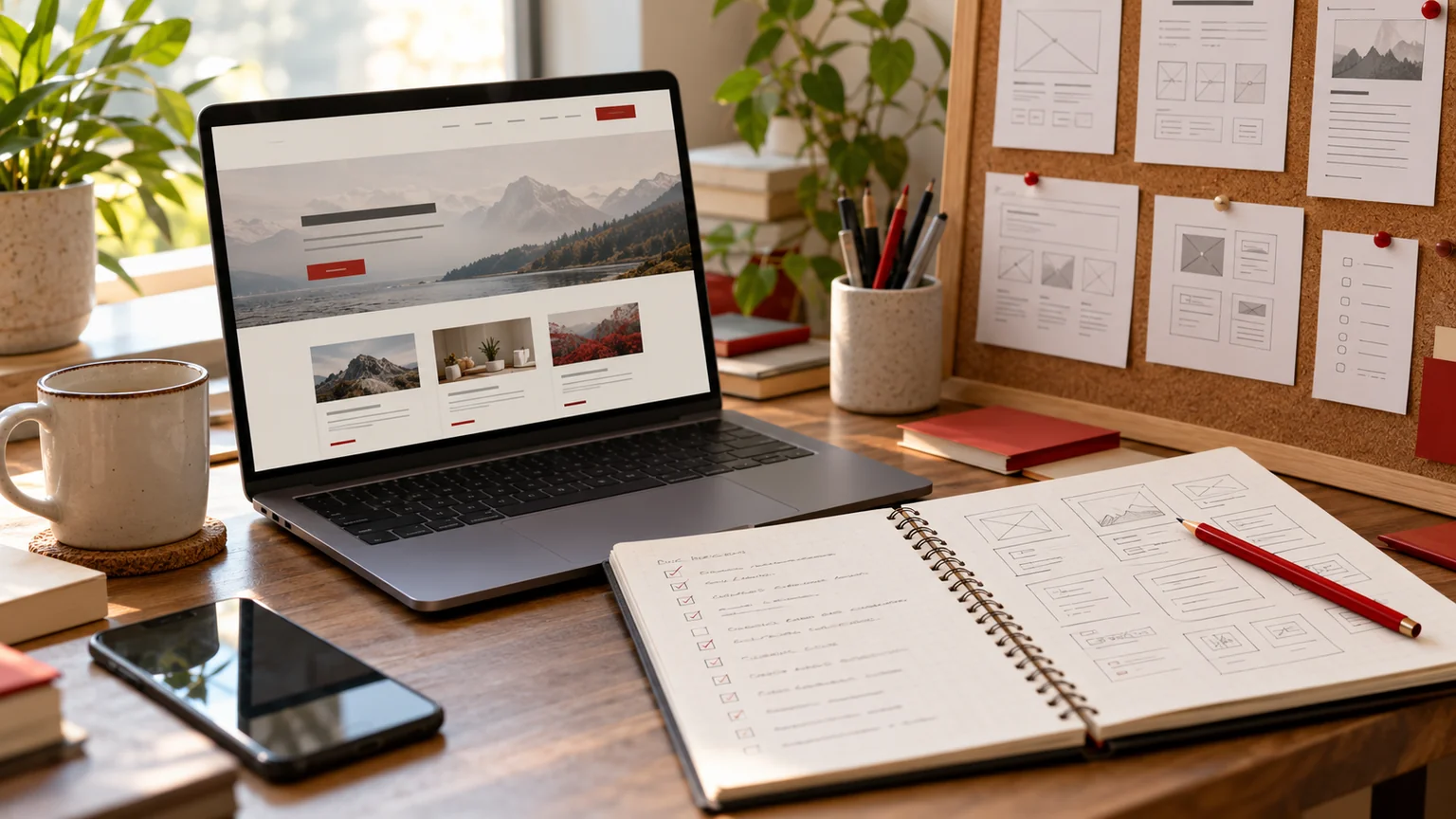
Illustrative workspace. Screens show concepts, not a delivered client system.
“Move our Kentico website to WordPress” sounds like one task. In practice, the brief may contain page-builder components, structured content, custom tables, member access and business logic. The Kentico product generation and the way your website was built affect how those pieces can be extracted and recreated.
The first step in my Kentico to WordPress migration service is to identify the source implementation and agree the WordPress destination. This guide explains how to prepare a project brief that exposes the work hidden behind a simple page count.
Start with the exact product and implementation
Record the product name, version, hosting setup and the team responsible for the current application. Include the page-building approach and any extensions or custom code. That context helps the developer assess access and dependencies instead of selecting an export tool from the Kentico name alone.
Kentico documents a Migration Toolkit for its own product migration path. It should not be mistaken for a WordPress conversion tool. Moving into WordPress requires a separate destination mapping and rebuild. Verify which source tools and export methods suit your installation before quoting a bulk transfer.
Separate content types from operational records
Ask your team to list page types and the fields they contain. A case study may have a title, industry, customer logo and related articles. A custom table might instead hold an operational record used by an internal process. Those should not automatically become ordinary WordPress pages.
| Source item | Decision before import |
|---|---|
| Marketing page type | Which template and editable fields should the replacement use? |
| Reusable content record | Will it become a structured item or a shared section? |
| Operational custom table | Does it belong in WordPress, a CRM or another system? |
| Member or account feature | What authentication and access behaviour must be assessed separately? |
For any record containing private information, agree the transfer method, access and purpose with the responsible team. A public quote request only needs a description of that data, not the records themselves.
Inventory page components and the controls editors need
Create a component list from representative pages: hero sections, testimonials you actually own, enquiry forms, resource filters, galleries and navigation. Document how each behaves on mobile and what editors can change. The visual design and the editing controls are related deliverables, but neither follows automatically from a content export.
Native Elementor sections can suit an editable marketing website. Repeated records may need structured WordPress fields, and custom behaviours may require additional development. Discuss custom WordPress functionality where a scoped feature cannot be covered comfortably by the chosen standard tools.
Choose a pilot that reveals the difficult cases
Use one composed marketing page and one structured content type for the pilot. Include a relationship or feature your team relies on. Agree what a successful result looks like: accurate fields, correct relationships, acceptable mobile output and a usable editing workflow.
- Keep a mapping between source identifiers and destination records.
- Compare imported values, images and references with the source sample.
- Have an editor update a repeated block and check all intended uses.
- Verify forms or custom features through their agreed completion path.
Resolve missing fields, component exceptions and unexpected dependencies before expanding the import. The pilot can refine both the scope and the estimate. It is a discovery tool, not a guarantee that every page is equivalent.
Account for URLs, content updates and launch ownership
Inventory useful existing URLs before approving a new structure. Preserve addresses where practical and plan equivalent destinations when they change. Include articles, download links, filtered resources and campaign pages that visitors may have bookmarked.
Agree when content changes stop on the source site, whether a final update transfer is needed and who signs off the result. The hosting and source teams should own their part of the release and recovery plan. A migration proposal should identify those responsibilities rather than assume the developer controls every system.
Ask for a proposal with visible assumptions
A quote should explain which page types and components are included, how custom tables are treated and which features remain outside the website scope. Separate extraction, mapping, layout rebuilding, feature development and release checks. Also identify licences, hosting and ongoing support arrangements.
Share your public website, product version, content-type list, representative pages and target launch window. If access or a custom feature is uncertain, agree an assessment before committing to the complete implementation. The migration overview provides a useful framework for that discussion.
Ready to scope the WordPress side? Send your Kentico migration requirements. I work directly with businesses and agency partners, with source dependencies and delivery checkpoints agreed around the actual project.
Written by
Jagjeet Singh
Full stack development, WordPress engineering and practical web products. I work with businesses, teams and agencies in India and worldwide.
Explore my work

