
Next.js Dashboard Development: What to Include in an MVP Brief
A practical MVP brief for business dashboards that need usable workflows, clear access rules and dependable data handling.

In this article
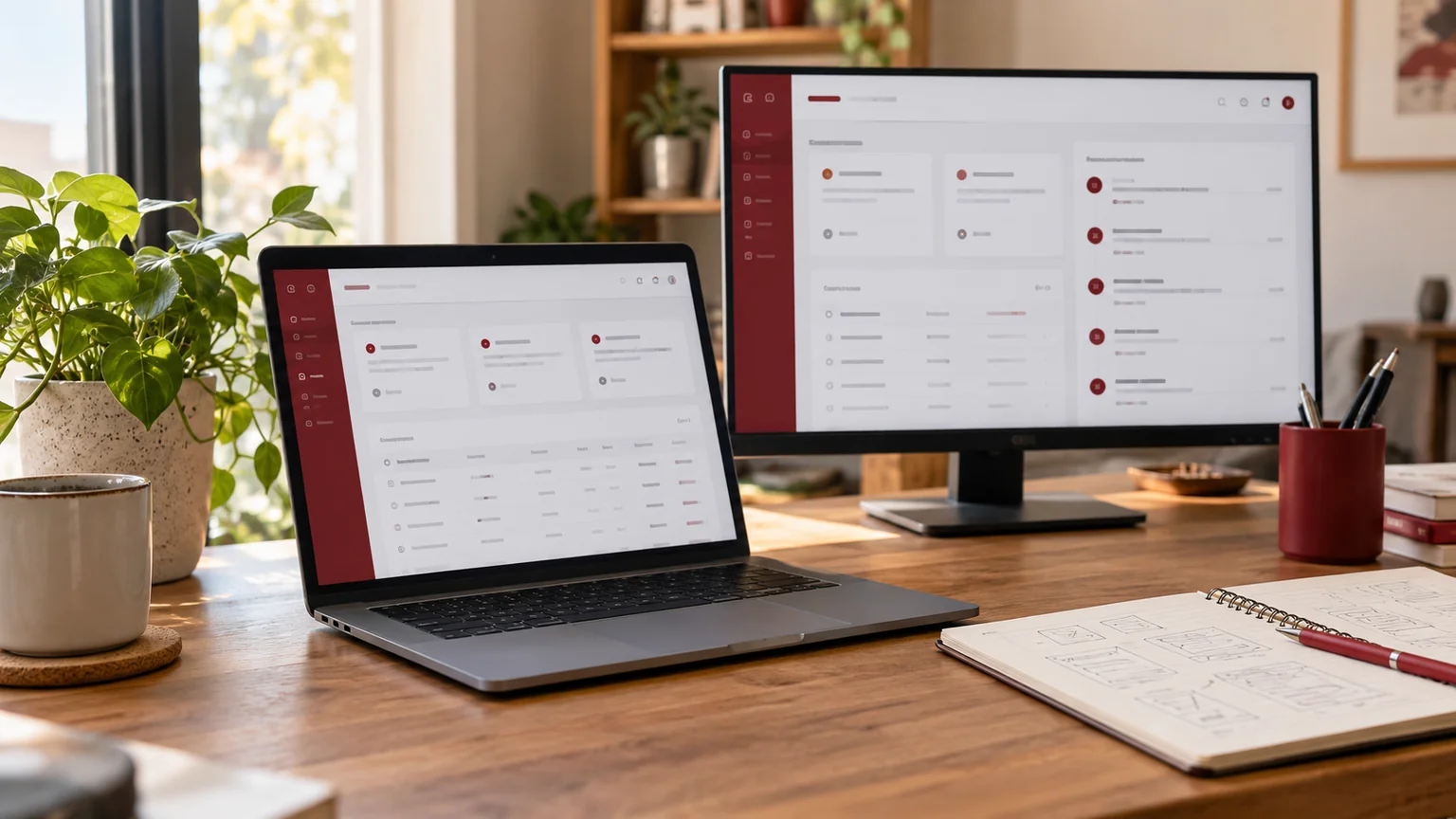
Illustrative workspace. Screens show concepts, not a delivered client system.
A dashboard is valuable when it helps a person complete a decision or task. A collection of charts may look impressive while the team still relies on spreadsheets to assign work, resolve an exception or confirm a result. Before commissioning Next.js dashboard development, define the work behind the screen.
My React and Next.js development service covers assessed web application, portal and dashboard requirements. This guide helps businesses and agency partners prepare an MVP brief with a clear delivery boundary, rather than buying a set of interface screens with an uncertain backend.
Choose the first workflow and the person who needs it
Describe the user’s starting point, the information they need and the action that completes the task. For an illustrative enquiry dashboard, that could mean reviewing an unassigned enquiry, choosing an owner and scheduling the next action. The screen should support that sequence, not merely display a total.
List the first-release workflows separately from future ideas. Prioritise the path that makes the dashboard useful to its intended team. A narrow but complete workflow is usually easier to review than several attractive sections connected to placeholder data.
- The user role and the task they are responsible for.
- The record, status and information needed for the task.
- The action that changes the record or completes the work.
- The exception that requires another person’s review.
Map the data sources before designing the metrics
Identify where each record comes from: an existing API, a database, an import or another application. Name the source owner and the access available. For every summary figure, define the business meaning, included records, date range and timezone. Two teams can read the same “open enquiries” label and expect different counts.
| Dashboard requirement | Data decision |
|---|---|
| Work queue | Which statuses and owners determine inclusion? |
| Summary card | What formula, period and source produce the value? |
| Record detail | Which system is authoritative for each field? |
| Import or export | Which records and permissions are included? |
| Last updated indicator | How fresh must the displayed information be? |
If an API is unavailable or its response is incomplete, the screen needs a defined state. Do not display a missing measurement as a genuine zero.
Treat permissions as part of the backend scope
Signing in establishes identity; it does not by itself define which records or actions a person may access. The official Next.js authentication guide distinguishes authentication, session management and authorisation, and discusses checks around data access. A permissions model belongs in the implementation, not just the menu design.
Prepare a role-and-action matrix. Decide who can view, assign, change, approve, export or remove each class of record. Include organisation boundaries if several customers or teams use the application. Hiding a button is not sufficient protection for the underlying operation.
Agree which actions need an activity record and who may inspect that history. Any sensitive workflow requires its own appropriate assessment; a generic dashboard brief cannot establish every industry-specific requirement.
Include empty, loading and failure states in the design
Ask to review a new account with no records, a large queue, a slow response and an unsuccessful save. These states affect everyday usability. A useful interface explains what happened, what is still pending and whether the user should retry or contact the responsible team.
For actions that update records, define when success is confirmed and how a repeat click is handled. If two users can edit the same item, agree the expected behaviour when one user’s view is older than the saved record. This business rule influences the application scope.
For remote teams, check ordinary use on the relevant laptop and mobile sizes. Tables need usable filtering and readable fields; reducing text until everything fits is not a substitute for a suitable small-screen layout.
Commission a complete slice of the application
An MVP milestone can include one real data source, one record type, the agreed roles and a complete action with its failure handling. Use it to test the architecture and the team’s working assumptions before expanding the application.
- The approved workflow works against the agreed test data source.
- Users see and change only the records their role permits.
- Validation and unsuccessful operations have clear outcomes.
- Relevant device sizes and keyboard interactions are usable.
- Deployment, configuration and operating responsibilities are documented.
Define where the prototype ends and production implementation begins. A mock interface with fictional records is useful for discussion when it is labelled clearly, but it should not be presented as a functioning client system.
Separate application delivery from ongoing operations
A proposal should identify frontend work, backend or API work, authentication, database requirements and deployment. Also name third-party account or hosting costs and the team responsible for operating them. React and Next.js are technology choices; they do not automatically supply your business model or integrations.
Can we keep an existing backend? Potentially, after checking its supported operations and access. A frontend rebuild does not require replacing every system.
Is a dashboard the same as a CRM? It may be one part of a CRM. If you also need the record model and follow-up process developed, review the custom CRM development scope separately.
How do we estimate the project? Compare proposals against the same workflows, roles, data sources and acceptance checks. Screen counts alone leave important work hidden.
Request a dashboard proposal with a workflow sample
Share the intended users, the first workflow, required actions and available data sources. Include a sketch or reference, but explain the behaviour behind it. Use anonymised record examples and describe the permission model rather than sending production customer exports in the quote form.
I can review the brief and scope a React or Next.js implementation or an assessment for an uncertain API dependency. Discuss your business dashboard requirements to agree a first release that supports a real task and has a practical handover.
Written by
Jagjeet Singh
Full stack development, WordPress engineering and practical web products. I work with businesses, teams and agencies in India and worldwide.
Explore my work

