
Webflow CMS Development: A Planning Guide for Marketing Teams
A commissioning guide for marketing teams that want structured content, reusable templates and a clear publishing handover in Webflow.

In this article
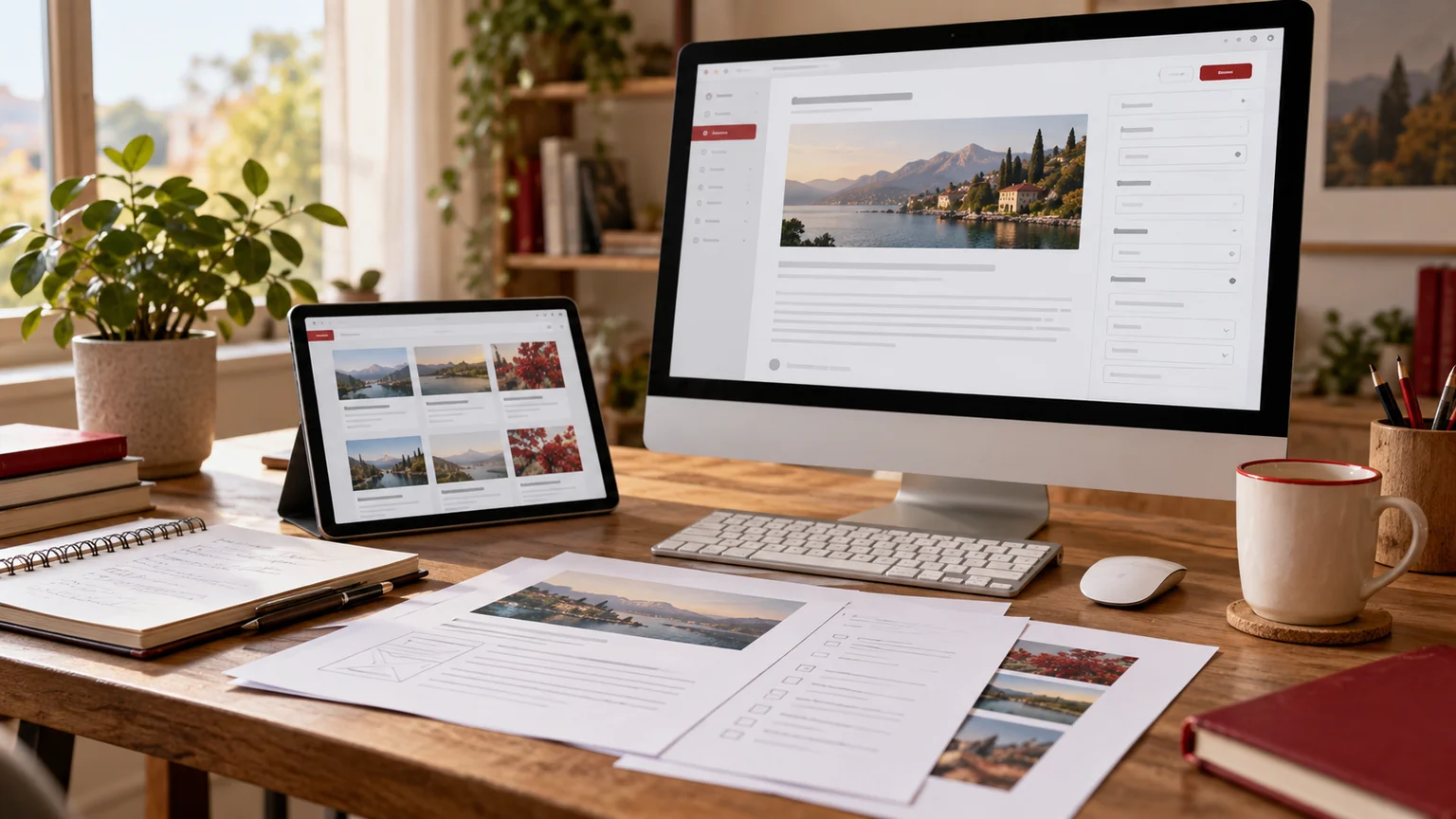
Illustrative workspace. Screens show concepts, not a delivered client system.
A marketing website can begin as a small set of pages and quickly grow into articles, customer stories, resources and campaign landing pages. If the content structure is unclear, editors may repeatedly copy pages and struggle to keep details consistent. Webflow CMS development should start with the publishing model as well as the visual design.
I offer Webflow development services for scoped website projects, alongside WordPress implementations where that platform better fits the agreed requirements. This guide helps marketing teams and agencies specify a native Webflow CMS build and the handover needed to maintain it.
Inventory the content your team will maintain
List recurring content types and representative examples. An article, a resource download and a team profile have different fields and relationships. Record who creates each type, who approves it and where it appears on the public site.
Identify items that need a dedicated page and items that should only appear within another page. Decide which information is reused, such as an author profile or category. These choices shape the content model and prevent the site from becoming a collection of individually copied layouts.
- Content types, current items and expected growth.
- Required fields and relationships between items.
- Public listings, detail pages and filtering needs.
- The people responsible for publishing and content review.
Define Collections around shared content structures
Webflow’s CMS introduction explains Collections, fields and items, with Collection templates powering recurring pages and Collection lists displaying content elsewhere. A template change can affect the item pages using that template. That makes the structure an important part of the design review.
For your own brief, describe fields in business terms: title, summary, body, cover image, category or another required value. Decide whether a relationship should refer to another content item rather than repeat its text. Ask the developer to demonstrate the actual editor workflow with representative entries.
Avoid building a complex content model for hypothetical future sections. Start with the content the team intends to publish, while recording requirements that could materially change the structure later.
Test the template with real content extremes
Review a short title, a long title, an entry without an optional image and a page with a longer body. A template approved only with perfectly sized sample text may fail when the team publishes ordinary content. Lists and cards need the same review.
| Template case | Question to review |
|---|---|
| Long article title | Does it wrap clearly on mobile and in listing cards? |
| Optional field missing | Does the page remain coherent without that section? |
| Different image crop | Can the editor supply an appropriate asset? |
| Referenced content changes | Where should that change appear? |
| Long body or resource content | Are headings, links and navigation still usable? |
Use fictional material for initial demonstrations only when it is labelled as a sample. The public website should use approved brand content and evidence, not placeholder customers or testimonials.
Agree who can publish and what a release includes
Distinguish editing content from approving publication. A marketing writer may prepare an item while another person reviews it. Define the working process and the account permissions available in the chosen plan, without assuming every role or feature exists in every subscription.
Webflow’s Collection item publishing guidance explains draft and publishing options. Saving an edit is not the same as making it live. Your handover should show how the intended team prepares an item, previews it and releases approved changes.
Template and site-wide changes need a separate review boundary. Ask who reviews an altered template and which existing content examples are checked before it affects the public website.
Plan the enquiry route alongside the content library
A resource page should help a reader reach a relevant next step. Define the service or enquiry destination, the required fields and the person responsible for follow-up. If a CRM or another system receives the submission, specify the transfer and its failure handling as a distinct integration requirement.
Also agree search titles, descriptions, image text, internal links and URL structures for the templates in scope. A growing content library needs consistent navigation and usable mobile presentation. Those deliverables should appear in the proposal instead of being implied by an attractive homepage.
Do not force unrelated calls to action into every content type. A product resource and a careers item may need different destinations. Review one complete visitor journey before expanding it across the site.
Confirm the platform and ownership in the proposal
A reference built with Webflow does not automatically mean your implementation will use Webflow. The scope should state whether you are commissioning a native Webflow project or a WordPress website with a similar visual direction. I can work with either approach depending on the project, but the editable deliverables differ.
Who should own the account? Agree account, domain and ongoing access ownership with the business or agency commissioning the work. Include the subscriptions and paid dependencies in the operating plan.
Can content be imported? Assess the source structure and the destination fields before promising a bulk transfer. Include mapping and sample checks if content migration is part of the project.
Can we change the design later? Yes, but shared template changes need review against existing items. Keep that ongoing responsibility visible in the handover.
Send a Webflow CMS brief with representative content
Share the intended content types, examples, public page structure and design references. Explain who edits the site, who publishes it and what the enquiry journey should do. Include any languages, integrations or migration requirements that affect the scope.
I can review that inventory and scope Collections, native templates, responsive layouts, agreed integrations and an editor handover. For a WordPress alternative, the WordPress development service provides a separate destination. Discuss your Webflow CMS project to commission a website your marketing team can keep publishing on.
Written by
Jagjeet Singh
Full stack development, WordPress engineering and practical web products. I work with businesses, teams and agencies in India and worldwide.
Explore my work

