
WordPress Client Portals for UK Businesses: Access, Documents and Account Workflows
A custom development brief for UK businesses that want customers to access the right records and complete clearly defined tasks through WordPress.

In this article
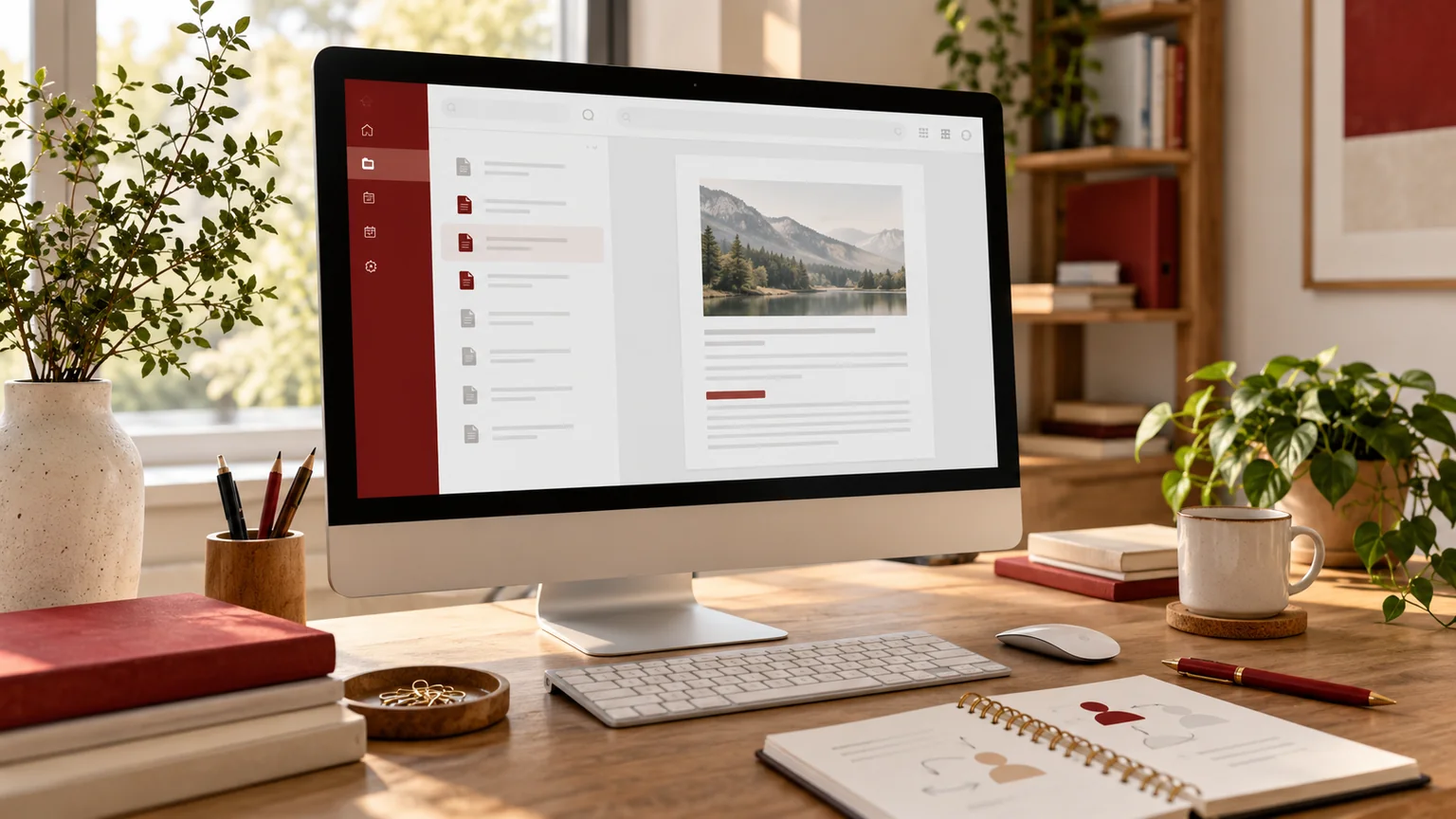
Illustrative workspace. Screens show concepts, not a delivered client system.
A client portal can reduce repeated requests for documents or status updates, but a login page is only a small part of the implementation. The important requirements are who can access each record, which actions they can perform and how the business handles those actions afterwards.
My custom WordPress plugin development service can assess a portal requirement and scope a supported plugin configuration, an extension or custom implementation. I work remotely from India with UK businesses and agency partners; the feature set is agreed for the project rather than assumed to exist in a finished product.
Choose the first customer task
Describe what a customer needs to achieve: view an approved document, submit a request, review a status or update a permitted detail. Identify the record and the business team that owns it. Start with one complete workflow before adding a dashboard full of unrelated features.
For an illustrative document portal, the requirement includes more than displaying file links. The customer needs the intended version, appropriate access and a clear route when a document is missing or incorrect. Decide whether the task ends at viewing, downloading, acknowledging or responding.
- The customer or organisation using the portal.
- The record and its business owner.
- The allowed action and completion rule.
- The exception that needs staff attention.
Define account boundaries and permissions
WordPress’s roles and capabilities documentation describes permission concepts, but your portal also needs access rules for its own records and operations. Decide how a customer relates to an organisation and which staff or client users may act on that organisation’s behalf.
Prepare a role-and-record matrix. Can two colleagues at the same client company see the same files? Can a former account contact still sign in? Which staff roles may upload or replace a document? Those questions influence the data model and access implementation.
Access should be checked at the operation and file delivery boundary, not inferred from whether a link or menu is visible. The assessment should explain the mechanism appropriate to the agreed portal.
Make document handling a separate design decision
List the document types and the workflow for creating, reviewing and releasing them. Decide which version is current and whether older versions remain available. Define how a client is associated with the file and what happens when that relationship changes.
| Document requirement | Decision to agree |
|---|---|
| Approved file for one organisation | Which account users may access it |
| Replacement version | How the current version is identified |
| Customer upload | Who reviews it and what input is permitted |
| Unavailable or withdrawn document | What the customer sees and who resolves it |
| Activity record | Which actions are recorded and who may inspect them |
A protected document should not rely on an obscure public URL as its access policy. Storage, download handling and review requirements belong in the technical scope.
Specify requests, notifications and the next action
If a client submits a request, define where it is saved, who receives it and how the client sees its status. A generic email without a record owner can recreate the same uncertainty the portal was intended to remove. Decide which changes create a notification and which are simply visible in the account.
An existing CRM or operational system may remain the source of truth. If the portal connects to it, agree field mapping, duplicate handling and failure visibility. A read-only status view and a write-back integration have different scopes.
The WordPress API integration guide helps prepare the connected-system part of that brief.
Review the awkward cases, not just the welcome screen
Use authorised fictional examples to check several account relationships and record states. Ask what happens when a customer has no document, a user loses access or a request cannot be saved. The interface should show an understandable result without exposing another account’s information.
- Permitted users can perform the agreed task.
- Users outside the record boundary cannot access it.
- Document and record access is checked through the actual delivery path.
- Missing data and unsuccessful actions have clear states.
- Administrative staff can review and resolve exceptions.
Include the device sizes and keyboard interactions relevant to the audience. Keep account screens readable rather than shrinking tables until every field fits on a phone.
Choose the implementation and ongoing owner
A suitable maintained plugin may cover the requirement. A focused extension may supply a missing rule. Custom development needs a defined maintenance and release arrangement. Ask the proposal to compare those options against the workflow and permissions, not only a list of dashboard features.
Does this replace our CRM? It may present selected records from an existing system. Replacing the CRM is a separate business and data decision.
Can staff maintain ordinary portal content? Specify the intended editor and administrative controls. Public Elementor content and restricted application records may use different interfaces.
Is every portal requirement covered by a membership plugin? Review organisation relationships, files and operational actions against the actual supported features before assuming that.
Send a portal brief with an access example
Share the website, first customer task, record types and account relationships. Include any existing software and the administrative workflow that follows a client action. Use anonymised examples and describe sensitive categories at a high level until approved assessment access is arranged.
I can review the requirement and scope a WordPress portal implementation or technical sample for your UK business. Discuss your client portal project to define the first usable workflow, permissions and handover responsibilities.
Written by
Jagjeet Singh
Full stack development, WordPress engineering and practical web products. I work with businesses, teams and agencies in India and worldwide.
Explore my work

