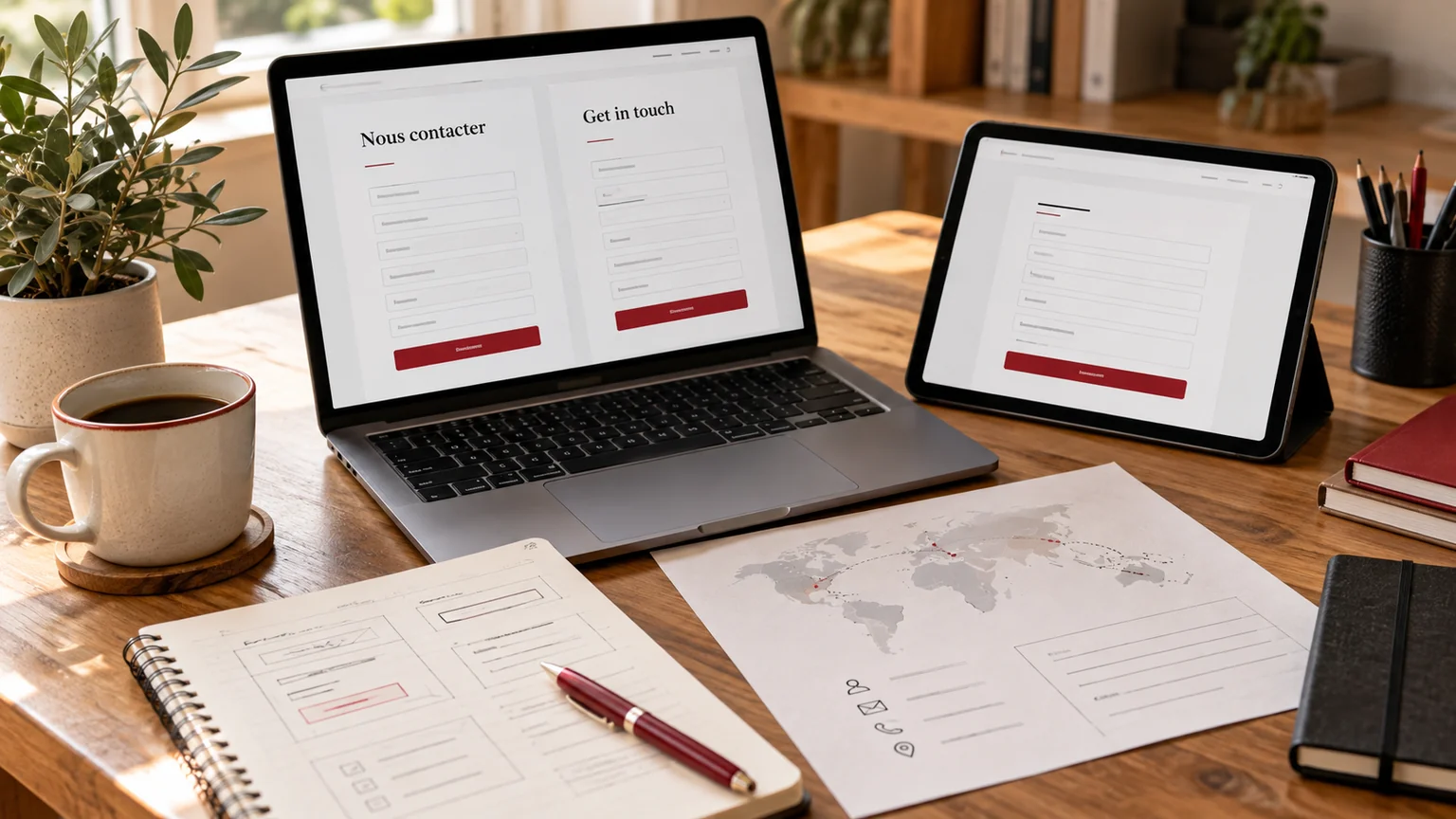
Illustrative workspace. Screens show concepts, not a delivered client system.
An international customer can become stuck in a perfectly styled contact form when the fields assume a particular name, telephone or address format. For a France business serving French- and English-speaking audiences, a WordPress enquiry project should review those assumptions. The useful result is information the receiving team can act on and a form the visitor can understand.
Choose the information needed for a first response
Start with the enquiry’s purpose and the questions the receiving team must answer. A project request may need a service choice and short scope; a callback may need less. Do not make a public enquiry collect every detail that might be required later in a customer relationship.
Use visible labels and explain required fields. Keep the mobile number required with a country-code hint so international visitors understand the expected entry. The page should distinguish its project form from any separate newsletter or account process.
Review name and language assumptions
W3C’s personal-name guidance explains the variety of naming structures and conventions. A business form should avoid unnecessary assumptions about how every visitor’s name is divided or entered.
Review accented characters, spacing and approved language content through the real system. The developer implements the agreed handling, while the client supplies or arranges qualified French copy review. A translated button does not establish that errors and confirmation messages are also appropriate.
Keep field meaning consistent between languages
A field labelled as a preferred date should not become a confirmed appointment in the other version. Agree the meaning of service choices and optional details before translating their labels. The saved record should preserve that meaning for staff.
Use stable internal references where a choice maps to a service or receiving queue. A future wording change should not silently break the routing or make older enquiries impossible to interpret.
Explain errors and next steps clearly
Show the affected field and an actionable correction when an entry is not accepted. Preserve valid answers where possible. A generic error at the top of a long page can leave a visitor unable to locate the problem.
Confirmation should describe the actual result and expected next step using approved business wording. It should not promise a response time, booking or quotation that the team has not agreed to provide. Keep a direct contact alternative where appropriate.
Review the staff record as well as the interface
Use authorised test arrangements for both languages, an international telephone number, a long name and a missing required value. Inspect the saved record and receiving notification. A correct-looking form can still lose language or service context after submission.
- Required labels remain readable on mobile.
- Approved characters survive the handover.
- Language versions retain the same intended meaning.
- Errors help the visitor recover.
- The receiving team sees a useful enquiry.
Should we request a postal address? Only where the initial enquiry needs it. The first form should match the actual task rather than copy an unrelated checkout.
For the wider implementation decisions, see the WordPress redesign planning checklist.
Discuss a scoped implementation
Send the page, required enquiry details and approved language examples. We can scope a WordPress form implementation and handover review for your France business’s international audience.
I’m Jagjeet Singh, based in India and working remotely with businesses and agencies. Discuss your bilingual enquiry journey. Share the current site or workflow and the first outcome you want to review; I can assess the requirements and propose an implementation scope.