
Home / Corporate WordPress Training
CORPORATE WORDPRESS TRAINING / FROM HANDOVER TO EVERYDAY USE
Train the people who update your business website to work with more clarity. I scope practical WordPress and Elementor training around your existing site, content responsibilities and approval process—from editing a page to checking it before publication.
Live online for India and international teams. Onsite delivery, group size and dates are agreed during scoping.
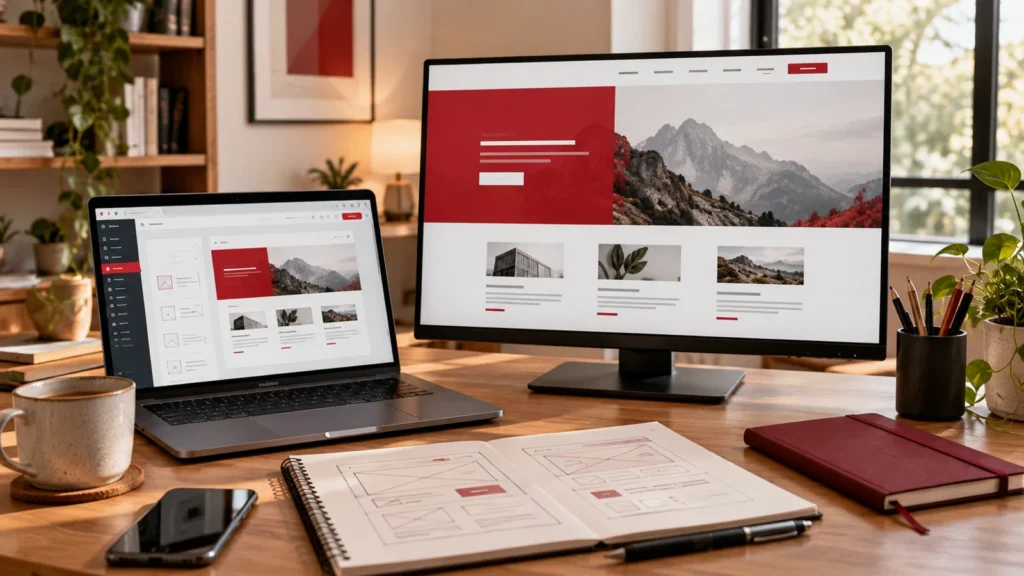
Illustrative editing workspace. Practical exercises use a training or staging website.
Role-based learning
Practical exercises
Team workshops
DESIGNED AROUND YOUR PEOPLE
For colleagues who publish announcements, articles, campaign pages and service updates. Focus on consistent content, sensible review steps and knowing which controls affect the wider website.
For people responsible for coordinating editors, administrators and external developers. Clarify access, maintenance ownership, acceptance checks and the information a developer needs when something breaks.
For teams who have received a new WordPress website but still depend on someone else for routine changes. Build the training around the actual editor, templates and content tasks in your handover.
CHOOSE THE RIGHT DEPTH
The modules below form a starting point. Select the topics and depth your team needs before agreeing the training plan.
Get comfortable with the dashboard, pages, posts, media and the parts of your website that are shared. Understand the difference between content, page layouts, templates, themes and plugins. Map who owns each area so a routine content update does not turn into an unplanned site-wide change.
Practise updating headings, links, images and calls to action using the editor your site already uses. Work through draft, preview, revision and publishing steps. Build an editing checklist that protects important content, keeps formatting consistent and makes it clear when another person should review an update.
Learn how your Elementor containers, widgets, reusable layouts and global styles fit together. Practise changing approved content without casually modifying shared navigation or templates. Include desktop, tablet and mobile previews, spacing and readable typography so the team can spot problems before they become public.
Choose useful image sizes, write descriptive alternative text where appropriate and keep links understandable. Practise a logical heading structure, clear page titles and basic metadata in the site’s SEO plugin. Treat these as publishing habits, with specialist accessibility and SEO work scoped separately when needed.
Understand the permissions associated with your team’s accounts and why everyday editors do not always need administrator access. Define approval and escalation routes for content, plugin settings and site-wide changes. Review your organisation’s existing maintenance, backup and recovery responsibilities without making unscheduled live-site changes during training.
Use an approved draft or training environment to complete a realistic task, such as refreshing a service page or publishing an announcement. Check the layout, links, mobile presentation and enquiry route. Record what the editor can manage independently and what still needs a developer or website owner.
FROM DEMO TO PRACTICE
Turn the agreed learning objectives into practical habits your team can rehearse, review and use in everyday work.
Exercises, materials, session count and any follow-up support are confirmed in your proposal. Learning depends on participation, prior knowledge and the tools available to your team.
A CLEAR TRAINING PLAN
01
Share your website URL, editor, team size and the updates people need to make. Identify the permissions available to participants and the areas that should remain under administrator or developer control.
02
Choose the modules, suitable practice pages and learning objectives. Confirm the delivery format, session schedule and any written handover notes included. Work on an authorised training environment or approved draft wherever practical.
03
Work through content edits and publishing checks using your site’s established styles. Discuss common mistakes, compare previews and let participants rehearse the steps they will need after the session.
04
Review the agreed tasks, approval route and remaining questions. Separate routine editing from maintenance or development work, and identify whether another focused session or a separately scoped technical fix would help.

YOUR TRAINING CONTACT
I am an India-based full-stack developer and WordPress engineer with 6+ years of development experience. My practical work spans WordPress websites, custom plugins and AI integrations. I bring that implementation perspective into the exercises we plan for your team.
Portfolio projects show development work. They are not evidence of previous corporate training engagements or measured training outcomes.
BEFORE YOU BOOK
Yes. Share the website URL and the tasks your team needs to manage. Training can be scoped around the editor, templates and plugins already in use. Access and technical limitations should be checked before the session so the exercises match your actual website.
Elementor can be included when your website uses it. The focus is on native editing, containers and widgets, reusable layouts, global styles and responsive checks. Shared header, footer and template changes should be handled only by people with the right responsibility and access.
Yes. Content and marketing workshops can focus on everyday editing and publishing without requiring PHP or JavaScript. Technical subjects for developers or administrators need a separately agreed curriculum. Tell me who will attend and what each group should be able to do afterwards.
Practice should use an authorised training environment or approved drafts wherever practical. Any live edit needs an agreed purpose, permissions and review process. Training does not automatically include plugin updates, design changes, migrations or other development work; those can be discussed as separate requirements.
No. Training helps staff understand editing, publishing and responsibilities. Maintenance still needs an owner for updates, monitoring, recovery and technical issues. The programme can explain the handover boundaries and escalation process without presenting every employee as a site administrator.
Send your website URL, team size, roles, editor or page builder, current confidence level and the tasks you want to practise. Include preferred dates and delivery format. Duration, price, materials and any follow-up support are agreed after that scope is reviewed.
TELL ME WHAT YOUR TEAM NEEDS
Share your team roles, group size, current skill level and what people should be able to do after the training. I will use that brief to discuss the curriculum, format, schedule and a scoped quotation.
Your details are used to respond to your enquiry. Please do not include login details or private employee or customer records. Privacy policy.
KEEP THE NEXT STEP RELEVANT
Useful official resources: WordPress: roles and capabilities · Learn WordPress: user management · Elementor: responsive editing · WordPress: site maintenance