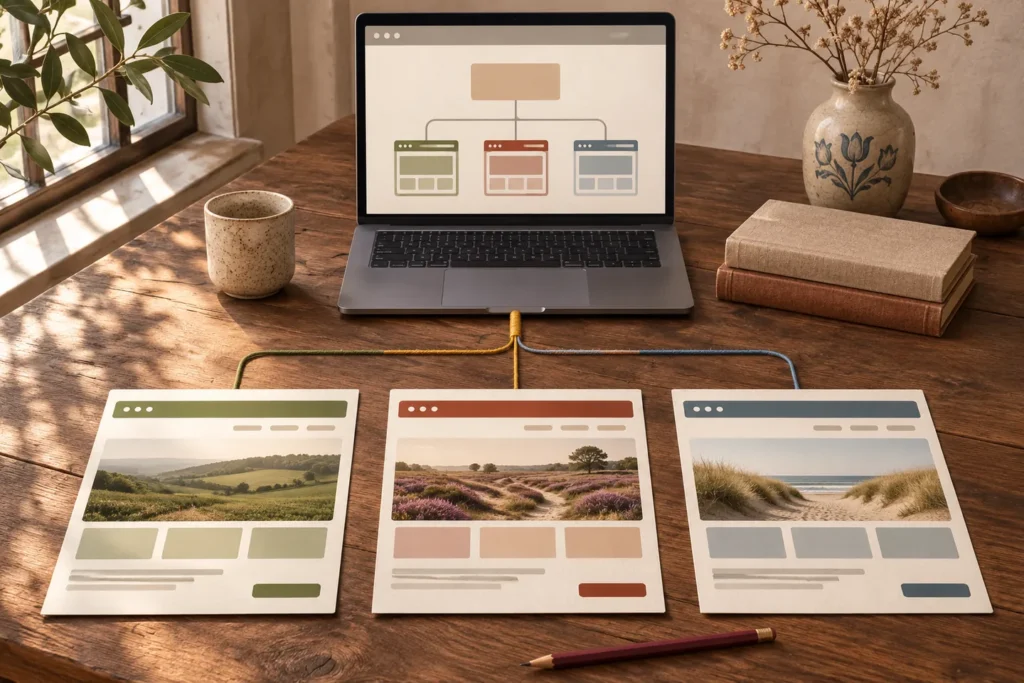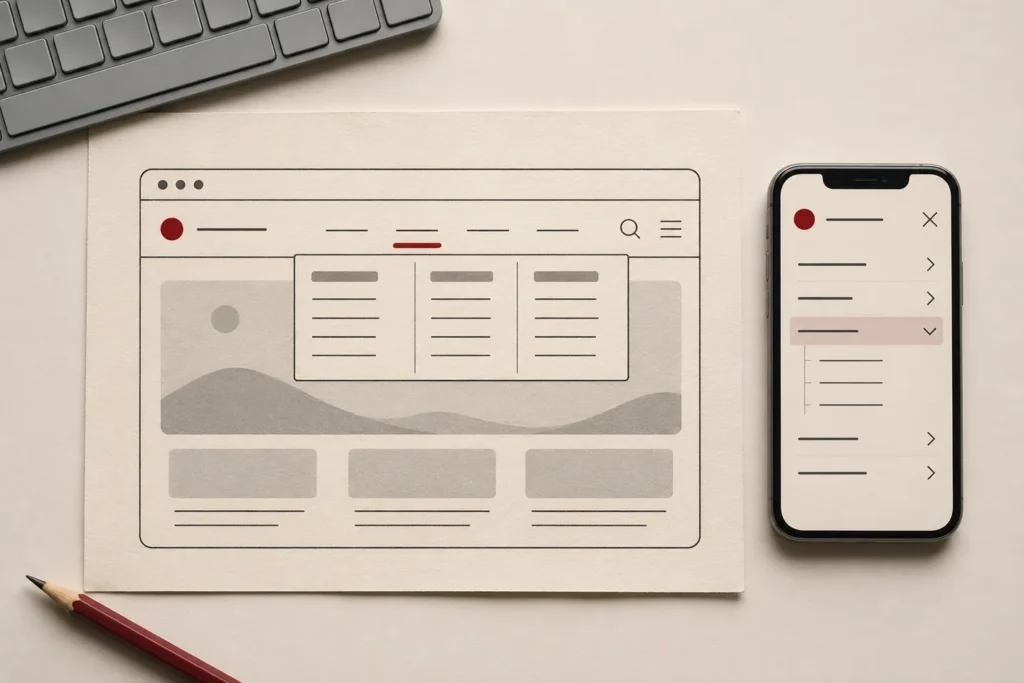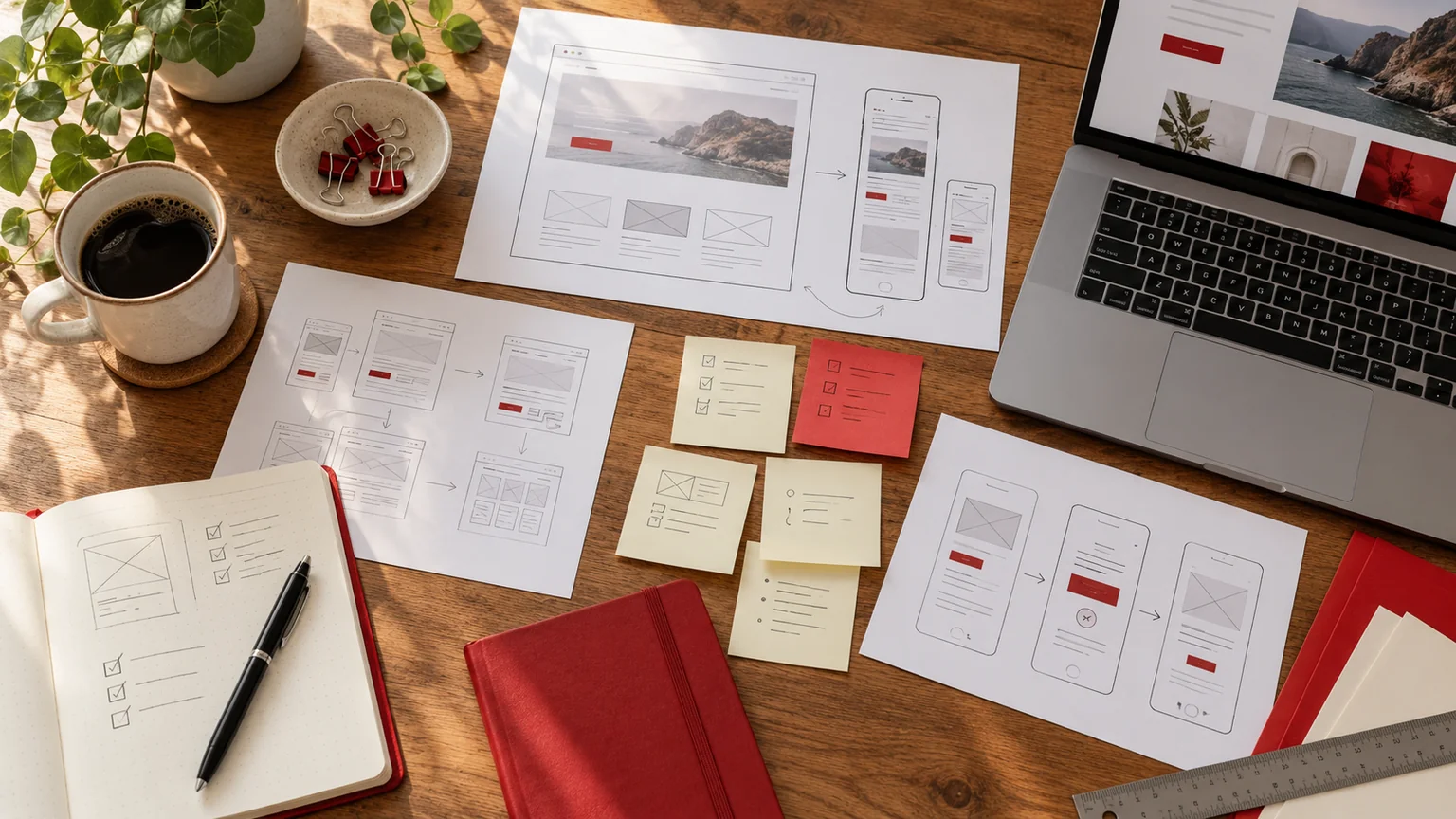
Illustrative workspace, not a photograph of a completed corporate training workshop.
A website handover is incomplete when your team receives login details but cannot confidently update a service page. Elementor may make content editable, yet staff still need to understand where that content lives, which settings affect other pages and how to check a change before publication.
Elementor training for corporate teams works best when it follows your actual website. The right exercises are different for a marketing editor, a website owner and an administrator. My corporate WordPress and Elementor training can be scoped around those roles. Use the following handover brief to decide what your team should learn and what should remain with the technical owner.
1. Start with a map of the website your team is receiving
Before showing a long list of widgets, identify how the website is assembled. Which pages are edited individually? Which content comes from WordPress posts or another content type? Which layouts are shared templates? Where do global navigation, contact details and recurring calls to action belong?
Ask the developer to walk through one representative page and explain the parts in plain language. Record the page name, editing location, allowed changes and owner. A landing page can look similar to a service page while using a different template or enquiry route.
The training should match the installed editor version and the site’s existing design system. New controls in a general online tutorial may not match your environment. Avoid changing versions or installing extra widgets merely to follow a workshop example.
2. Separate page content from shared design decisions
Everyday editors usually need to change approved copy, images, links or an existing call to action. Those edits should be distinguished from altering site-wide typography, a shared header or the template used by every article. The training brief should identify both the controls staff may use and the reason for the boundary.
Elementor’s global colors documentation explains managing shared color choices. Use the handover to show which approved styles your site already uses. A campaign text change should not require inventing a new brand palette.
Give participants a practical contrast: update text inside an existing component, then identify the shared setting that would affect other uses. Staff should recognise the difference without being expected to redesign the whole website.
3. Practise a complete editing task in an agreed environment
Choose a task that represents the work after handover, such as updating a service introduction and its enquiry link. Provide approved copy and an image, then ask participants to locate the right container and widget, make the edit and preview the result. Include enough context to decide whether the change meets the brief.
Use an authorised training environment or approved draft wherever practical. Record what can be changed independently, what needs review and what must be escalated. Working on a live commercial page is a separate decision that needs the owner’s agreement.
A useful exercise includes correcting a mistake. For example, ask the editor to find a link pointing to an old destination or identify a heading that no longer fits. These are illustrative tasks to rehearse, not claims about faults on your website.
4. Make responsive checking part of every approved edit
A longer heading or a replacement image can change how a page behaves on a narrow screen. Participants should review the layouts relevant to your audience and understand which controls are device-specific. Start with the site’s existing responsive settings rather than changing spacing everywhere until one preview looks acceptable.
The official responsive editing guidance covers screen-specific settings and inheritance; use the guidance appropriate to the editor version installed. During training, demonstrate your site’s actual controls and the effect of a change on other views.
- Read long titles and button labels at a narrow width.
- Check image crops and the order of stacked content.
- Look for clipped content, sideways scrolling and excessive blank space.
- Preview the public page on a real device when available.
Agree who handles any layout defect that goes beyond the permitted content edit.
5. Include media, links and enquiry routes in the handover
Image selection is an editorial task as well as a layout task. Teach staff to use approved assets, understand the intended crop and keep essential information available as readable text. Show where alternative text belongs and discuss when an image conveys meaning versus serving as decoration.
Links should receive the same attention. Ask the editor to confirm the destination, whether it is still current and what action the visitor should take there. A polished button pointing to an obsolete form is a failed handover outcome, even if the text edit itself was easy.
For enquiry forms, explain the fields staff may edit and the settings that need technical ownership. Recipient addresses, delivery integrations and tracking deserve a controlled change process. Any submission test should be explicitly agreed, so colleagues and customers do not receive unexpected messages.
6. Leave a usable guide and an escalation route
A handover guide should answer the questions someone will have while doing the work. Organise it by task: edit a service page, replace a picture, update a destination link, prepare an article or request a template change. Screenshots should match your site and avoid exposing sensitive details.
For each task, name the starting location, permitted edits, preview checks and approval owner. Add common stopping points, such as missing controls, a shared template warning or an unexpected layout change. Staff should know when to ask rather than experimenting with unfamiliar settings on production.
The team also needs a technical contact and a clear way to report an issue. Training materials, recordings or follow-up review can be included when agreed in the proposal; do not assume every handover automatically includes all of them.
7. Keep editing training separate from maintenance ownership
Knowing how to edit an Elementor page does not make a content team responsible for hosting, plugin compatibility, account security or recovery. The handover should name the owner for these tasks and explain how editors report problems. It should also identify licence and access ownership where those affect the site’s continued operation.
Reviewing responsibilities is different from running unscheduled updates during a workshop. If the website needs technical work before participants can practise safely, agree that work separately. My WordPress maintenance service is an appropriate discussion when you need ongoing technical care as well as trained editors.
Agree a simple completion exercise: each participant makes an approved change, explains its scope, checks the relevant views and follows the publishing route. Record unresolved questions instead of treating attendance as proof of independent competence.
8. Send a practical Elementor training brief
To scope a workshop, send your website URL, the Elementor version if known, approximate participant count and the roles attending. List the pages staff need to manage, tasks they should practise and changes that should remain restricted. Include preferred delivery format, dates and access limitations without sending login credentials.
I can plan Elementor training for your corporate team around your existing website and editing responsibilities. Curriculum, delivery, materials and any follow-up support are confirmed in a scoped proposal. This is independent training and does not imply official Elementor accreditation or a guaranteed business result.
If you need a better editing foundation before training, share the problem with the brief. WordPress development support can address implementation requirements separately, allowing the workshop to focus on the tasks your team is authorised to own.