Elementor to Bricks Migration: What Must Be Rebuilt Before Launch
Plan an Elementor to Bricks rebuild around templates, dynamic content, forms and URLs. Compare development scope before committing to a builder migration.

In this article
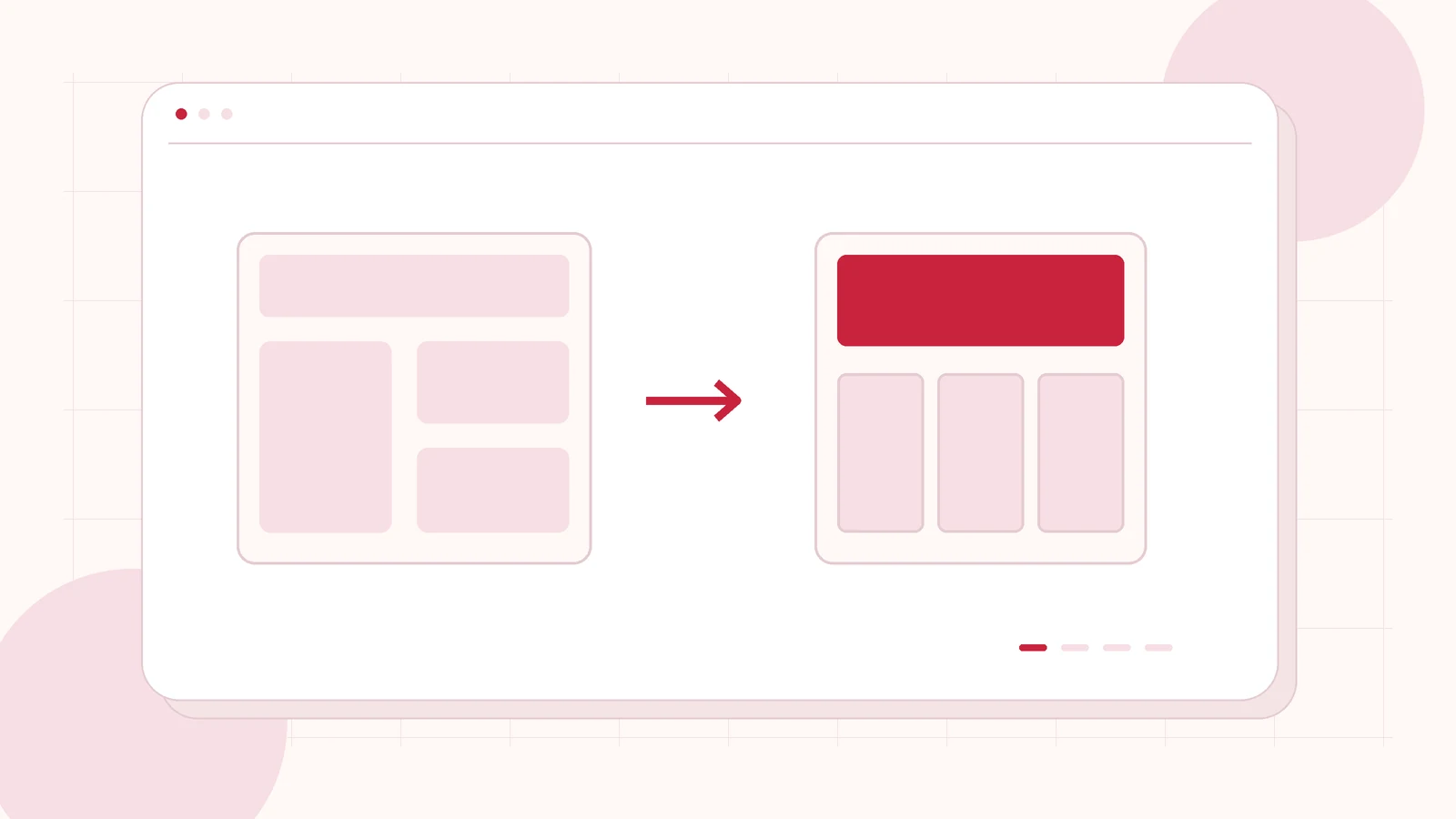
Original editorial illustration of the topic; not a client screenshot or finished-product demonstration.
You may want Bricks because your team prefers its build workflow, wants a different template structure or needs a fresh development approach. Those are project decisions. They do not make an existing Elementor website a one-click conversion, or guarantee that switching builders will solve every speed problem.
An Elementor to Bricks migration is best quoted as an assessed rebuild. Preserve the content and business journeys that matter, then decide which layouts and functions need recreating. I offer Bricks Builder development for scoped websites and existing-site rebuilds, including an agreed editing and handover experience.
Start with the reason for changing builders
Write down the actual problem: difficult editing, inconsistent templates, a redesign, excessive custom dependencies or an implementation that no longer fits the business. Include a few examples. If the issue is a single broken form or an oversized image, a focused repair may be a better first purchase than rebuilding the whole site.
Agree what success means for the people maintaining the website. A cleaner development structure is useful only if the public pages and editorial tasks also work. Specify the recurring changes your staff should be able to make, such as updating a service page or publishing a new case study.
Inventory templates, not just page URLs
List ordinary pages alongside headers, footers, blog posts, archives, search results and any dynamic content. A ten-page website may still rely on several reusable structures. Note Elementor-specific widgets, custom CSS and third-party add-ons that support a required feature.
Bricks provides its own template library and import/export workflow. That documentation does not establish that an arbitrary Elementor layout can be imported unchanged. Ask the proposal to identify the chosen rebuild method, the elements being recreated and the dependencies being retained or replaced.
Keep WordPress data separate from its presentation
Determine where your content is stored and which parts depend on the current builder. Posts, custom fields, taxonomies and relationships need a destination presentation that editors can understand. Do not assume a page looking correct proves that its repeated content, related records or filtering are connected properly.
Illustrative example: a fictional consultancy has service pages and a project library with industry filters. The rebuild brief should cover both the visual project card and the query behind it. It should also explain how an editor adds a new project. This is a planning scenario, not a claim about a completed migration or a ready-made converter.
Recreate the complete enquiry journey
Include form fields, validation, submission storage, notifications, CRM connections and confirmation pages. Preserve required contact details and the rules for different enquiry types. A form that resembles the original can still lose an important integration or route messages to an outdated recipient.
List tracking events and consent-dependent behaviour separately. Agree the test enquiries and recipients with the owner before sending anything. The acceptance evidence should distinguish a form submitting successfully from an email reaching an inbox, and a visible button from a working next step.
Preserve URLs and review the launch boundary
A builder change does not require every public URL to change. Keep suitable addresses where possible and document any intentional changes. Compare titles, descriptions, canonical references, important internal links and indexability between the agreed source and destination. Retain access to the original during review.
If URLs change, include an explicit destination map and redirect review. Google’s site-move guidance is relevant to that part of the release. Careful planning reduces avoidable mistakes, but no developer should promise unchanged rankings or a search improvement simply because the builder is different.
Commission a representative pilot before the full rebuild
Choose a normal page and one difficult example: a dynamic template, an unusual interaction or a form-heavy landing page. Review responsive behaviour, editing, keyboard use and the relevant integrations. Use the pilot to settle the reusable styles and template structure before reproducing every page.
For a quote, send your current URL, approximate content volume, reasons for moving and functions that must remain. I can review a Bricks rebuild brief and identify the first release, exclusions, launch checks and support period. Licensing, hosting and third-party services should be visible alongside development work.
Related planning: Hiring a Bricks Builder Developer: What to Include in Your Website Brief · WordPress Website Redesign Checklist: A Plan for More Enquiries.
Official references, reviewed 26 October 2026: Bricks: template library · Google Search Central: site moves and URL changes.
Written by
Jagjeet Singh
Full stack development, WordPress engineering and practical web products. I work with businesses, teams and agencies in India and worldwide.
Explore my work