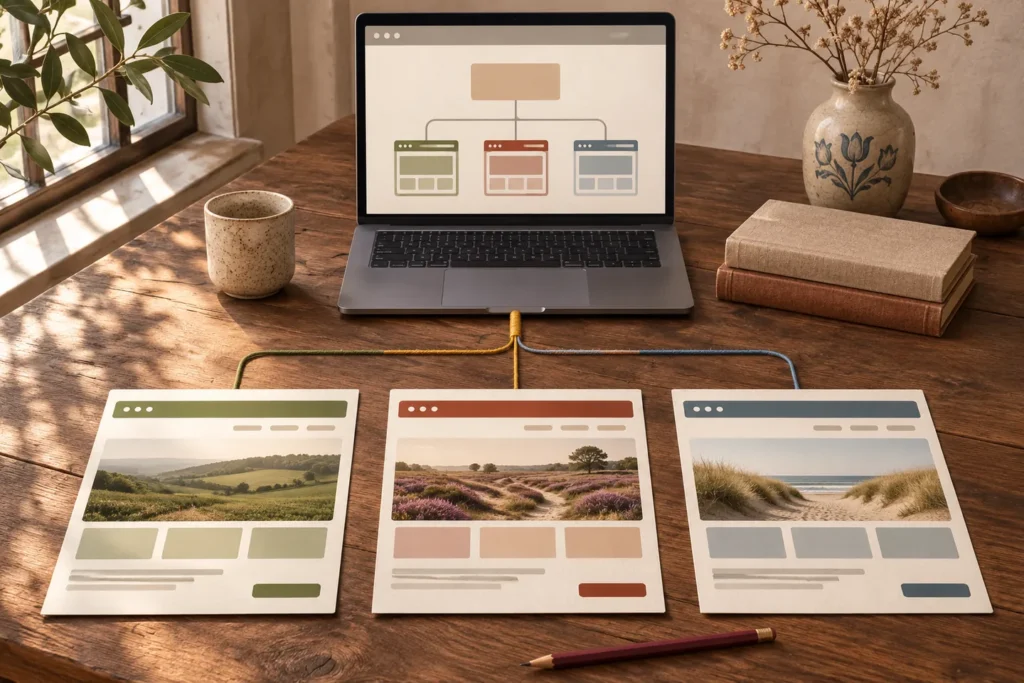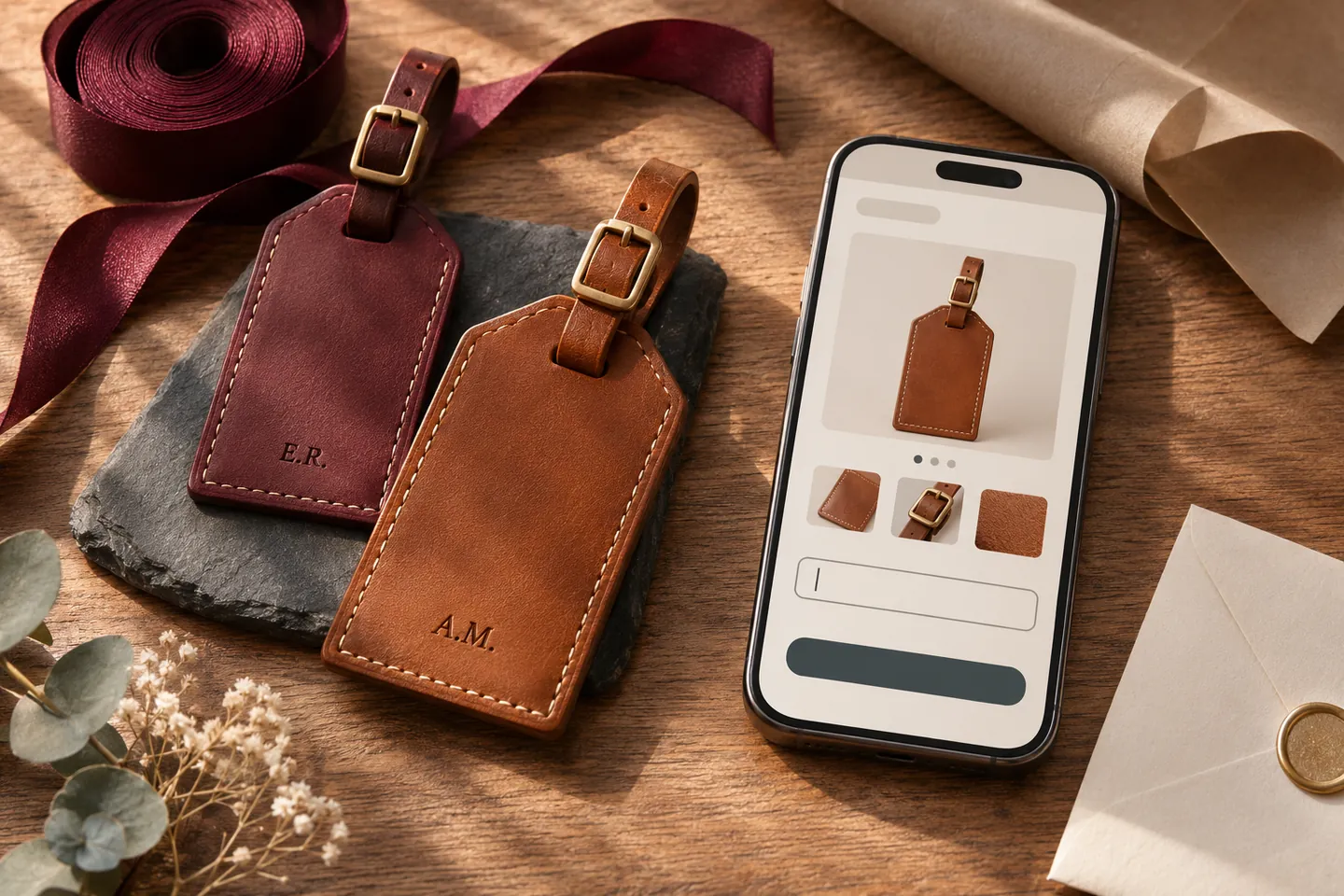
Editorial illustration of a personalized product beside a sample storefront form.
A buyer orders two identical tags with different initials. The cart looks right, but the packing team sees two units and one set of initials. A Shopify personalization project should cover the entire journey from the product form to the person or system making the item. Start with one sample order that your current setup struggles to handle.
Choose where each customer choice belongs
Write down whether each option changes the price or inventory and who needs the value after checkout. A leather colour with its own SKU belongs in variant planning. Plain engraving text can be collected against the selected item. Paid extras, image preview and proof approval introduce additional decisions.
| Choice | First approach to evaluate | What to verify |
|---|---|---|
| Leather colour sold from stock | Shopify variant. | The correct SKU and its inventory carry through to the order. |
| Short initials included in the price | Line item property on the product form. | The initials are attached to the right line and reach the production view. |
| Paid logo upload with proof approval | Options app or custom workflow. | Price, file access and approval status reach the right team at the right stage. |
Shopify treats line item properties as details on an item. Use variants or an approved app where customer choices affect price, SKU or inventory. Shopify’s variant and customization documentation.
List every place shoppers can add the item
Theme inputs live inside the relevant product form. Check the product page, collection quick add, product recommendations, and any accelerated purchase controls included in the theme. An added product can miss its options when an alternate route skips the form. Plan a complete form in that route or send shoppers to the page where they can enter the required details. Shopify’s product template reference.
Show the character limit and supported characters next to the field. On a phone, confirm that a clear error appears where the shopper can fix it. Where shoppers upload artwork, agree file sizes, types, retention and who gets access before selecting the implementation.
Run the order all the way to fulfilment
Test two different names on the same base variant, the same name on multiple units, and a customer who edits the quantity from the cart drawer. Check which details appear in the cart, checkout, order admin and the packing or production system you use. If the warehouse relies on an export, verify the export against sample orders.
Choose how changes after ordering are handled. For a made-to-order item, the team may need a visible approval state and a time when changes close. A proof that lives only in email can get separated from the production queue. Include an order reference and record the approved proof where the team can find it.
Compare a theme solution with the cost of an app
For a handful of simple no-price fields, start by testing what the theme can handle. A preview builder, artwork rules or configurable prices can justify a dedicated app or custom integration. Compare ongoing cost, theme compatibility, export access and the work needed to transition away from a chosen app.
Put the acceptance cases in the estimate. A small pilot might cover one product template, one challenging order and the production handoff. Catalogue-wide rollout and proof approval can then be estimated from what you learn. See the Shopify cart drawer development guide for the cart behaviour to include.
Send one product and two orders you want to support
Share a product URL, your current theme or options app, and two example combinations. Include whether any choice changes the price and which system creates the pick list or production ticket. I can scope the Shopify implementation around those orders.