
Admissions CRM for Schools and Colleges: An Implementation Checklist
Map the enquiry-to-enrolment journey, distinguish student and guardian records, and prepare an admissions CRM brief your staff can validate.

In this article
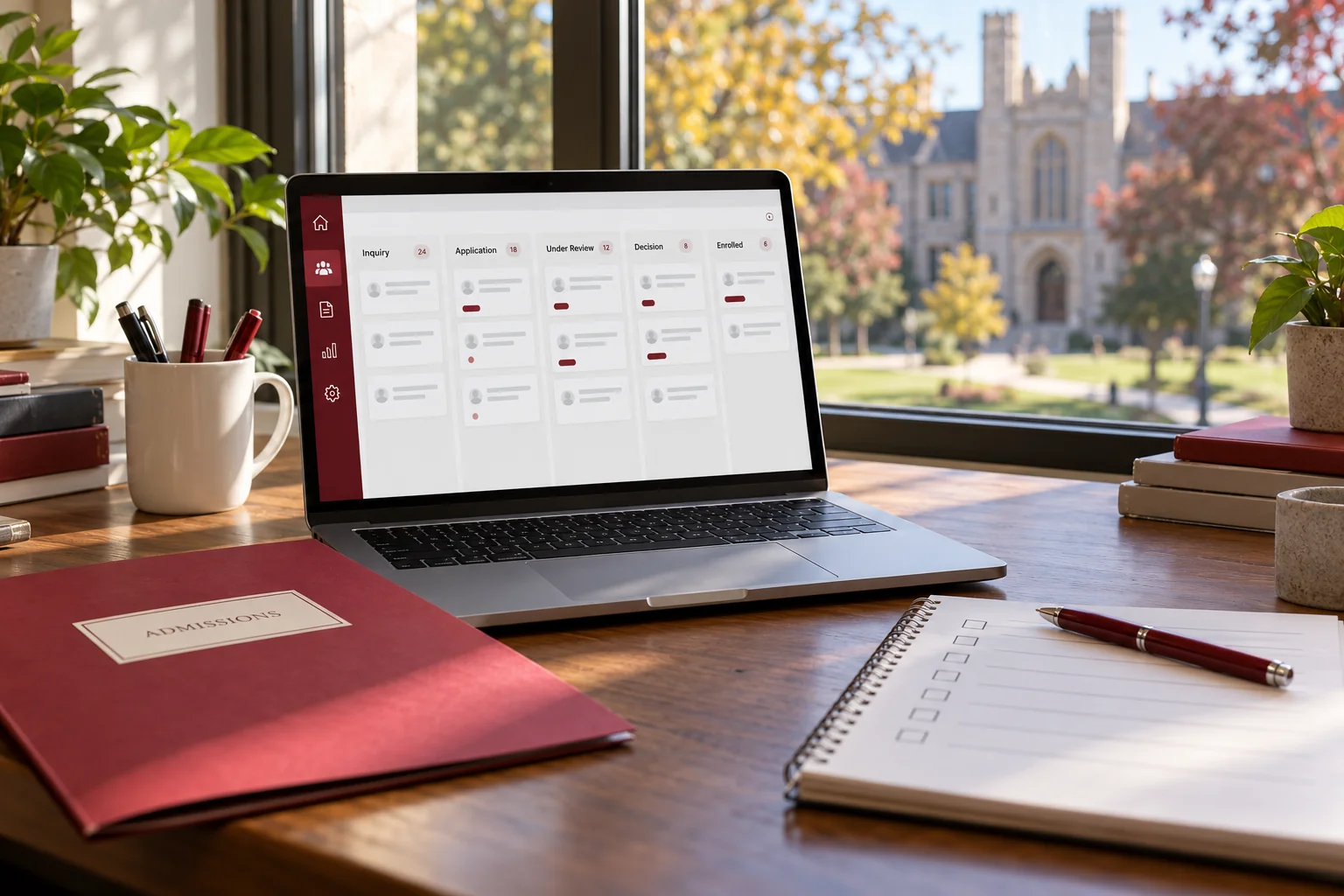
Illustrative workspace. Screens show concepts, not a delivered client system.
An admissions team needs to answer a few questions quickly: who enquired, which class or programme they are interested in, what is pending and who will contact them next. When the answers sit in separate spreadsheets and personal messages, another counsellor may struggle to continue the conversation.
An admissions CRM for schools and colleges should make that journey easier to manage. The project starts by defining your institution’s stages, records and staff responsibilities. This checklist helps you plan an implementation around those requirements instead of buying a dashboard and reshaping the process afterwards.
Separate school and college admission journeys
School admissions may begin with a parent or guardian asking about a class, an academic year and a campus visit. College admissions may centre on an applicant’s programme interest, counselling appointment, application and document review. The records overlap, but the required fields and review stages can differ.
Use separate enquiry types or configurable routes rather than asking every applicant to complete the same form. Keep a person’s contact details distinct from the application: one household may enquire for two children, and one applicant may consider several programmes. Record the relationship clearly so staff contact the appropriate person.
Give every active enquiry an owner and next action
Capture the source, preferred class or programme, intake, campus, assigned counsellor and next-action date. Then define how unassigned enquiries enter a queue and how staff cover absence or reassignment.
As an illustrative scenario, a parent submits a Grade 6 enquiry, a counsellor arranges a visit and the application waits for a document. The CRM should show that pending document and the next contact, rather than leaving the record permanently marked “interested.” Decide how repeated enquiries are linked without silently discarding useful history.
Include closed, withdrawn or deferred outcomes so old enquiries do not remain in the daily follow-up list indefinitely.
Make application stages describe real staff decisions
An example journey is enquiry, counselling or visit, application submitted, staff review, decision recorded and enrolment confirmed. Your institution may need different routes or additional approvals. Write down who may move each record and what must be complete first.
The UCAS application-tracking guidance provides a UK example of separating application progress, interviews and decisions. It illustrates why distinct statuses matter; it is not a prescribed process for your institution.
The CRM should record decisions made by authorised staff. Admission eligibility, selection and scholarship decisions remain with the institution.
Scope documents, communication and access together
Define a document checklist for each admission route. Clarify who uploads a file, who reviews it, what a rejection or replacement means and how the applicant learns what is still needed. An uploaded file is not automatically a reviewed document.
For email, SMS or WhatsApp reminders, agree recipients, consent handling, approved content and provider charges before integration. A communication history can distinguish a planned reminder from one that was actually sent. Staff need a visible retry or manual follow-up path when a provider fails.
Agree which counsellors, campus administrators and central staff can view records, download documents or export data. Include student and guardian data handling, retention, hosting and backups in discovery.
Keep the admissions CRM and SIS handover explicit
A CRM can coordinate the enquiry-to-enrolment process while an existing student information system or ERP manages the ongoing student record. Decide the point at which a confirmed admission is ready to be handed over.
- Choose which application reference maps to the student record.
- Agree the fields and document references that move between systems.
- Identify the authoritative system for each shared field.
- Check API access, authentication, provider fees and error reporting.
- Test a repeated handover so it does not create duplicate students.
If an API is unavailable, a reviewed export and import may be a practical initial approach. Attendance, examinations, payroll and complete accounting are additional scopes.
Use reports the admissions team can act on
Start with pending work: unassigned enquiries, applications awaiting documents, visits to confirm and follow-ups due. Management views can then group applications by intake, programme, campus and source.
Define the denominator before using a conversion percentage. A count of form submissions may include duplicates, while a count of applications may exclude early enquiries. Record the definitions so two reports do not describe different populations using the same label.
Review source quality alongside recorded outcomes. Reporting can help you investigate where applications pause; a CRM alone does not guarantee higher enrolment.
Prepare an admissions CRM implementation brief
Describe one intake in detail before attempting to cover every campus and programme. Bring anonymised forms, current column headings, admission routes, role definitions and the reports staff actually use.
- A repeated parent enquiry links to the correct student and intake.
- A counsellor can hand an application to another staff member with its history intact.
- A missing document appears in the pending queue until reviewed.
- A user restricted to one campus cannot export another campus’s records.
- A confirmed application reaches the SIS once, with exceptions visible.
These are useful acceptance examples. Pilot with a small staff group, validate imported records and agree a fallback process before expanding access.
Common admissions CRM project questions
Can one CRM support schools and colleges?
Yes, with routes, fields and permissions scoped for each admission process. Keep student, guardian, programme and intake relationships understandable.
What determines the development cost?
Application routes, campuses, access rules, document handling, migration, reports and integrations determine scope. Hosting and messaging-provider fees should be identified separately.
Can we keep our existing website?
Website forms can be assessed as enquiry sources. Validation, duplicate handling and routing must be agreed whichever platform hosts the form.
Should we replace our ERP at the same time?
Only if there is a separate business requirement. A focused admissions implementation can hand confirmed records to an existing system.
Plan the first release with your admissions team
I offer custom education and admissions CRM development for schools and colleges. The modules, workflow and integrations are agreed for your institution.
Share the programmes or classes you admit to, the number of campuses, your current tools and the work that most needs coordination. Use anonymised descriptions in the initial enquiry. I can review that process and discuss a scoped implementation.
If you are deciding between configuring an existing product and commissioning a build, read the custom CRM comparison first.
Written by
Jagjeet Singh
Full stack development, WordPress engineering and practical web products. I work with businesses, teams and agencies in India and worldwide.
Explore my work

