
AI Workflow Automation for Small Businesses: 7 Practical Uses
Seven ways a small business can combine AI with ordinary automation, plus a practical method for choosing a pilot and measuring whether it helps.

In this article
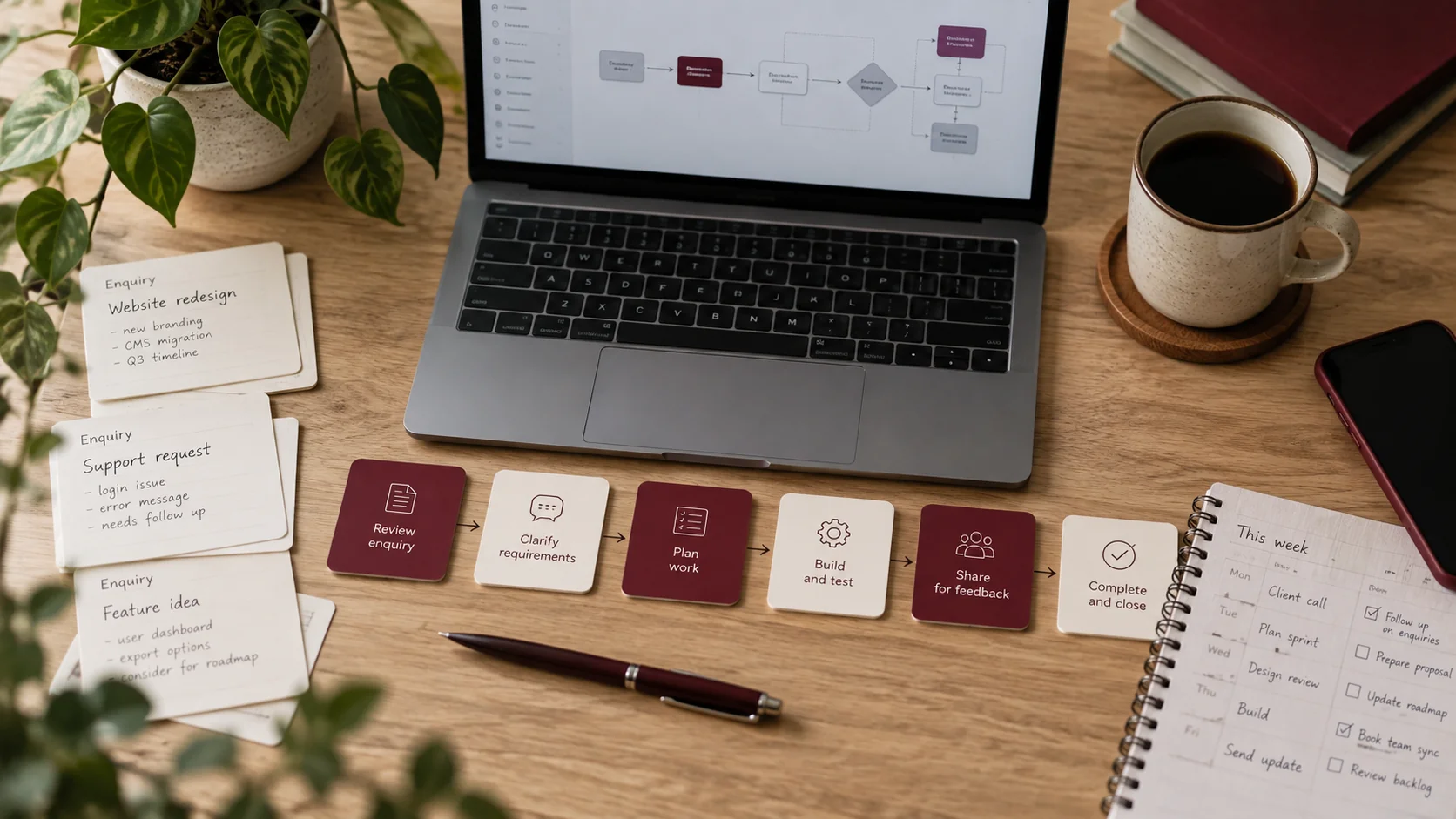
Illustrative workspace. Screens show concepts, not a delivered client system.
A useful automation project often starts with a small frustration: staff copying enquiries into a CRM, searching the same documents or rewriting the same follow-up message. You do not need to redesign the whole business to investigate one repeated task.
AI workflow automation for small businesses works best when the task needs some interpretation and the surrounding process is clear. Use ordinary rules for predictable steps, then consider AI where incoming text varies. The seven workflows below are implementation ideas to evaluate, not finished product features or promised savings.
Where AI helps and where a simple rule is enough
If a form has a fixed “service” field, routing it to the relevant team usually needs a rule, not a language model. If an enquiry arrives as a long, unstructured email, an AI step may help prepare a summary and identify missing details.
The application still needs to validate required information, decide what actions are allowed and record their outcome. OpenAI’s function-calling documentation shows how a model can request a tool action that application code then handles. The surrounding workflow is part of the development work.
Choose the simplest process that solves the problem. Adding AI to a reliable existing rule can increase complexity without improving the result.
Seven workflows worth evaluating
1. Turn website enquiries into a useful brief
Collect the visitor’s form details, prepare a short project summary and identify information the team still needs. Create a CRM entry or review queue using validated fields. Keep the original enquiry attached so staff can check the summary.
2. Route incoming email to the right person
Classify enquiries into agreed categories and prepare the next step. Provide an “unclear” route rather than forcing every message into a confident category. Start with a limited inbox or label and compare routing with staff decisions.
3. Prepare meeting notes for review
Given an authorised transcript or staff notes, draft action items and a proposed CRM update. Let the meeting owner confirm the details before an update is applied. Measure correction effort as well as time spent preparing the draft.
4. Organise document intake
Extract agreed fields from incoming business documents and flag missing information. Use validation for dates, identifiers and required fields. Send uncertain cases for review instead of silently writing incomplete records.
5. Help staff find approved information
Provide a search assistant for maintained process documents and help content. Include source references and access rules. This is a related use case for an AI knowledge assistant, rather than a public sales chatbot.
6. Draft a follow-up for a team member
Prepare a message from the enquiry, the approved service information and the next agreed action. A person can review the recipient, tone and commitments before sending. Define who owns that review instead of treating a draft as a completed follow-up.
7. Prepare an admissions enquiry summary
Combine a prospective student’s enquiry with approved course information, then route the context to a counsellor. Keep admissions decisions with the institution. If the wider process needs custom records and follow-ups, explore education and admissions CRM development.
Choose the first pilot with a simple scorecard
Compare candidate tasks using frequency, available information, exception rate and ownership. A task that happens often, has usable inputs and has a clear reviewer is generally easier to evaluate than a rare task with ambiguous requirements.
| Question | What to look for |
|---|---|
| How often does it happen? | Enough real examples to test and compare. |
| Are the inputs available? | Accessible forms, emails, documents or supported APIs. |
| Who confirms the result? | A named team member with clear review criteria. |
| What happens on failure? | A visible queue, retry or manual alternative. |
| How will you judge usefulness? | Task completion, corrections and time spent per item. |
These are planning criteria, not evidence that a particular business will save a fixed amount. Establish a baseline before deciding what improvement would justify ongoing use.
Define the workflow from input to exception
Write down the trigger, information sources, permitted action, review step and finishing point. For example: a WordPress enquiry arrives, its fields are checked, a summary is prepared, a CRM record is created and staff receive the context.
Then describe the exception path. What if the CRM is unavailable? What if the same enquiry arrives twice? What if the summary misses an important requirement? Handling these cases is part of a practical scope.
For tasks involving several tools and decisions, agentic AI development may be relevant. The brief should still define approved actions and review checkpoints rather than asking for unrestricted autonomy.
Budget for ownership as well as the first build
Ask who maintains source documents, connected accounts and workflow rules. Include model usage, hosting and other provider charges in the discussion without assuming they are covered by the development quote.
Test with representative examples, review failures and agree a handover. Decide how changes to your process will be reflected in the automation. A pilot is useful when it produces enough evidence to continue, refine or stop the workflow.
If the main problem is collecting enquiries on the website, my AI chatbot planning guide covers the visitor-facing part of that journey.
When to separate an agent pilot from a knowledge assistant
A fixed handoff, a document-answering assistant and an agent that selects its next action need different acceptance checks. For the first, define the sequence and exception path. For document questions, specify source authority and permissions. For an agent, specify the tools and actions it may choose.
Use the business AI agent pilot guide when considering adaptive tool use, and the knowledge assistant buying guide when the problem is finding an approved answer. You can discuss a scoped implementation through AI agent development or knowledge assistant development. Start with one repeated task, an owner and a sample you can evaluate.
Have one repeated task in mind?
I offer AI workflow automation development and implementation for businesses and agencies working remotely with me from India and internationally. Describe the task, the tools involved, how often it happens and who checks the result. That gives us a useful starting point for a scoped pilot.
Written by
Jagjeet Singh
Full stack development, WordPress engineering and practical web products. I work with businesses, teams and agencies in India and worldwide.
Explore my work

