
Custom CRM Dashboards: Define the Metrics Before Building the Charts
Agree what each CRM metric counts, which date it uses and how totals reconcile before commissioning a dashboard.

In this article
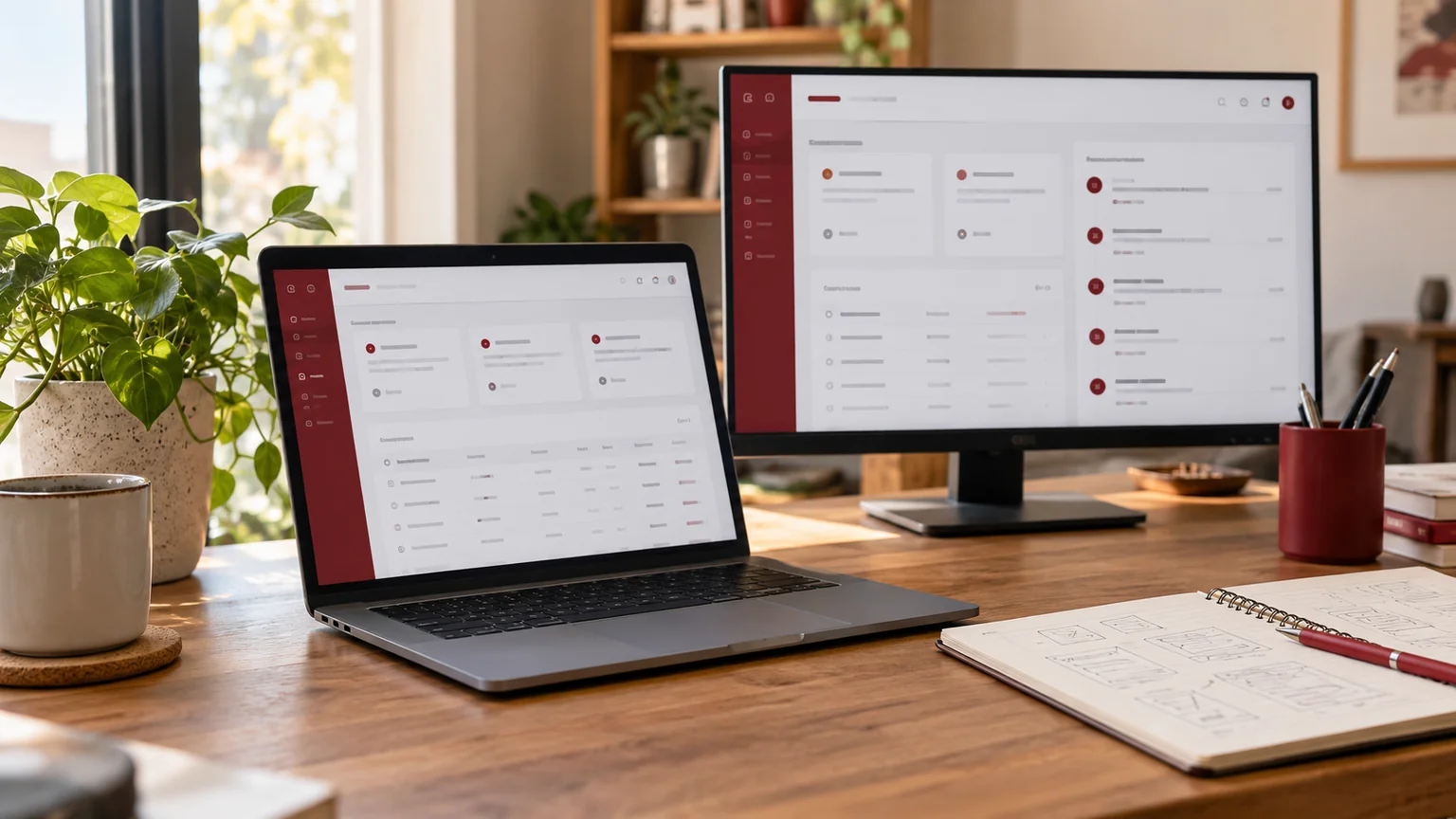
Editorial illustration. Any screens and records are illustrative, not a delivered client system.
Two CRM charts can show different totals and both be following their specifications. One counts enquiries created this month; the other counts opportunities still open today. If the labels simply say “leads”, managers have to guess which decision either number supports.
My custom CRM dashboard development starts with a metric dictionary and a small set of business questions. Charts follow those definitions. This avoids spending on a polished dashboard that cannot be reconciled to records or explained by the people who use it.
Start with decisions rather than chart types
Ask what someone should do after reading the dashboard. A manager might need to redistribute overdue work, investigate a fall in qualified enquiries or prepare a handover. Each decision needs a clear measure and a route to the relevant records.
Limit the pilot to a few decisions with named owners. A request for twenty charts often contains duplicated or incompatible definitions. Ask which action would change if a number moved. If nobody can answer, keep that metric outside the initial release until its purpose is clear. This makes a smaller dashboard more useful without pretending that fewer charts automatically create better performance.
Define the record grain before counting
Microsoft’s modelling guidance explains the importance of facts, dimensions and the level at which data is recorded. The same principle applies to a custom CRM: joining enquiry, task and activity records can change the number of rows behind a chart.
A lead with three follow-up tasks is still one lead if the metric counts leads. Decide whether a measure counts unique business records, events, line items or snapshots. Treat that decision as part of the specification. This is modelling guidance, not a requirement to use Power BI or any particular reporting product.
Create a metric dictionary your team can sign off
The table below is an illustrative dictionary for a fictional CRM. Replace its definitions with decisions agreed by your team.
| Metric | Grain and inclusion | Date rule | Reconciliation |
|---|---|---|---|
| New enquiries | Unique enquiry IDs created in period | Creation time in agreed timezone | Match filtered enquiry list |
| Open opportunities | Eligible records in open states | As-of snapshot | Inspect status membership |
| Overdue tasks | Incomplete tasks past due time | Current agreed time | Match task queue |
| Qualified enquiries | Records meeting approved criteria | Explicit qualification date | Review sample transitions |
Add the owner, excluded states, missing-value behaviour and access rule. Avoid calculating a conversion rate until its numerator, denominator and time relationship are agreed.
Treat dates and changing statuses explicitly
Creation date, scheduled date and closing date answer different questions. A record that moved between stages this week may have been created months ago. Decide whether the dashboard describes current state, historical transitions or a cohort created during a specific period.
Write down the timezone and the boundaries used for a day, week or month. Agree how reopened, merged or deleted records affect the measure. If historical state was not recorded, explain that limitation rather than presenting a current snapshot as a reliable past trend. These decisions often matter more than whether the chart uses bars or a line.
Check totals and distinct records separately
Microsoft’s distinct-count documentation illustrates why distinct totals need not equal the sum of grouped values. A record present in more than one category can appear in each group but be counted once in the overall total. That distinction should be understandable in your dashboard.
Prepare a small fictional dataset with records that cross categories and records with missing values. Calculate the expected result independently before reviewing the chart. When a total is intentionally non-additive, use a precise label or explanation. Do not “fix” the number merely to make it match an incorrect spreadsheet formula.
Design the chart and its record-level handoff
A dashboard should help an authorised user investigate a number. Define the filters, default period and route to the corresponding list. Preserve the same business definition when moving from the chart to records, so the drill-down does not quietly use a different date or status filter.
Apply permissions to the underlying data and exports, not only the dashboard menu. A team member’s view may legitimately differ from a manager’s view. Make that context visible. Also define empty states, delayed refresh messages and small-screen layouts so the interface does not imply that missing or unavailable data equals zero.
Commission a reconciliation-based pilot
The pilot should deliver the metric dictionary, data mapping, a limited dashboard, access rules and a repeatable reconciliation sheet. Use sample records with known expected outcomes. The business owner should approve definitions before additional charts are added.
- Each number matches the agreed sample and filtered record list.
- Date boundaries and timezone behaviour follow the dictionary.
- Repeated joins do not accidentally inflate unique-record counts.
- Grouped and overall totals behave as documented.
- Role-specific views and exports respect the approved access scope.
- Empty, delayed and missing-data states are understandable.
Send the definitions with your development brief
Share the decisions the dashboard supports, the current record model and any existing spreadsheets. Include approved definitions if they exist, and identify disagreements rather than hiding them in chart labels. Give the developer fictional examples of edge cases and name the person who can approve each metric.
My dashboard MVP briefing guide covers delivery scope, while the custom CRM comparison helps assess implementation choices. I can plan custom CRM reporting implementation around a reconciled pilot, with clear definitions your team can continue using after handover.
Written by
Jagjeet Singh
Full stack development, WordPress engineering and practical web products. I work with businesses, teams and agencies in India and worldwide.
Explore my work

