
Drupal to WordPress for Taiwan Businesses: Migrate Technical Document Libraries
A migration brief focused on technical downloads and their relationships rather than a page-count-only content transfer.

In this article
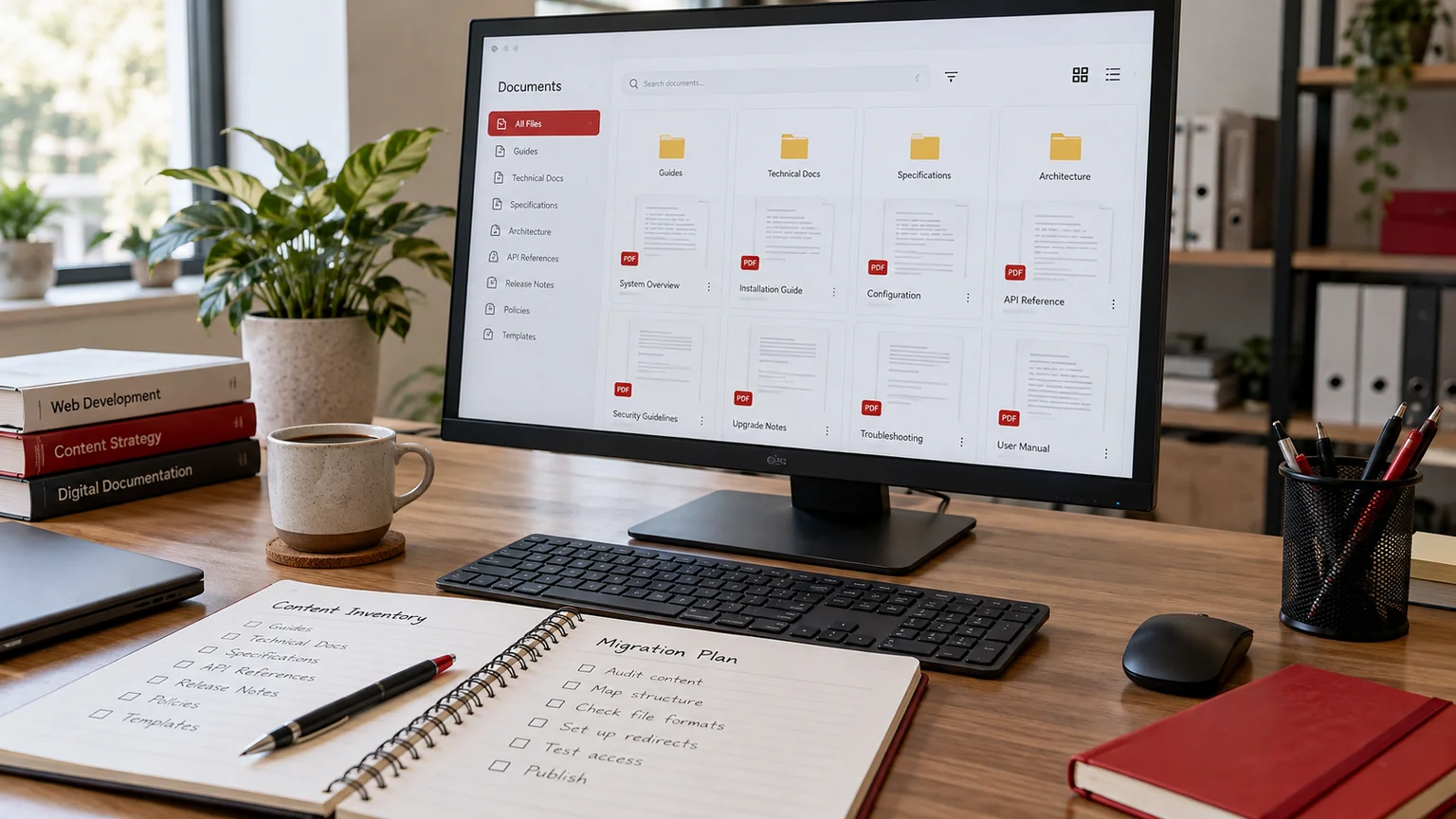
Illustrative workspace. Screens show concepts, not a delivered client system.
A technical document library can be one of the most valuable parts of a Taiwan business website. Buyers and existing customers may bookmark a manual or datasheet rather than the homepage. When moving from Drupal to WordPress, a successful page import is only one part of the task: the document references, product associations and public links also need a plan.
Inventory the library before choosing a layout
Export or document the records the current library actually contains: files, titles, classifications, linked products and any language or revision fields. Note which documents are public, retired or restricted. The visual redesign should follow that structure rather than erase useful information to fit a simpler card layout.
Drupal’s file migration documentation treats files and their field relationships as migration concerns. Although a WordPress destination requires its own mapping, the distinction helps explain why copying page text does not transfer the whole library.
- File reference and current address.
- Product or document-family relationship.
- Language and approved revision.
- Public or controlled access.
Choose the WordPress record structure
Decide whether documents are managed as attachments linked to product records or as their own structured entries. The right choice depends on how editors update them and how visitors search. A document used by several products should not need several independent uploads to remain current.
Define the fields and filters buyers need. Model numbers, document types and languages can be useful; filters that contain empty categories or obscure internal codes may only make the library harder to use. Ask sales and support to identify realistic search tasks before approving the structure.
Map addresses and embedded links
Create a map for existing document landing pages and file URLs. Include links embedded in product text, articles and older navigation. Decide whether each address stays valid, redirects to an appropriate replacement or displays an intentional withdrawal response.
Test the destination file itself. A redirect to a generic downloads page may technically return a successful page while losing the manual the visitor needs. Search preservation means maintaining useful destinations and accurate signals, not guaranteeing that every ranking will remain unchanged after a migration.
Review restricted files independently
A document that is visible only after login needs more than a hidden menu link. Review the actual file delivery path and the permissions that govern it. Exporting all files to a public uploads directory without that review can change the library’s access model.
Use a representative restricted file during the technical assessment. Confirm what an authorised person can retrieve and what a visitor without access receives. The business approves the access requirements and the developer scopes the mechanism; do not assume a particular plugin already enforces the intended rule.
Reconcile the import with useful samples
Check counts by classification, but also follow product-to-document relationships and open the files. Include a translated datasheet, an old manual, a shared document and a record with missing metadata. Record the discrepancy and its agreed resolution instead of forcing every item into a default category.
Arrange a content freeze or a controlled final update before launch so newly revised files do not disappear between exports. Show the future editor how to publish a replacement and update its relationships. That handover is part of the migration deliverable.
Can we redesign the library at the same time? Yes, if the new structure and address changes are agreed before the final mapping. A staged sample reduces uncertainty.
For the wider implementation decisions, see the Drupal migration planning guide.
Discuss a scoped implementation
Provide the current Drupal site, approximate library size, example classifications and the required access model. We can review a representative product and its documents first, then scope the import, links and launch checks.
I’m Jagjeet Singh, based in India and working remotely with businesses and agencies. Discuss your document-library migration. Share the current site or workflow and the first outcome you want to review; I can assess the requirements and propose an implementation scope.
Written by
Jagjeet Singh
Full stack development, WordPress engineering and practical web products. I work with businesses, teams and agencies in India and worldwide.
Explore my work

