
Manufacturing CRM: Track Enquiries, Quotation Versions and Dealers
A development planning guide for manufacturers and distributors: connect requirements, quotations and dealer activity without confusing CRM scope with ERP scope.

In this article
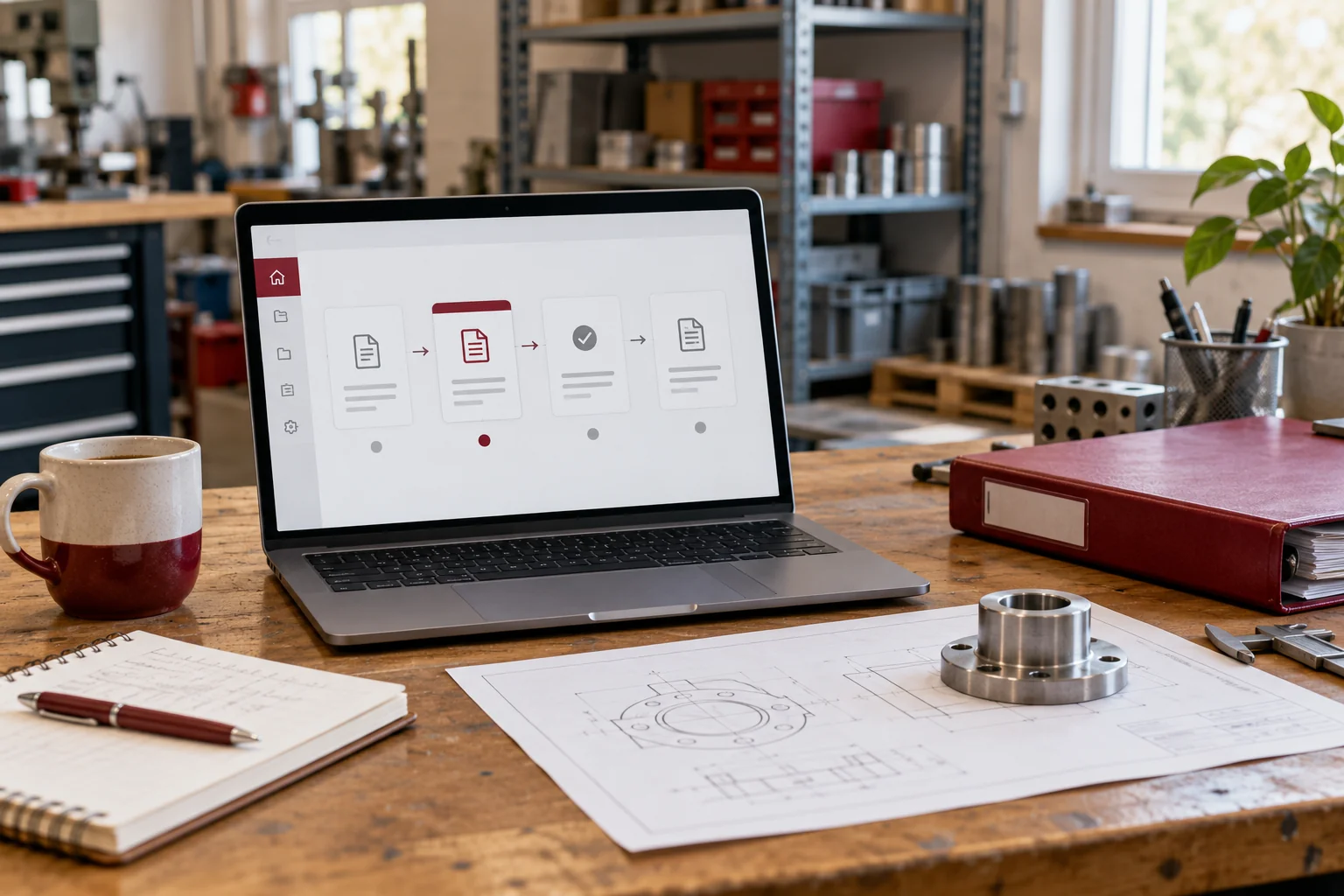
Illustrative workspace. Screens show concepts, not a delivered client system.
A manufacturer’s enquiry often includes specifications, quantities, attachments and several commercial discussions before an order is agreed. When the quotation is revised, the sales team needs to know which version the buyer received and what should happen next.
Manufacturing CRM quotation tracking can connect those details to customers, dealers and follow-ups. The strongest brief describes the commercial workflow and the systems that already control production, inventory and accounts. This guide helps you scope a custom CRM around that boundary and a useful first release.
Map the enquiry before designing a sales dashboard
Follow one typical request from arrival to closure. Record the source, customer, product interest, specification reference, quantity, salesperson and required response. Identify who checks technical feasibility and who may approve commercial terms.
A useful CRM enquiry record should link to the information needed for the next step. Some requirements may live in a document or another system; decide whether the CRM stores an approved reference or the file itself.
Separate a customer account from its contacts and opportunities. A dealer may have several open requirements and several people involved in each discussion.
Give quotation versions a clear relationship
Store a stable quotation reference with distinguishable revisions, issue dates, validity, status and the related enquiry. Decide which values and documents belong to each version. Staff should be able to identify the version approved internally and the one shared with the buyer.
Microsoft’s quote, order and invoice documentation gives a product example of tracking a quotation lifecycle and revision identifier. Your custom CRM can use its own agreed version model.
For an illustrative case, the buyer changes the quantity after an initial quote. Preserve that earlier version, create a new revision and update the follow-up task. Do not quietly overwrite the document that explains the previous negotiation.
Keep approvals and follow-ups separate
An internally approved quotation is not necessarily accepted by the buyer. Use statuses that distinguish preparation, approval, issue, negotiation, expiry and recorded acceptance or loss.
- Define who may approve pricing or commercial terms.
- Record which quotation version is awaiting a response.
- Assign a follow-up owner and next-action date.
- Show expired or superseded versions clearly.
- Preserve the reason a request was paused or closed.
The CRM can coordinate these steps. Automated pricing calculations, discount limits and approval rules should be agreed and tested separately rather than assumed from a generic quotation screen.
Build dealer records around responsibility and history
A dealer or distributor record can hold territory, assigned salesperson, contacts and linked enquiry history. Decide how direct customer enquiries relate to dealers and whether more than one territory or account owner is possible.
For a dealer portal, explicitly scope what external users may see, submit or download. Internal notes, other dealers’ commercial terms and unrestricted exports should not become visible simply because records share the same interface.
Start with internal dealer coordination if a portal is not required immediately. The first release should solve a daily handover before introducing another access model for the team to maintain.
Connect accepted work to the existing ERP carefully
The CRM may record an accepted quotation and purchase-order reference while the ERP controls order fulfilment, stock, production or accounting. Identify the authoritative source for each shared status.
Review API access, vendor support, authentication and the exact fields required. Agree the direction of each update and how a failed or repeated sync is handled. Staff should be able to see an exception rather than assume an order was created elsewhere.
Without an appropriate API, a reviewed export or manual reference may be the first-release approach. Avoid describing high-level order visibility as a complete production-planning or accounting implementation.
Choose reports with consistent definitions
Useful starting views include enquiries awaiting a technical response, issued quotes awaiting follow-up, quotations approaching expiry and opportunities by dealer or territory. Define what information salespeople must record to make each view reliable.
Do not count every quotation revision as a separate new opportunity. Agree how open value is calculated, which currency is shown and how superseded or lost work is excluded. Order and payment summaries should identify their source and update time.
These reports can support commercial reviews. Revenue and conversion outcomes still depend on demand, pricing, delivery and the sales process; they are not guaranteed by adding a CRM.
Prepare the scope, migration and acceptance checklist
Bring anonymised enquiry examples, quotation layouts, version rules, approval roles, dealer records and the names of your current business systems. Describe the first handover you want to improve.
- A revised quote preserves the earlier version and its history.
- Only an authorised role can approve the agreed commercial fields.
- A dealer record connects the right contacts and open enquiries.
- A repeated integration event does not create a duplicate order reference.
- An imported customer is reconciled against the agreed account key.
Cost depends on quotation logic, access rules, migration, reporting and integration work. The proposal should distinguish development from hosting, paid providers and support.
Manufacturing CRM questions to resolve early
Does this replace manufacturing ERP?
A commercial CRM scope does not automatically cover production, stock or accounting. It can be designed to work alongside an ERP where supported access is available.
Can we keep our current quotation format?
The format can be reviewed. Agree the fields, calculations, approvals and version behaviour before including document generation in the scope.
Can dealers have separate access?
Yes, as a scoped portal or access model. Define record visibility and permitted actions, then test them with fictional dealer accounts.
Can development start with our Excel process?
Yes. Use existing sheets to understand useful fields and stages, then clean and test an anonymised sample before migration.
Review a manufacturing CRM development project
I offer manufacturing CRM development for enquiry, quotation, dealer and commercial follow-up workflows. The implementation is scoped around your process and reviewed integration options.
Tell me what you manufacture or distribute, how quotations are revised, who approves them and which ERP or accounts tools you use. I can discuss an appropriate first release and quote the agreed work. Read the custom CRM comparison if you are still weighing configuration against a custom build.
Written by
Jagjeet Singh
Full stack development, WordPress engineering and practical web products. I work with businesses, teams and agencies in India and worldwide.
Explore my work

