Shopify Product Data Migration: Plan Variants, Metafields and Import Checks
Moving a product catalogue to Shopify? Scope variants, images, metafields and inventory ownership. Plan a sample import and reconciliation before launch.

In this article
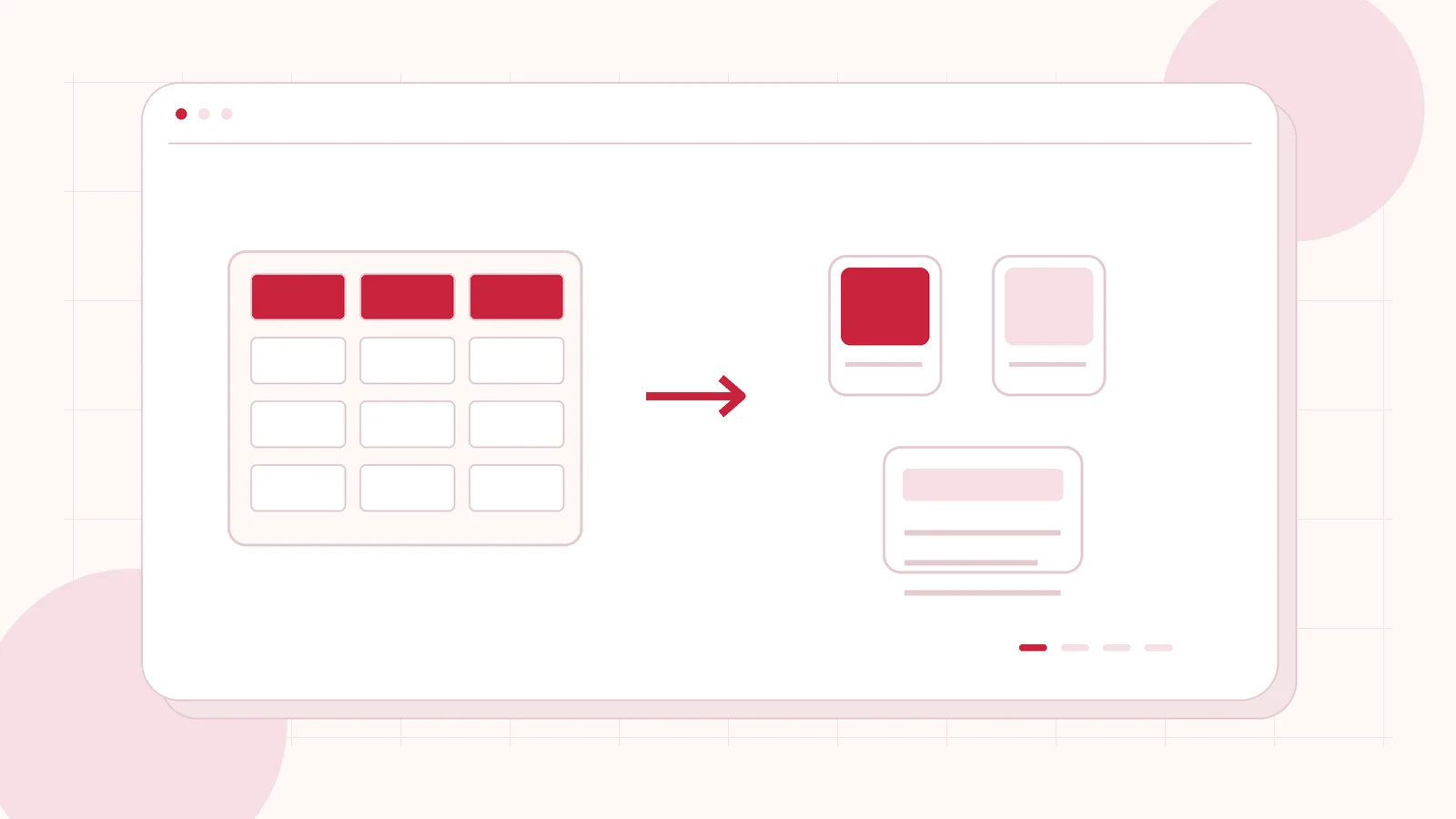
Original editorial illustration of the topic; not a client screenshot or finished-product demonstration.
A product migration can appear successful while leaving a store difficult to shop. Images may belong to the wrong variants, important attributes may be missing, or stock may be disconnected from the system that actually fulfils orders. Counting imported product titles does not reveal those problems.
Shopify product data migration should be planned as a mapping and review project. Define the source, destination fields and exceptions before moving the full catalogue. I provide Shopify development and scoped migration work, with the import method and acceptance checks chosen after reviewing representative data.
Name the source of truth for each kind of data
Your existing website may own product descriptions while an inventory system owns stock and another team owns photography. List those responsibilities. Decide which source wins when values disagree, and identify the person authorised to approve a corrected record.
Keep the first import distinct from an ongoing synchronisation. A one-time catalogue move does not establish how later price, stock or product changes will reach Shopify. If the store must remain connected to another system, include that integration and its failure handling as a separate deliverable. It should not be assumed to come free with a spreadsheet import.
Map products and variants before preparing the file
Agree what constitutes a product and which options create variants. Identify stable source references and the rules for matching an existing destination record. A product title is often a poor sole identifier because names can change or repeat across ranges.
Include cases that challenge the map: a simple product, multiple options, missing SKUs, variant-specific images and discontinued items. Write down which records should be created, updated, excluded or reviewed manually. These decisions prevent a developer from guessing how a difficult source record ought to behave in the new store.
Treat metafields and images as explicit scope
Shopify’s product CSV documentation distinguishes supported product fields from data needing another route. It currently supports product metafields in CSV workflows but not variant metafields through that product CSV import/export. Confirm current capabilities and choose a supported method for the fields your store actually needs.
For media, map the correct source asset, product relationship and variant relationship where relevant. Review image quality and useful alternative text rather than copying filenames into every description. Record any missing or unlicensed assets for owner review. A reference in the source file does not guarantee that a permitted, accessible image will arrive correctly.
Run a sample import with a reconciliation sheet
Before a full run, import a small representative set into an appropriate test destination. Shopify’s import guidance recommends backups and sample testing for large-scale work. Agree the conditions for creating or overwriting records before approving a live import.
Compare the source and destination side by side. Check selected field values, variant relationships, images, publication state and the product page. Keep a reconciliation sheet showing source reference, destination reference, expected result and findings. An import tool reporting completion should not be the only acceptance evidence.
Include stock, URLs and late changes in the release
Determine how inventory is represented across the relevant locations and which system will update it. Agree who verifies availability before the store accepts orders. Product content and stock may follow different import paths, so both need an accountable owner.
If public addresses change, prepare the relevant product and collection destination map and review internal links. Agree a final data window and a method for handling changes made after the pilot. Keep a rollback or correction plan appropriate to the chosen import method. Do not assume the business can stop updating its catalogue indefinitely while a migration is underway.
Request a quote based on a representative catalogue
Share the current store or catalogue source, approximate product and variant counts, required languages and the systems owning stock and pricing. Provide a redacted sample with ordinary and difficult records. Explain whether you need a one-time move, ongoing integration or both.
I can review a Shopify catalogue migration brief and identify mapping, development, data preparation and release work. The proposal should separate app fees and external services from implementation. Customer and order migrations, if required, need their own authorised scope; they should not be silently included in a product-only brief.
Related planning: WooCommerce to Shopify Migration: Products, Orders and Redirects · Shopify ERP Integration for US Brands: Map Inventory, Orders and Fulfilment First.
Official references, reviewed 26 October 2026: Shopify: product CSV fields · Shopify: importing product CSV files.
Written by
Jagjeet Singh
Full stack development, WordPress engineering and practical web products. I work with businesses, teams and agencies in India and worldwide.
Explore my work