
Umbraco to WordPress Migration: Rebuild Content Blocks Without Making Editing Harder
A buyer guide to preserving content structure and a practical editor experience when rebuilding an Umbraco website in WordPress.

In this article
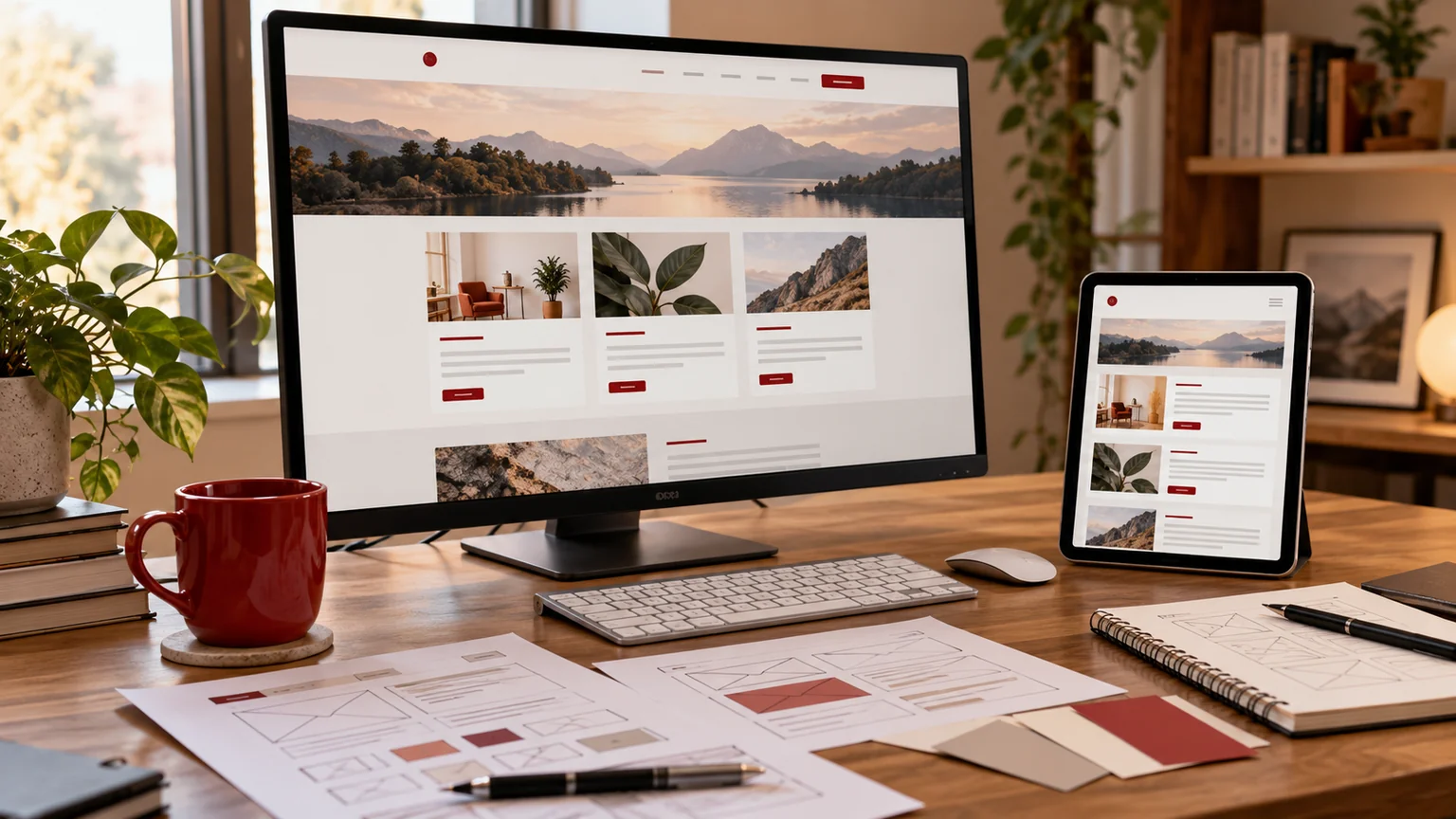
Illustrative workspace. Screens show concepts, not a delivered client system.
The public design is only part of an Umbraco website. Your editors may build pages from document types, reusable blocks, media references and language variants. An Umbraco to WordPress migration should preserve the useful structure of that content while giving the team a practical way to maintain the replacement.
My Umbraco to WordPress migration service reviews the source version, content model and target editing workflow before the wider rebuild is scoped. If a migration removes duplication on the screen but creates duplication for editors, the project has missed an important requirement.
Record how a page is actually composed
Choose a page your team considers typical and list the document type, properties, blocks, nested content and references it uses. Add one unusually complex page as well. A public URL inventory gives the content count; these examples show how much structural work sits behind it.
Record the Umbraco version and packages that affect editing, routing, forms or media. Older and newer implementations may store or expose content differently. The source team should confirm what access or export is available, including the content dependencies needed to understand a composed page.
Use exports as source material, not a completed conversion
The Umbraco Deploy import and export documentation describes transferring content and schema between Umbraco environments. A WordPress destination still needs its own mapping, templates and validation. The availability and coverage of a particular export must be assessed against your source setup.
Check that the material supplied includes the information required for the rebuild. That may involve document-type definitions, content records, media files and relationship identifiers. A rendered page alone may not reveal which text is a shared value or how editors control it.
Decide what should be shared in WordPress
A block reused across ten pages needs an ownership decision. It might become a shared Elementor template, a structured content record or a page-level copy. Each option has different consequences when an editor changes it later.
| Content pattern | Editing decision |
|---|---|
| Global promotion or contact section | Should one update change all intended uses? |
| Page-specific composed layout | Which sections can editors add, remove or reorder? |
| Repeated structured resource | Which fields and relationships should stay consistent? |
| Translated page variant | Who owns each language and how are variants connected? |
Avoid automatically flattening every block into an independent chunk of page text. That may be quick to import but can make ordinary publishing harder. Start from the team’s maintenance needs and then choose the destination structures.
Keep media and language decisions visible
Collect the media used by the pages in scope, along with descriptions, download URLs and any presentation decisions that matter. Review image crops and file availability in the new layouts. PDFs and campaign downloads need attention because their old URLs may be used outside the website.
For languages, list the versions that move and the people who will review them. Decide the destination URL pattern, linking between variants and behaviour when a translation is missing. A migration can preserve an approved language structure only when the project specifies that structure and checks its output.
Test the editor workflow before importing everything
A useful pilot combines a composed page, a reusable block and a media or language dependency. After the developer builds it, ask an editor to change an image, reorder a section and update a shared item. Check the desktop and mobile result as well as the saved content.
- Compare source values and relationships with the destination sample.
- Verify that global updates affect only the intended pages.
- Document editing restrictions and licence dependencies.
- Review any forms, filters or custom package replacements separately.
Use the pilot’s exceptions to refine the mapping and estimate. Where a custom behaviour needs a WordPress equivalent, plugin development can be scoped as a distinct deliverable.
Request an Umbraco migration quote with an editing brief
Share the public website, Umbraco version, package list, document types, approximate page count and representative composed pages. Explain who edits the site and the tasks they need to perform without a developer. Include languages, forms, integrations and important URLs.
The proposal should separate source access, mapping, reusable templates, content movement, feature work and release checks. Agree a content freeze, final updates and recovery responsibilities with the source and hosting teams. The WordPress migration overview can help structure that discussion.
If you want a maintainable WordPress replacement, send your Umbraco migration brief. We can agree the editable structures first and build a proposal around the work your website actually needs.
Written by
Jagjeet Singh
Full stack development, WordPress engineering and practical web products. I work with businesses, teams and agencies in India and worldwide.
Explore my work

