
WordPress Websites for Brunei Service Businesses: Build a Useful Enquiry Journey
A practical website brief for a small service team that needs useful enquiries and an editing process it can maintain.

In this article
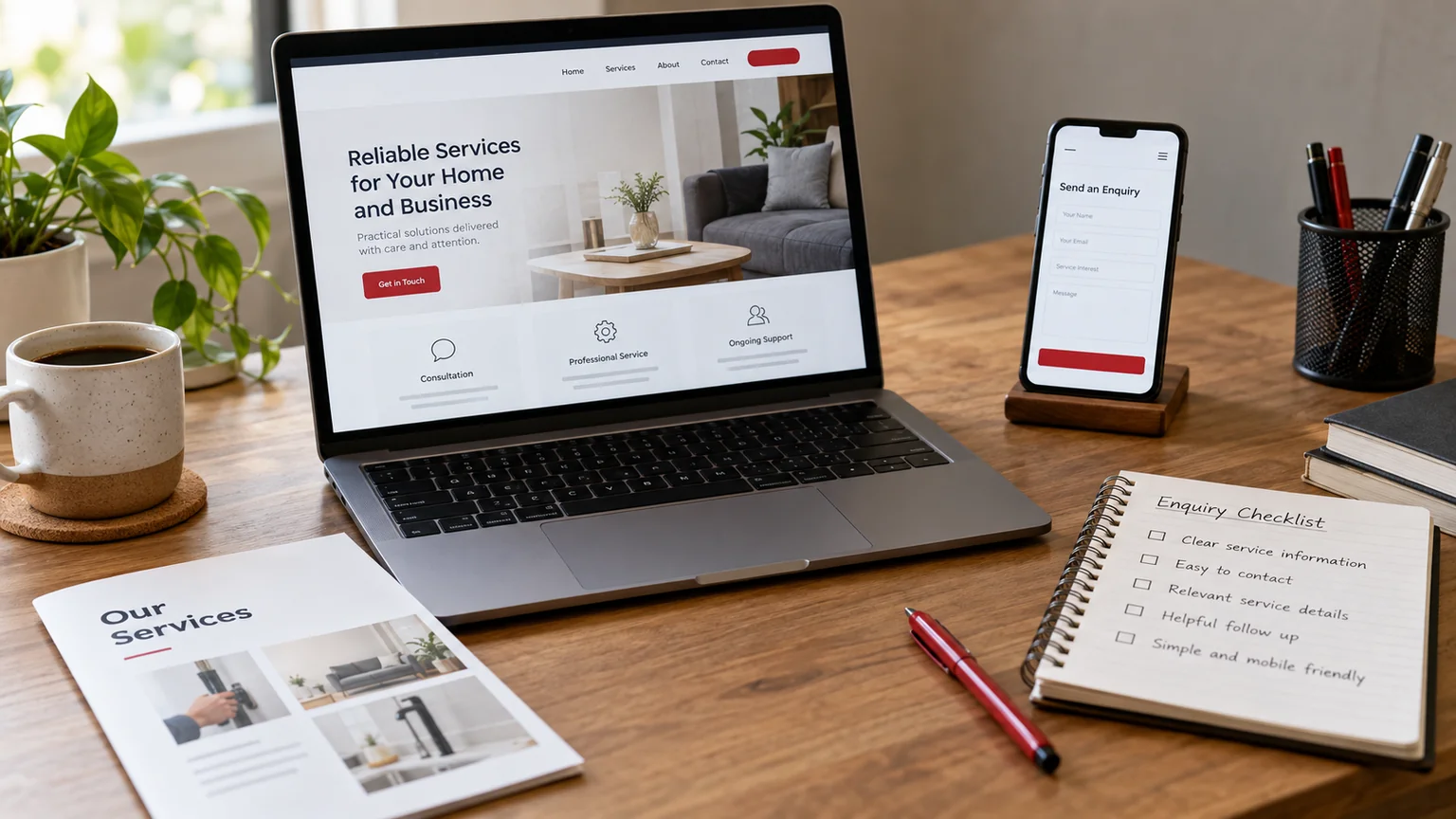
Illustrative workspace. Screens show concepts, not a delivered client system.
Your service website should help a prospective customer understand what you do and send the information your team needs to respond. A visitor in Brunei should not have to search several pages for your coverage, contact route or next step. Before commissioning a new WordPress design, decide what a useful enquiry looks like for the services you actually deliver.
Choose the first enquiry you want to improve
Pick one service with a clear customer need and a named person responsible for follow-up. Write down the questions that currently arrive by phone or message. The first page should answer the questions that help a visitor decide whether to contact you, without making commitments your team cannot keep.
AITI’s MSMEs Digital overview highlights communication and routine business processes among its digitalisation themes. This guide applies that general direction to a scoped website project; it does not represent an AITI-approved service or funding offer.
For example, a maintenance enquiry may need a service location and a short problem description. An advisory enquiry may need a business type and an intended outcome. They should not automatically use the same long questionnaire.
Make each service page useful before adding more pages
Explain who the service is for, the work that can be assessed and the information needed to start. State any coverage boundary using your approved business details. Describe the process from enquiry to scope rather than promising an instant quote for work that needs inspection.
Use genuine project evidence where the client has approved its publication. If you do not have a relevant case study yet, an original checklist or clearly labelled example is better than an invented testimonial. The design should make the service and next action easy to find on a small screen.
Collect enough detail to make a first response
Keep the public form focused on contact details, service choice and a short description. A required telephone field should include a country-code example so a visitor outside Brunei can still enter a usable number. Give every input a visible label and explain any required format.
Decide where the enquiry is saved and who receives it. The notification should identify the service page and selected option, so the receiving person does not need to infer the context. A successful screen message and a delivered notification are separate parts of the acceptance review.
Keep direct contact consistent with the form
If WhatsApp or telephone is an appropriate contact route, place it near the main enquiry action and label it clearly. Pre-filled messages can mention the selected service, but should remain editable. State operating or response arrangements only if the team has agreed to them.
Avoid a mobile layout covered by several competing floating buttons. Choose a primary action and a simple alternative. Test that navigation, privacy links and the keyboard remain usable when the visitor is completing the form.
Scope the editing and launch handover
Agree the content the team will update: service descriptions, images, contact details and shared navigation. Use native Elementor controls for routine page content and identify which changes affect the whole site. Provide a short demonstration using one realistic edit.
- One service page approved with real content.
- A mobile enquiry journey reviewed end to end.
- The saved record and notification checked with authorised test data.
- Existing page addresses mapped if they change.
- An owner for updates, backups and contact details.
Do we need a large website immediately? Not necessarily. Start with a useful service page and working contact journey, then add pages for genuinely different services or buyer questions.
For the wider implementation decisions, see the WordPress redesign planning checklist.
Discuss a scoped implementation
Send your current website, priority service, approved contact details and the questions your team needs answered before quoting. We can scope the first WordPress page and enquiry journey before a wider redesign.
I’m Jagjeet Singh, based in India and working remotely with businesses and agencies. Discuss your service website. Share the current site or workflow and the first outcome you want to review; I can assess the requirements and propose an implementation scope.
Written by
Jagjeet Singh
Full stack development, WordPress engineering and practical web products. I work with businesses, teams and agencies in India and worldwide.
Explore my work

