
WordPress CRM Lead Routing for US Service Businesses: Assign Every Enquiry a Next Step
A buyer guide for businesses whose website enquiries need the correct branch, service team or CRM owner.

In this article
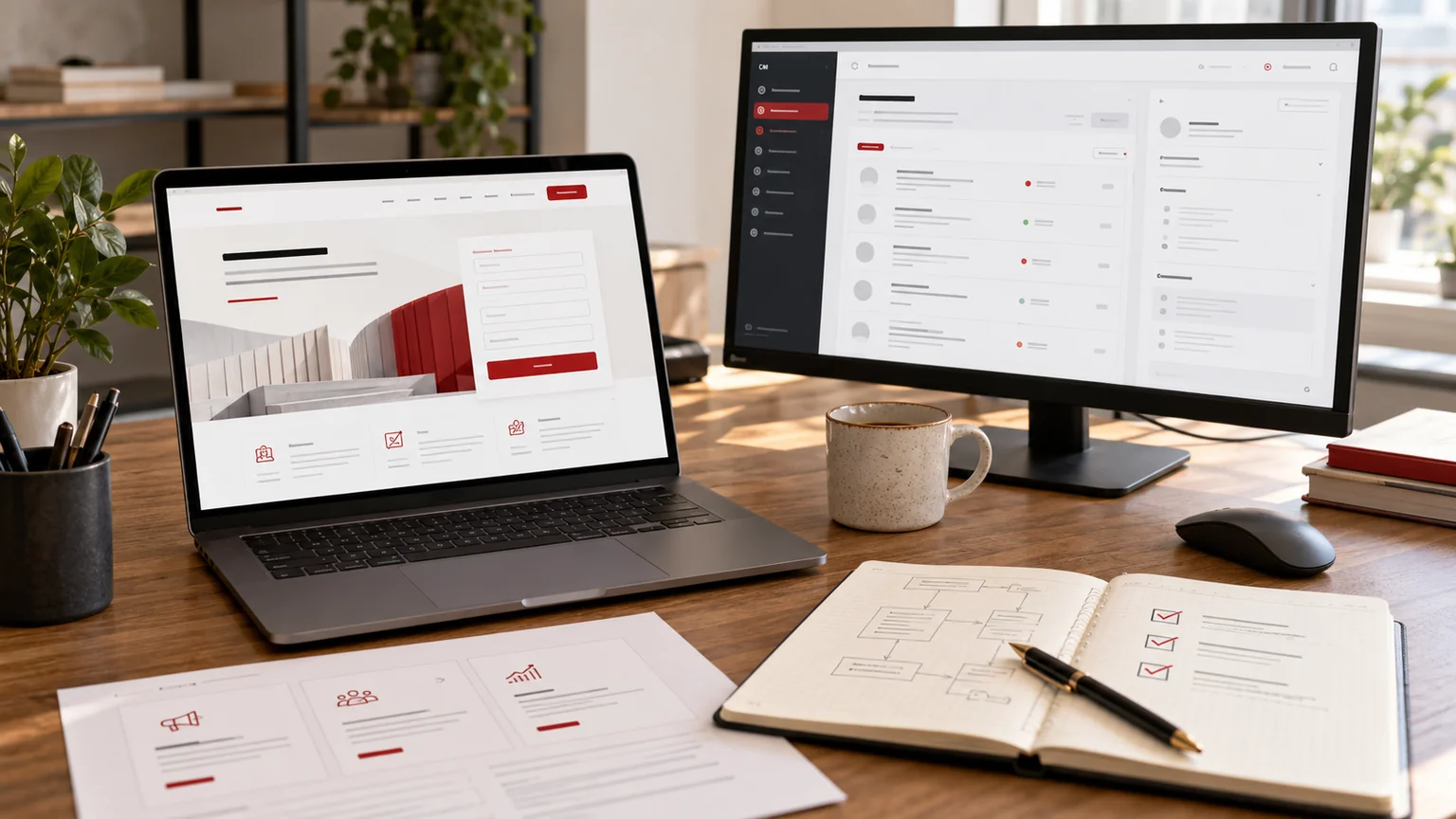
Illustrative workspace. Screens show concepts, not a delivered client system.
An enquiry reaches the shared inbox, but nobody is sure which team should respond. The visitor chose a service and entered a location; those details never reached the CRM in a useful form. WordPress CRM lead routing is a development problem when the website collects the right information but the business handover keeps breaking.
I’m Jagjeet Singh, a developer based in India working remotely with US businesses. My custom WordPress plugin and API development can support a defined enquiry workflow, using an existing supported integration where it fits and custom functionality where the business rules require it.
Write the routing rules in business language
Start with a small rule table that the people answering enquiries can approve. A request might depend on the selected service, state, ZIP code, existing-customer status or the branch responsible for that territory. Explain which rule takes priority when more than one could apply.
A state selector alone may not describe a real service area. If territory boundaries use ZIP codes or individual locations, use the business’s maintained mapping rather than inventing coverage from a geographic label. The website should also explain when a service is unavailable, instead of generating a misleading promise.
| Scenario | Routing decision to define |
|---|---|
| One matching territory | Assign to the responsible team |
| Several possible teams | Apply an approved priority or shared review rule |
| Unknown location | Place in a named review queue |
| Existing customer | Decide whether the account owner takes precedence |
Collect the minimum information needed to act
Choose the fields that support a useful response: name, business contact details, requested service and a location description where necessary. A required mobile field can include an international country-code hint; the validation should not reject legitimate callers simply because the business targets the United States.
Keep internal routing identifiers separate from visitor-facing labels. A renamed service should not silently break a CRM mapping that relies on an old display name. Ask who maintains those identifiers and how a new branch or service is added.
Describe the purpose of any file upload before adding it. Large attachments, private records and unnecessary personal details make the workflow harder to operate. A public lead form should not become an unrestricted document drop just because an upload widget is available.
Separate receipt, CRM creation and notification
The website acknowledging a submission is different from the CRM creating a record, and both are different from an email notification arriving. Ask how each stage is recorded and which stage the visitor’s confirmation represents. A green success message should not hide an unresolved integration failure.
Agree a fallback for a CRM outage: retain the enquiry appropriately, alert the responsible team and provide a controlled retry. The exact design depends on the selected form and CRM. Notification email is useful, but should not be the only evidence that a lead existed.
For a wider customer workflow, custom CRM development and implementation can be scoped separately. Start by establishing the handover the business needs, rather than replacing an existing CRM before its integration has been assessed.
Ask how duplicates and access are handled
Someone may submit twice after a slow connection or return with a second service request. Decide when that creates another enquiry, updates a contact or requires a person to review a potential match. Matching every person with the same company domain to one record can discard useful context.
Custom integration endpoints also need appropriate permission and input checks. WordPress’s nonce guidance explains that a nonce is not a substitute for authentication or access control. The implementation must use the security model appropriate to the actual form, server and CRM connection.
Ask which information appears in diagnostic records, who can view it and how staff trace an enquiry. Those decisions should be part of the implementation scope rather than discovered after a support incident.
Use a routing acceptance matrix before launch
Supply test cases covering each important service and territory, plus an unknown location, a duplicate submission and an unavailable CRM. Assign the expected owner in advance. This lets the reviewer compare results with an agreed rule, rather than approving a demonstration that happens to use the easiest branch.
- A valid enquiry reaches its expected CRM queue or owner.
- The selected service and location remain attached to the record.
- A failure is visible and can be recovered without losing the enquiry.
- Mobile labels, errors and the confirmation are understandable.
- Lead tracking records the agreed success stage without treating every click as a completed lead.
Any test email or CRM record should be authorised and clearly labelled. The acceptance plan needs a way to inspect results without mixing test enquiries into your normal sales follow-up.
Get an implementation scope around a real enquiry journey
Send the form URL, CRM name, services, locations and a simple routing table using fictional examples. Describe what currently goes wrong and which team handles exceptions. You do not need to disclose customer records or credentials in the initial website enquiry.
I can review the supported integration options and propose the custom development needed for the remaining rules. You can review my web development portfolio and use the WordPress API integration guide to prepare the systems and field list.
Use the enquiry link to share one route that should work but currently does not. A specific example is the best starting point for an estimate, acceptance criteria and a working lead handover.
Written by
Jagjeet Singh
Full stack development, WordPress engineering and practical web products. I work with businesses, teams and agencies in India and worldwide.
Explore my work

