Shopify Search and Product Filters: When Your Store Needs Custom Development
Help shoppers find suitable products. Plan Shopify search and filter development around catalogue data, theme support, mobile use and measurable review tasks.

In this article
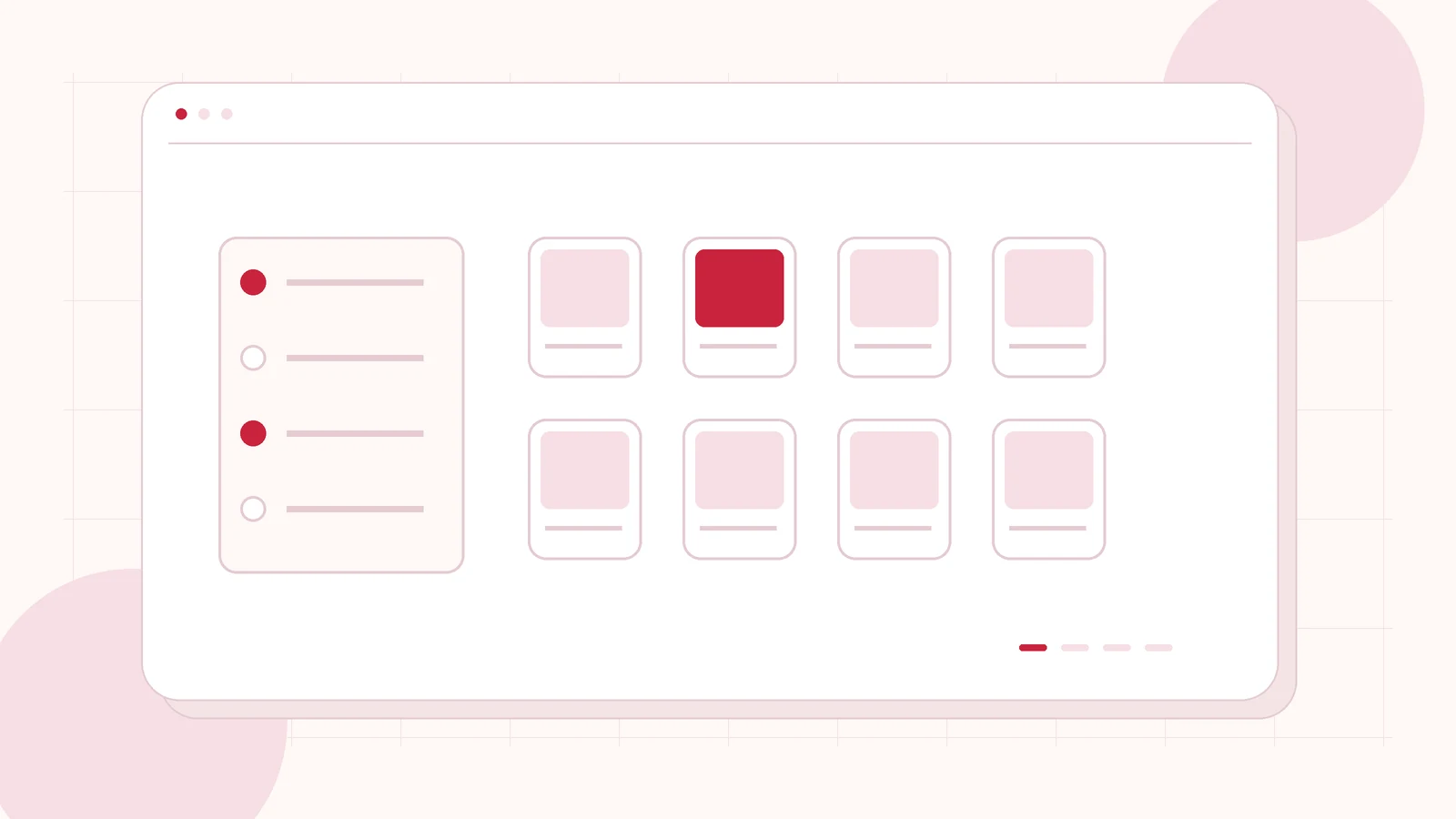
Original editorial illustration of the topic; not a client screenshot or finished-product demonstration.
Customers may arrive at the right collection and still struggle to find the right product. Size names differ across ranges, useful attributes live only inside descriptions, or the mobile filter panel is difficult to close. Buying more traffic does not repair those discovery problems.
Shopify product filter development starts with catalogue structure and the buying decision, then moves to the interface. I offer Shopify development and storefront improvements for defined requirements. Before commissioning a custom search tool, establish what your current theme and Shopify configuration can already support.
Describe how shoppers choose a suitable product
List the questions a customer needs to answer: intended use, size, material, compatibility, colour or availability. Start with actual products and customer language, not a long list of attributes that happen to exist in a spreadsheet. A filter should help someone make a choice.
Choose several representative buying tasks. For example, a fictional homeware shopper wants a dishwasher-safe bowl in a particular size. The test is whether the shopper can identify suitable products and understand the remaining choices. This example defines a review method; it is not a claim that a change has already increased sales.
Check standard capabilities before adding custom code
Shopify’s Search & Discovery documentation describes filters built from standard attributes and custom data. Theme support matters: configuring a filter does not by itself make an unsupported theme display it. Review the store’s current plan, theme and relevant platform limits during assessment.
The proposal should separate configuration, catalogue cleanup, theme implementation and any app or custom integration. If a standard feature satisfies the agreed buying tasks, it may be the appropriate solution. If it does not, ask exactly what extra behaviour the custom development will provide and who will maintain it.
Fix the product data that powers discovery
Agree consistent attribute names and values across the retained catalogue. “Large”, “L” and a garment measurement may describe different things. Decide whether the information belongs at product or variant level and who will maintain it when new ranges arrive.
Review a sample containing ordinary products and difficult exceptions. Identify missing values, duplicate terms and attributes embedded only in description text. A developer can build a polished filter panel, but an incomplete data set can still hide suitable products. Include data preparation in the delivery plan rather than discovering it after the interface is complete.
Make the mobile filter journey clear
Specify how visitors open the panel, choose values, understand active selections and remove them. Check long filter names, empty results, the result count and the return to the product list. Keep keyboard and touch operation understandable, including visible focus and labelled controls.
Agree what happens when a filter change updates the results. Avoid a layout that moves the customer unexpectedly or conceals the active filters. If more complex behaviour is proposed, demonstrate it on a representative collection before applying it throughout the store. A good desktop screenshot is not acceptance evidence for the narrow-screen journey.
Review search terms and empty results separately
A collection filter and a text search solve related but different tasks. Provide common customer phrases, product names and frequent misspellings where you have evidence for them. Check useful results and the experience when no suitable product exists. Do not pretend every query should lead to an in-stock item.
Agree the role of suggestions, alternative collections and support links. If the store uses another search provider, identify the supported integration, data owner and recurring charges. Keep catalogue availability and pricing connected to the authoritative store records instead of presenting stale copies as current facts.
Commission an improvement you can review
Send the store URL, theme name, approximate catalogue size and a few examples of difficult searches. Explain which attributes customers ask about and who can approve the product data. Public examples are enough for the first discussion; customer exports and store credentials are not required in the initial message.
I can assess a Shopify discovery and collection-page project and propose a bounded first release. Acceptance should cover the agreed buying tasks, representative products and mobile controls. If analytics are available, use them to establish a baseline and monitor the result without promising a particular conversion uplift.
Related planning: Shopify Store Redesign: Fix the Shopping Experience Before Buying More Ads · Shopify Theme Customization: When Your Store Needs Custom Sections.
Official references, reviewed 26 October 2026: Shopify: Search & Discovery filters.
Written by
Jagjeet Singh
Full stack development, WordPress engineering and practical web products. I work with businesses, teams and agencies in India and worldwide.
Explore my work