
Shopify Theme Customization: When Your Store Needs Custom Sections
Decide whether to use theme settings, commission an editable section or evaluate an app before changing your store.

In this article
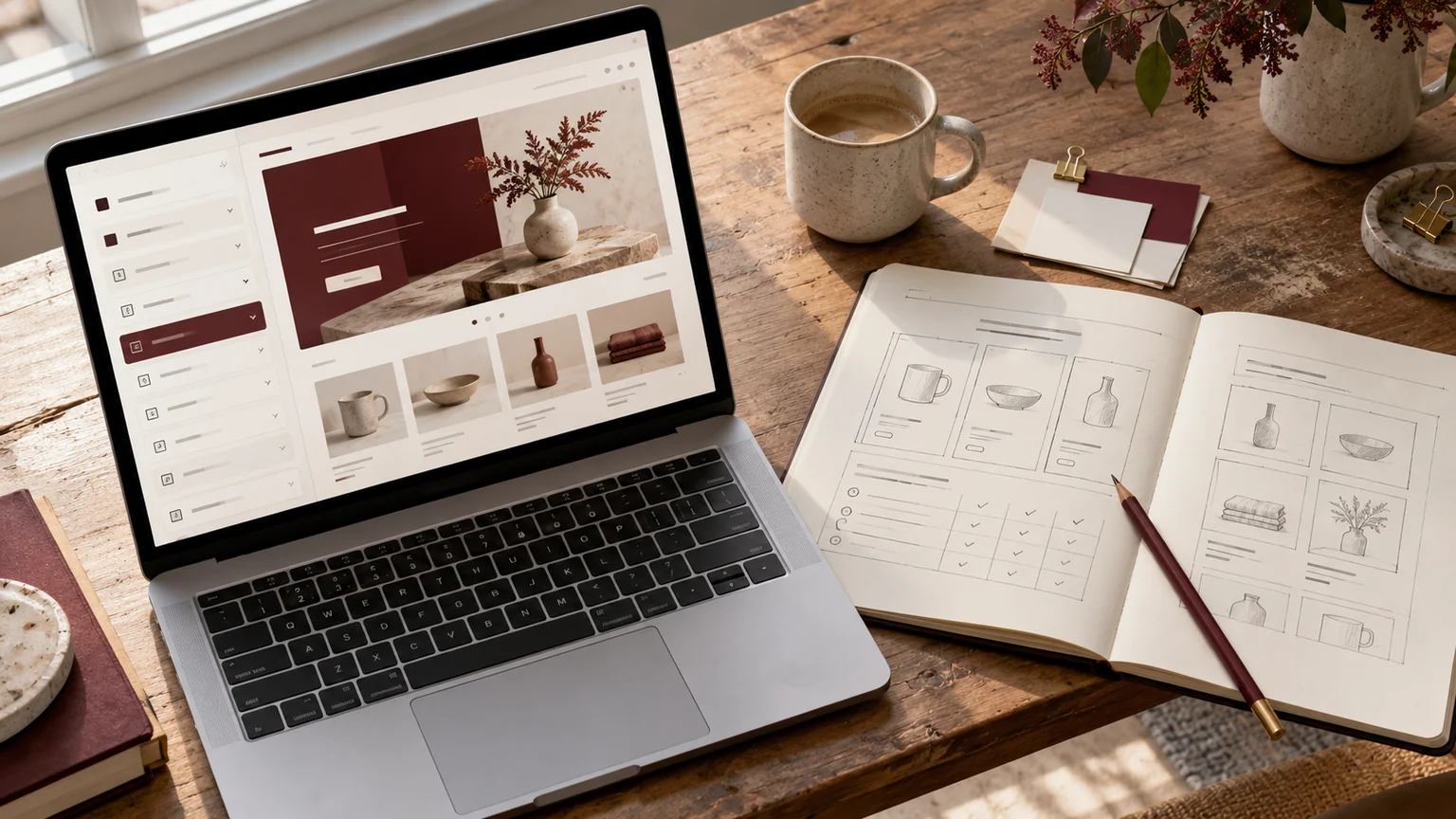
Illustrative workspace. Screens show concepts, not a delivered client system.
Your theme may be a good starting point but still leave you unable to present a product comparison, explain a material or build the campaign page your brand needs. Shopify theme customization is useful when the existing controls cannot express a specific requirement clearly.
I develop Shopify theme improvements and custom sections for brands and agency projects. The first question is what shoppers and editors need to do. From there, we can decide whether the right solution is configuration, a reusable section or functionality that requires an app.
Check existing theme settings first
List the outcome you want before requesting code. A better-spaced hero, a different image ratio or a clearer button may already be possible in the current theme. Review the relevant settings, templates and installed app blocks before adding another layer.
If the theme can support the requirement cleanly, configuration may be enough. When it cannot, describe the missing behaviour or content structure precisely. A useful brief says “our product benefits need individual images and editable captions” rather than “make the page premium.” That detail makes a development quote easier to assess.
Choose a section with a clear job
A custom section should help a customer understand, compare or act. It also needs to fit the content your team can maintain. Common requests worth reviewing include:
- An image-and-text product story with editor-controlled content.
- A product comparison layout for a small set of clearly defined attributes.
- A reusable delivery-information or product-care section using approved copy.
- A campaign landing section that follows an existing design and links to products.
- An updated collection introduction or product-card presentation.
These are possible project scopes, not a list of features included automatically. We review your theme and data before deciding what to build.
Make the editing controls part of the brief
Decide what an editor should be able to change: headings, images, links, colours, spacing or repeated items. Establish sensible limits so a routine content update does not break the layout. Product-specific information may need a structured data source instead of a shared text box.
Shopify’s JSON template documentation describes templates that organise sections and settings for the theme editor. The implementation should work with the relevant template architecture. Ask to review the editing workflow as well as the finished storefront.
Separate presentation from business functionality
A theme section can present content and support storefront interactions within its scope. Requests such as subscriptions, complex bundles, account workflows or a live external-system connection may require an app or separate integration work.
Describe where the data comes from, what happens after a customer acts and who maintains the process. If an app is required, review its compatibility, ongoing charges and responsibilities before installation. A custom-looking interface is not evidence that the underlying business functionality exists. We agree those requirements separately so the estimate reflects the whole job.
Design the mobile and keyboard experience
Review how the section behaves with a short heading, a long heading, missing optional content and more items than expected. On mobile, text should remain readable and buttons should be easy to use. A comparison section needs a deliberate layout rather than a desktop table squeezed into a phone screen.
Interactive controls also need meaningful labels, visible focus and a usable keyboard path. During review, we check the agreed content states and screen sizes. These acceptance criteria are easier to build into the section from the start than to add after the design is approved.
Keep theme maintenance practical
Agree how changes will be documented and reviewed when the underlying theme is updated. A customised theme needs a clear record of added sections and edited files. Test in an unpublished theme before the store owner approves a release.
Shopify’s sections and blocks guidance is a useful reference for reusable theme components. The goal for your project is an implementation the team can understand and operate. Ongoing theme-update support should be named in the agreement rather than assumed to be included forever.
Give your developer a brief they can estimate
Send the store URL, theme name, target page, design reference and the content you want to use. Explain whether the section appears once or must work across several templates, products or campaigns.
The estimate should cover the section’s controls, data source, responsive behaviour, app dependencies, review rounds and release checks. A single editable section and a full custom theme are different projects. If you need broader layout changes, the Shopify redesign checklist will help organise that brief.
Commission a section for your next store improvement
For brands in India and the US, I offer direct collaboration on the Shopify development scope. For agencies, I can implement an approved design and agree review checkpoints with your team. See white-label Shopify development for agencies for that working arrangement.
My ecommerce work for BPB Online focused on storefront structure and product presentation. Send your section requirement through the enquiry button below or WhatsApp, and we can review whether configuration or a custom build is the right next step.
Written by
Jagjeet Singh
Full stack development, WordPress engineering and practical web products. I work with businesses, teams and agencies in India and worldwide.
Explore my work

