
Shopify Store Redesign: Fix the Shopping Experience Before Buying More Ads
Turn a vague redesign request into a prioritised plan for product pages, collections, mobile shopping and the path to purchase.

In this article
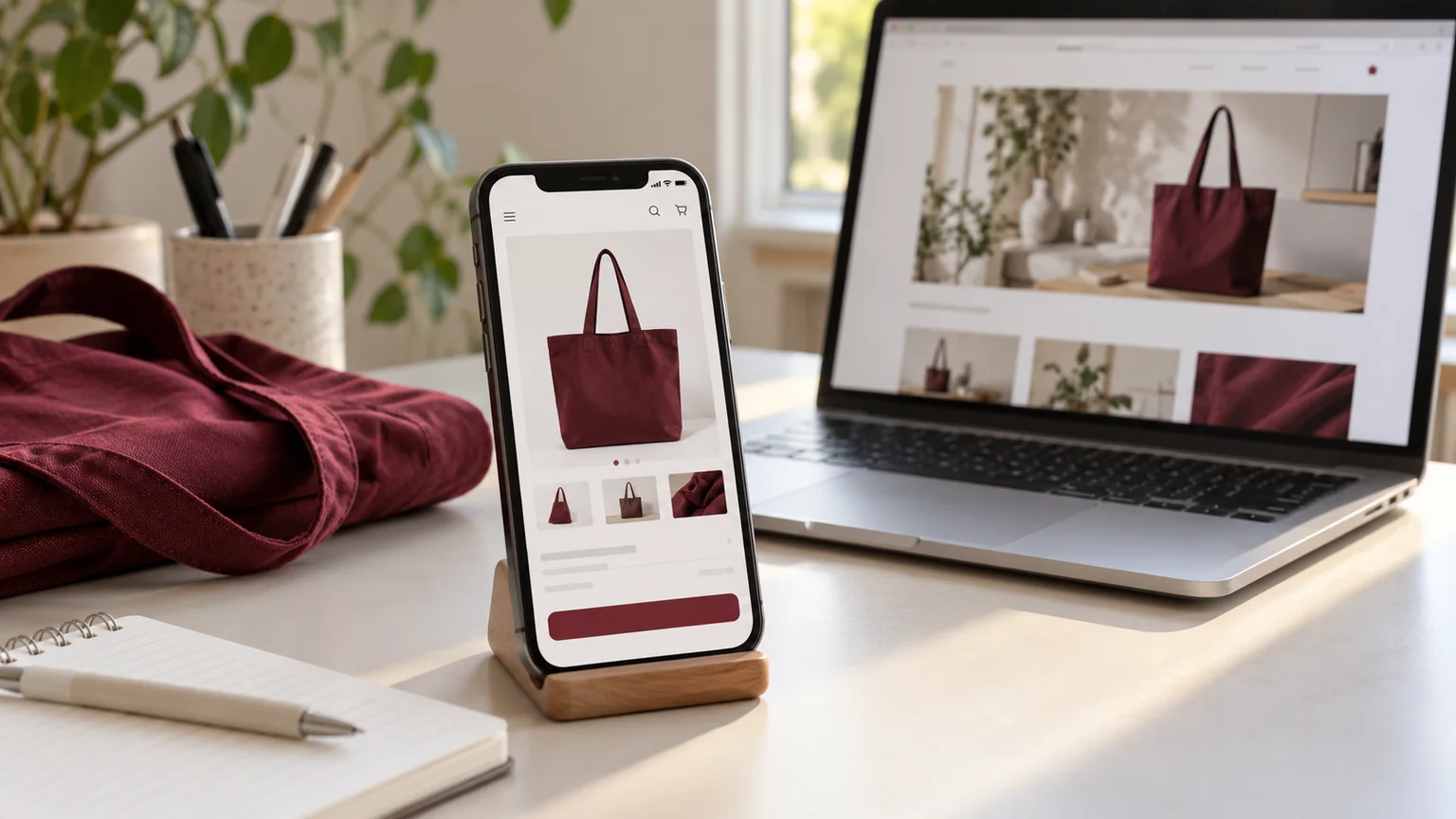
Illustrative workspace. Screens show concepts, not a delivered client system.
If people visit your store but struggle to choose a product or use it on mobile, buying more traffic sends more customers into the same experience. A Shopify store redesign should begin with a specific problem and a way to assess whether the change helped.
I help brands improve Shopify storefronts, product presentation and theme layouts. This guide explains how to decide whether you need a few targeted fixes or a broader redesign, and how to brief that work without paying for changes that have no clear purpose.
Find where the shopping journey breaks down
Begin with evidence you already have: customer questions, support messages, device-specific issues and available store analytics. Look for patterns before assuming every page needs replacing. Confusing product options call for a different response from a difficult mobile menu.
Shopify’s behaviour reports describe the journey through sessions, cart additions, checkout and completed purchases. Use those stages to frame questions about your store. They do not prove that design caused a drop-off; pricing, traffic quality, availability and delivery conditions also need consideration.
Make product pages answer purchase questions
Product pages deserve attention because they are where customers decide whether your offer fits their needs. Check whether the images are useful, variants are understandable and the information needed to choose is close to the purchase action.
- Can a visitor understand dimensions, materials or compatibility without contacting you?
- Are size and colour choices clear, including unavailable combinations?
- Does the page explain the delivery and returns information you have approved?
- Can someone find the add-to-cart action and see what happened after using it?
A focused product template improvement may be more useful than replacing a homepage that already works.
Make mobile shopping comfortable
Review the store on an actual phone. Open the menu, browse a collection, choose a variant, view an image and change the cart quantity. Check whether banners, pop-ups or sticky controls cover important information. Long text needs readable spacing rather than a smaller font.
My Shopify development work can address responsive sections, product cards, spacing, typography and buttons within the agreed theme scope. When a problem belongs to a third-party app or platform-controlled checkout, we first identify the relevant settings and limitations. The solution needs to match where the problem occurs.
Clean up collection pages and navigation
Shoppers should not need to understand your internal catalogue structure to find a product. Review category labels, collection introductions, card images and the information shown before someone opens a product. Decide which navigation choices help a new visitor and which simply repeat each other.
A hypothetical clothing store, for example, might need clearer size information and collection paths rather than another promotional slider. That is a planning example, not a client result. Send me a few products and the questions shoppers ask, and we can discuss which templates deserve attention first.
Review performance alongside the design
A redesign is a useful point to review large images, unnecessary app features and scripts added over time. Check performance before changes and again after implementation, including product and collection pages.
Shopify’s web performance reports cover loading, interactivity and visual stability using real-user data when available. A visually attractive page can still have a poor experience. Agree which performance issues are in scope; a new theme or a high lab score alone does not guarantee more purchases.
Choose targeted fixes or a full redesign
Targeted fixes make sense when the current theme supports your requirements and problems are concentrated in a few sections or templates. A broader redesign may be appropriate when the brand, catalogue structure or design system has changed substantially.
Before quoting, I review your store URL, current theme, affected pages, app dependencies and the changes you want. The resulting scope should name the templates, custom sections, review rounds and mobile checks. See the custom theme sections guide for work that can often sit within an existing theme.
Plan the release and measure the right things
Review work in an unpublished theme and agree the publish step with the store owner. Preserve the content and configuration that still serve the business. If URLs change, plan and verify their destinations before release.
Record the baseline and compare a suitable period after launch, taking account of campaigns, seasonality and product availability. Track both buying behaviour and customer feedback. Design improvements can remove friction, but revenue depends on several factors; the project should promise defined work and checks rather than a guaranteed conversion increase.
Send your store for a redesign discussion
If your store feels difficult to use, send its URL with three problems you want addressed. Include your primary market, device concerns, current theme and any upcoming campaign deadline. US and Indian brands can work with me remotely, with review times agreed around the project.
You can see selected work in my portfolio and use the enquiry button below to discuss a redesign or smaller batch of Shopify fixes. We’ll start by defining what needs to change and which work is worth prioritising.
Written by
Jagjeet Singh
Full stack development, WordPress engineering and practical web products. I work with businesses, teams and agencies in India and worldwide.
Explore my work

