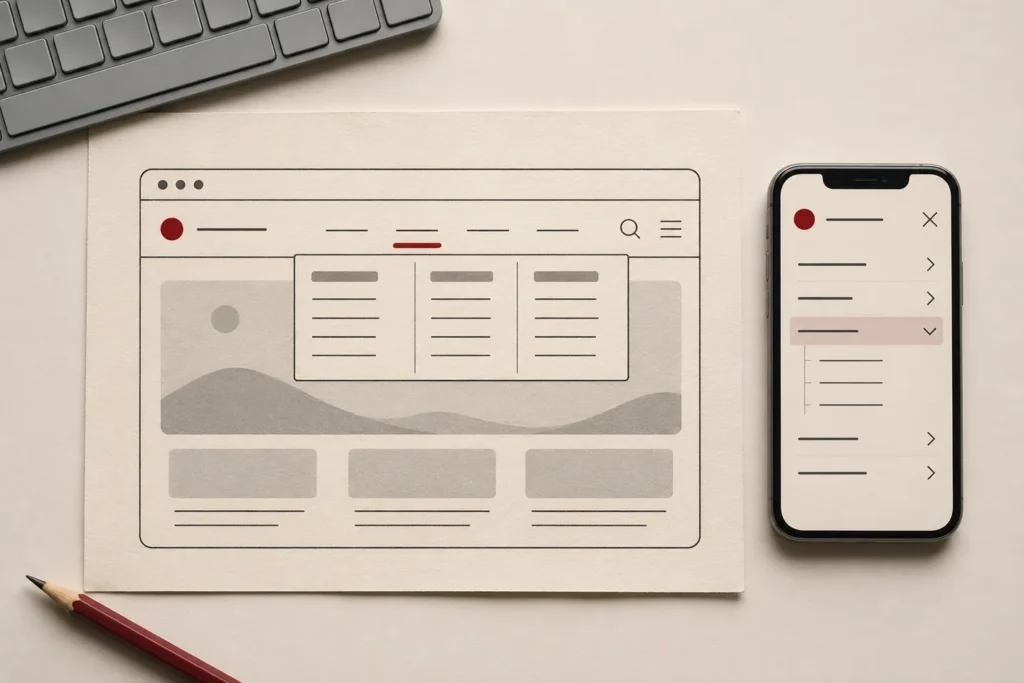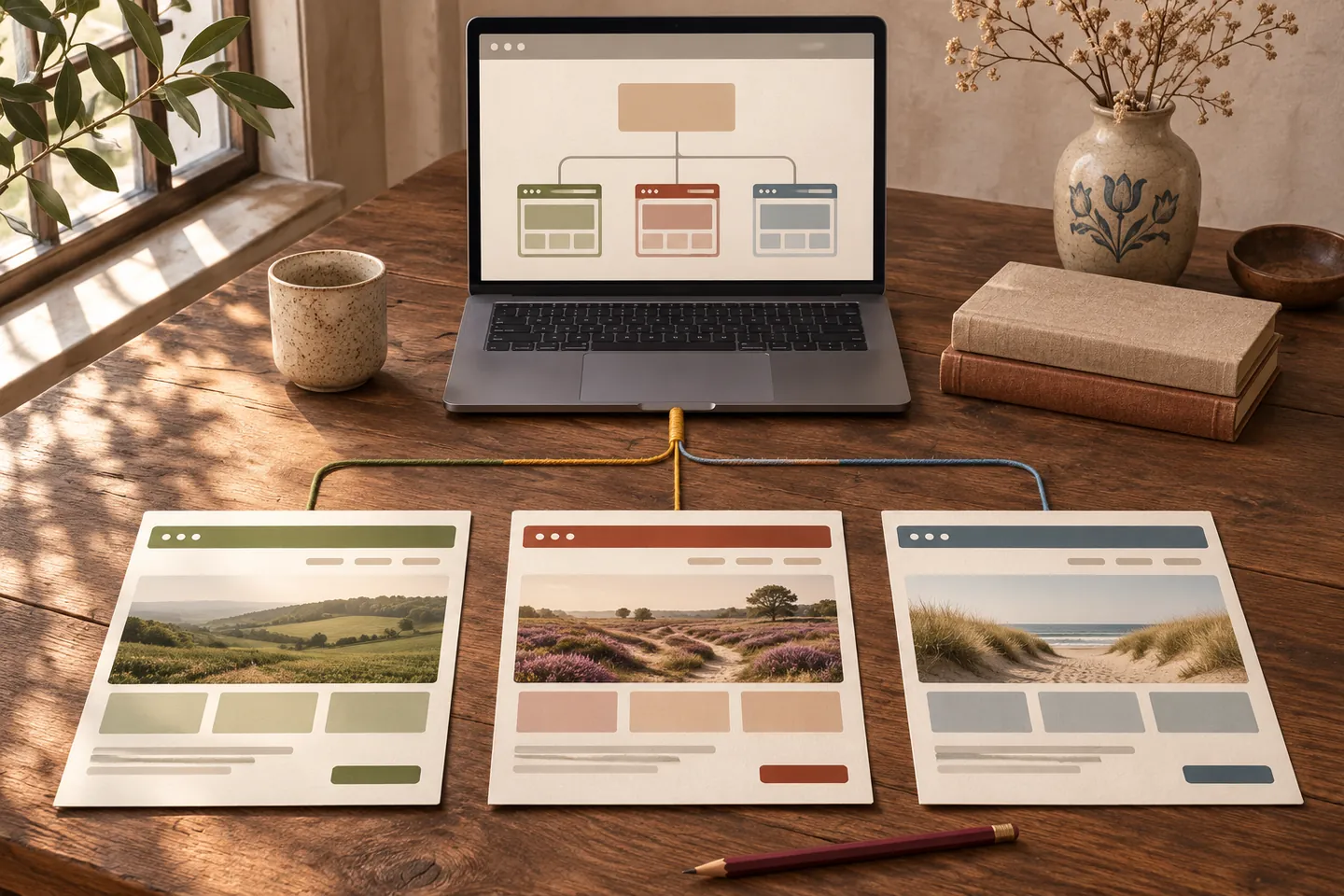
Editorial illustration of a shared website network with distinct regional sites.
Your agency promises a theme change for one client site. During the estimate you discover that the theme also runs on nine other sites. That makes this a network release. White-label WordPress Multisite support starts by tracing who shares the affected code, what varies by site and which customer journeys must pass before you announce the change.
Here is the brief I would work through for an agency taking ownership of an existing network or bringing in a development partner for a release.
Map the exception sites before estimating the change
Start with domains, site IDs, owners and business functions. For each site record its active theme, important integrations and unusual business rules. A network with fifteen brochure sites and a separate admissions flow needs a different test plan from sixteen nearly identical landing sites.
Record separately which plugins are active across the network, active on individual sites or loaded as must-use plugins. Network Admin can make a theme available to sites, while each site can have a different active theme. A code change reaches every site using the affected theme. That is a useful starting point for the release scope. WordPress Multisite administration handbook.
Choose test sites by behaviour
An agency managing a fictional business network might choose three sites for deeper testing. A homepage screenshot from each domain is a quick comparison. These three journeys verify that the important differences still work.
| Test site | What makes it different | What the reviewer checks |
|---|---|---|
| Regional site | Alternate header and local form routing. | Navigation reaches the local service pages and the staging enquiry reaches the approved test destination. |
| Campaign site | Small set of custom landing templates. | The campaign loads and the call to action works at the narrowest supported width. |
| Member site | Restricted resources and a sign-in flow. | An approved test account can reach the right resources and a signed-out visitor sees the intended entry point. |
Add a quick availability and rendering check for the other sites using the changed component. Ask your agency to identify the revenue or service flows that deserve a deeper check.
Tie each change to the right release and recovery plan
Separate theme code, plugin upgrades and site-specific settings in the release notes. Test from a representative staging environment, using approved test data and routing any staging emails away from clients. Record versions before the change so the reviewer can reproduce the test.
Plan how you would reverse each change. Theme code can often be reverted separately. A database migration needs more care, especially if live forms or registrations can receive new records after deployment. Agree who decides to halt a rollout, how the host supports recovery and how new submissions would be preserved if recovery is needed.
Give your agency practical ownership after launch
Give the account manager one short record covering what changed, where it was tested, who approved it and what remains open. The agency should also know which controls belong to Network Admin and which routine work a site editor can do.
For ongoing work, agree which shared updates, site checks and release windows are covered. New subsites, a platform migration and large redesigns each need their own scope. If the underlying architecture is still being evaluated, start with the Multisite versus separate websites guide. For recurring development work, see the agency retainer scope guide.
Share your site list and the next planned release
Send the domain count, the shared theme or plugin involved and two examples of sites that behave differently. Include the next release deadline and who can approve work. I can review the network scope and quote a white-label pilot for your agency.