
Google Shows a Security Warning on Your WordPress Website: Cleanup and Review Explained
A Google security warning needs a clear recovery scope. Understand WordPress cleanup, Search Console evidence, review requests and business website checks.

In this article
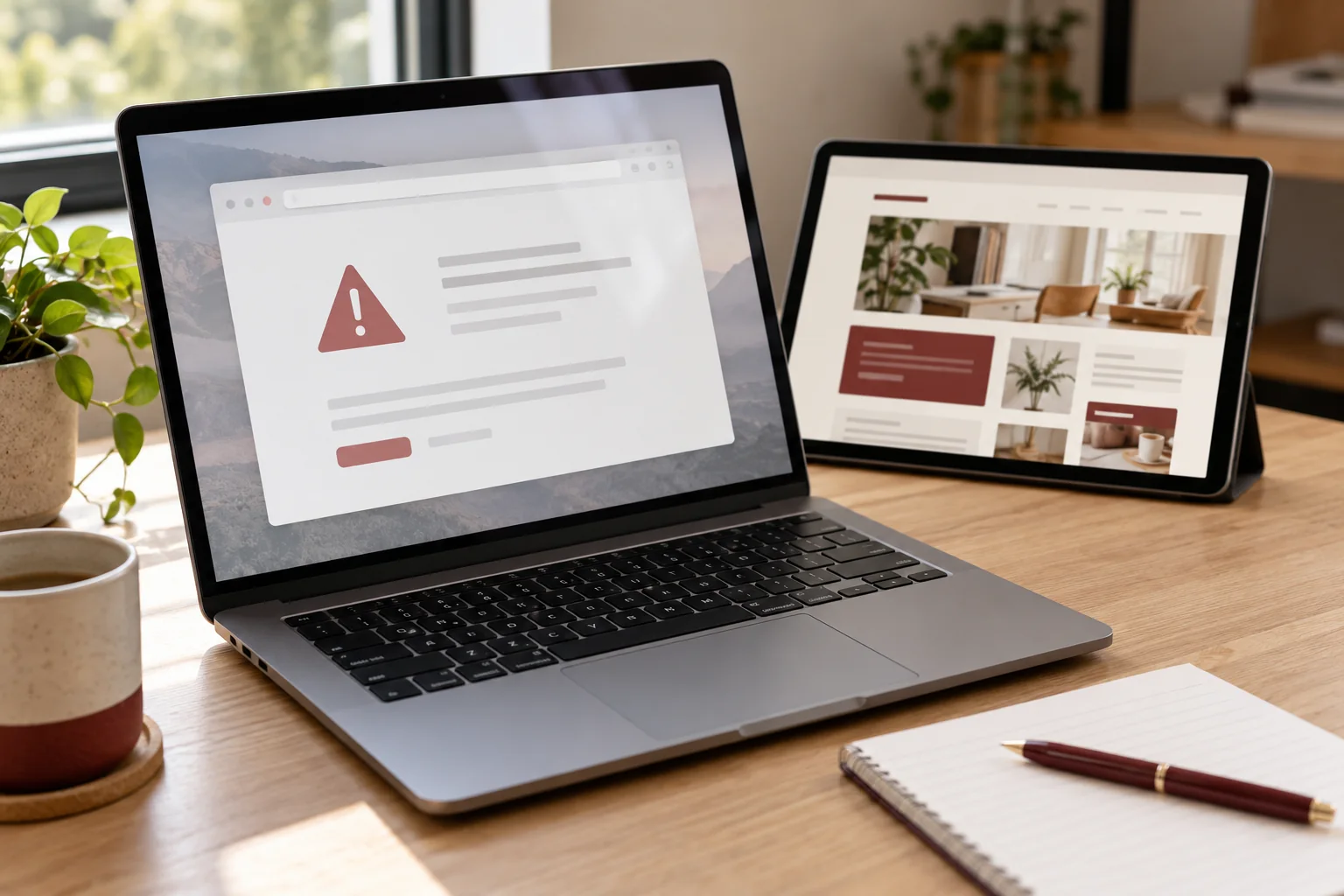
Illustrative editorial image; screens depict concepts, not delivered client work.
A customer sends a screenshot of a red browser warning. Your team can open the homepage on one device, but other visitors are being stopped. For a business website, that creates two connected jobs: investigate the underlying issue and understand the review needed for the warning shown by Google.
This guide explains how to commission those jobs without buying a promise of instant removal. I offer WordPress recovery and malware cleanup remotely. The initial assessment identifies the warning, available evidence, affected environment and the work that can reasonably be included in a website repair.
Identify the warning before choosing a repair
Save the wording, affected URL, date and the context in which the warning appeared. Was it in a search result, a browser interstitial, a hosting account or an advertising dashboard? Those are different systems, and a message from one does not establish the status of all the others. A certificate or connection error also needs a different diagnosis from a harmful-content warning.
Google explains that dangerous-site labels can relate to harmful content or a compromised website. Ask the developer to establish which issue is reported rather than proposing a generic plugin installation as the answer to every red screen. Do not bypass a browser warning simply to complete an initial brief.
Use Search Console evidence without treating samples as the whole incident
For a Google security issue, arrange for an authorised owner to review the Search Console Security issues report. Its issue descriptions and sample URLs can guide the investigation; the sample list may not include every affected page. Your developer should explain how the agreed investigation extends beyond those examples where necessary.
Give access through the process agreed for the engagement. You can share a redacted description of the issue in the initial enquiry, but there is no need to send a Google password or customer data. Name the person who owns the property and can approve the repair and eventual review request.
Separate website cleanup from a third-party review decision
The repair proposal should describe the WordPress work: what will be examined, which affected components or data are included, how relevant evidence will be preserved and which hosting tasks belong to the provider. It should also say when a broader server problem or specialist incident requires escalation.
Preparing a review request is a different deliverable from making Google approve it. Google advises resolving all reported security issues before requesting review and documenting the fixes. Its guidance says reviews can take days or weeks. A developer can investigate, repair and help prepare an accurate account of the work; the approval decision and timing remain with Google.
Ask for a handover that supports the review
Agree a concise record of what was reported, what was found and what changed. Include the dates, environment, repaired components, host confirmation where relevant and the checks performed. If a finding remains unresolved, the report should identify the owner and next step rather than hiding it inside an “all clean” statement.
That record helps the property owner explain the actual remediation. It also helps your team distinguish a completed repair from a waiting review, or a new symptom from an older notice. Avoid submitting speculative descriptions of work that was never performed. The handover should be understandable to the business owner, not only to the engineer who wrote it.
Include the customer journey in the recovery brief
List the functions that matter after restoration: service pages, downloads, staff editing, contact options and the integrations that receive enquiries. Agree which of these will be checked and how results will be recorded. The recovery scope should preserve useful business data while the technical work is carried out.
Any test that submits a form, sends email or changes a live record needs an authorised plan. A provider should not claim enquiry delivery was tested merely because a form is visible. If you are also seeing a warning in an advertising account, give that message its own owner and follow the relevant platform process. A Search Console review does not automatically resolve every advertising policy issue.
Use a short approval checklist before the review request
Before the owner submits a request, review these questions with the developer:
- Does the repair address every security issue listed in the agreed scope?
- What evidence supports the changes described in the handover?
- Which affected environments or third-party dependencies remain open?
- Who will monitor the review response and own any follow-up?
- Which website functions were actually tested?
If Google has an outstanding review in progress, follow its guidance about waiting for a decision rather than repeatedly resubmitting the same request. A waiting period is not proof that the repair failed; the provider should report the state accurately.
Request an assessment with the right information
Send the website URL, exact warning text, the host’s notice if one exists and a short description of when the issue began. Tell me whether an authorised owner has access to Search Console and which business functions are affected. Keep account credentials, private documents and customer records out of the initial form.
I can review the situation, propose a scoped WordPress investigation and explain the information needed from your host. If unwanted behaviour returns after earlier work, the recurring-malware recovery brief explains what to ask about follow-up. Pricing, availability and the division of responsibilities are agreed before implementation; no review approval or warning-removal deadline is guaranteed.
Related planning: WordPress Malware Keeps Coming Back? What a Proper Recovery Plan Should Cover · Hacked WordPress Website in Dubai? A Recovery Plan for Lead-Generation Sites · WordPress Malware Removal: What to Do When Your Website Is Hacked.
Official references, reviewed 24 October 2026: Google: website warning labels · Google Search Console: Security issues report.
Written by
Jagjeet Singh
Full stack development, WordPress engineering and practical web products. I work with businesses, teams and agencies in India and worldwide.
Explore my work

