

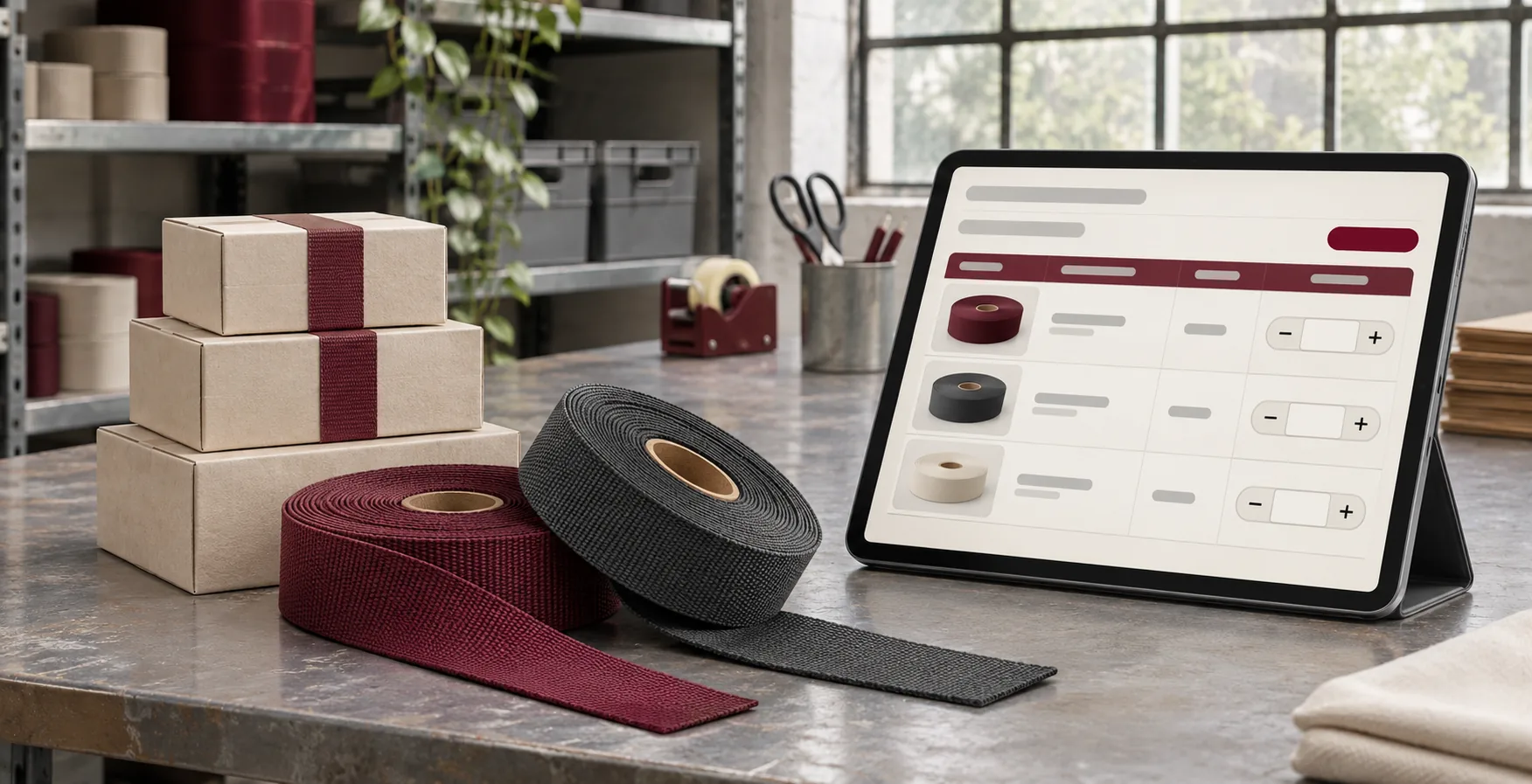
Illustrative wholesale ordering desk with a fictional variant list.
A wholesale buyer ordering four sizes of the same product should be able to see each variant, enter quantities and review the order without adding every size separately. Shopify’s Quick Order List is a product-template section that can support this flow. The build starts with your actual theme, catalogue and buyer account so you can check what happens at each step.
Start with a real wholesale order
Ask a repeat customer or salesperson for a typical order. Write down which items are variants of one product and which are different products. Note pack sizes, minimums, displayed unit prices and whether the buyer is ordering for a particular company location.
A product-template Quick Order List gives buyers a place to enter quantities across a product’s variants. A purchasing team that starts from a spreadsheet of unrelated SKUs needs a broader workflow with search, catalogue access and bulk cart validation. Scope the second workflow separately if it appears in your sample orders. Shopify’s Quick Order List documentation.
Confirm the theme and buyer context early
Identify the published theme and product template used by your wholesale range. Open an unpublished theme preview as a permitted B2B buyer and check which catalogue and prices are actually available. Confirm the Shopify plan and feature requirements for any catalogue or storefront setup you propose. They determine which configurations can be implemented on your store.
For a blended retail and wholesale store, agree where the list should appear. A contextual B2B template or override may suit the theme and setup. Test as a retail visitor, as a signed-in wholesale buyer and under another company location if those contexts are part of the brief. Shopify B2B plan features and theme overrides.
Write the quantity rules next to sample products
Imagine a fictional commercial hardware shop selling two finishes of the same bracket. Each finish is ordered in multiples of six, with a minimum of 12 per finish and a volume break at 24 units for that variant. A useful quick order list tells the buyer which quantities work before they need to correct the cart.
| Order line | Requested units | Expected result |
|---|---|---|
| Satin bracket | 13 | Show the pack-of-six rule and give a valid quantity to try. |
| Satin bracket | 18 | Accept the line at the assigned catalogue price without the 24-unit break. |
| Matte bracket | 24 | Accept the line and reflect its assigned volume price. |
Clarify whether you display quantities in units or cases and whether order minimums are per variant. Try an unavailable variant, a maximum quantity if configured and a product with an existing cart line. Shopify’s quantity rules and volume pricing documentation.
Make price and stock changes understandable
When a buyer fills six rows and one is invalid, show which row needs attention and preserve their other entries. Be clear about whether valid lines were added. Confirm that the cart shows the resulting quantities and assigned prices after an item is added or adjusted.
On a phone, make quantity labels and errors easy to follow without losing the variant name. Test the rows with a keyboard and include a buyer with the longest option names. If the store already has a cart drawer, include it in the acceptance test so the confirmed totals and quantities agree with the full cart.
Quote the missing work around a sample product
Test what the standard section covers before pricing custom theme work. A pilot could include one product template, two company contexts, sample quantity rules and cart checks. A separate work item might cover cross-product ordering, a larger catalogue selector or product data cleanup.
If your team is still deciding how to split catalogues and price access, map that first. The Shopify B2B catalogue and company setup guide covers the decisions behind the ordering interface.
Send one wholesale product and a buyer's order example
Share the store URL, theme, plan, sample variants and how your buyer orders them today. Include the quantity, pricing and cart rules that must carry through. I can review the existing setup and quote the Shopify theme or ordering changes your team needs.