
WordPress Member Portals for Swiss Associations: Access, Renewals and Editor Controls
A development brief for an association that needs reliable member access without confusing payment, membership and website-user records.

In this article
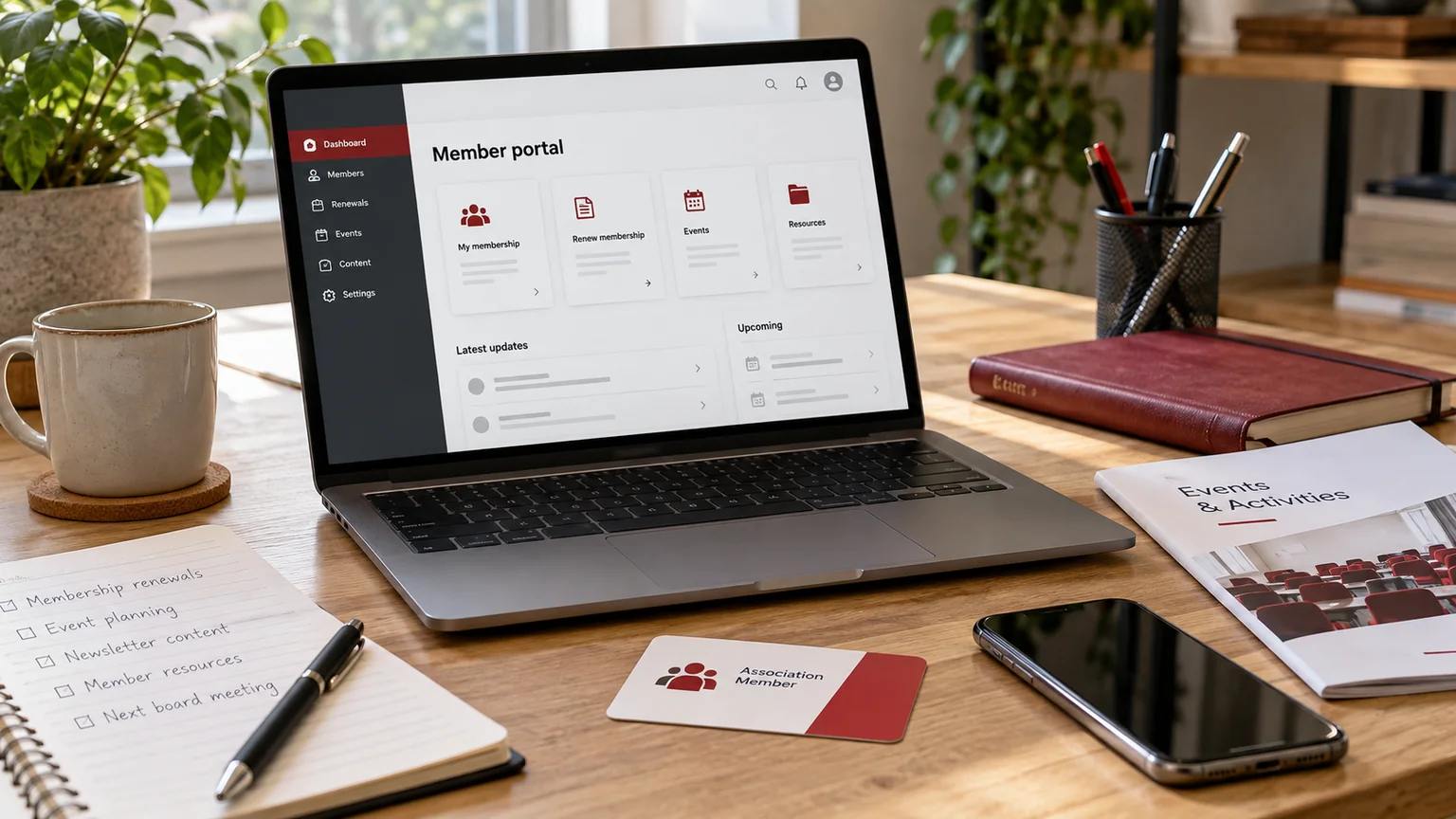
Illustrative workspace. Screens show concepts, not a delivered client system.
A member portal can become confusing when website login, association membership and payment status are treated as the same thing. A Swiss association commissioning WordPress development should define those relationships before choosing a portal design. The useful starting point is the member task: accessing a resource, renewing a membership or updating approved profile information.
Identify the membership authority
Decide where membership status is maintained today and who can change it. It may be an existing association database, an administrative process or a new system included in the project. The website needs a clear source for its access decision.
One member may have several contacts, or an organisation may have several authorised users. Define those relationships rather than assuming every email address represents an independent membership. Record how a person joins or leaves an organisation’s access arrangement.
- Authoritative membership reference.
- User-to-member relationship.
- Permitted member resources.
- Owner of status changes and exceptions.
Separate renewal, payment and access states
A renewal request, a received payment and an active membership may happen through different processes. Decide which event changes access and how staff review an exception. Display wording that matches the actual state instead of showing “renewed” as soon as a form is submitted.
For a WordPress resource portal, assess the association’s membership authority and the roles and capabilities needed for controlled content access. Payment collection, where required, can remain in an approved external system. My ecommerce implementation service uses Shopify.
Test the resources as well as the menu
Identify the pages, downloads, recordings and profile fields that require access control. Hiding a navigation link is not sufficient if the underlying file remains publicly reachable. The technical sample should test a direct address with and without the required permission.
Decide what a non-member sees: an explanation, a login route or an approved invitation to apply. Avoid an unexplained error screen that leaves both members and prospective members unsure what to do.
Give editors appropriate controls
The person publishing an event or replacing a member download may not need authority to approve memberships. Define those responsibilities separately. A shared administrative account makes it harder to explain who changed access or published a resource.
Keep routine public page content editable through the agreed native Elementor structure. Structured member records may use a dedicated administrative interface. The handover should demonstrate both, including the effect of changing a shared page component.
Review a realistic membership cycle
Pilot a new application, a current member, a pending renewal and a withdrawn user. Include an organisation with two contacts if that reflects your association. Ask staff to identify why each person can or cannot access the selected resource.
Agree how existing membership references and users are imported, and how later changes are reconciled. Check the operational record rather than relying only on the number of accounts created.
Can the portal keep our current database? Potentially. The source of truth, supported interface and access rules must be assessed first. A focused access pilot can establish that boundary before a wider portal rollout.
For the wider implementation decisions, see the custom WordPress plugin planning guide.
Discuss a scoped implementation
Describe the membership model, existing database, first restricted resource and renewal process. We can assess a WordPress portal or custom plugin scope around a complete member journey rather than a generic login screen.
I’m Jagjeet Singh, based in India and working remotely with businesses and agencies. Discuss your association member portal. Share the current site or workflow and the first outcome you want to review; I can assess the requirements and propose an implementation scope.
Written by
Jagjeet Singh
Full stack development, WordPress engineering and practical web products. I work with businesses, teams and agencies in India and worldwide.
Explore my work

