
WordPress to Sanity Migration: Content Modelling, Frontend Work and Project Scope
Scope a WordPress to Sanity migration with document models, rich text, references, Studio editing and a separate frontend plan. Prepare your implementation brief.

In this article
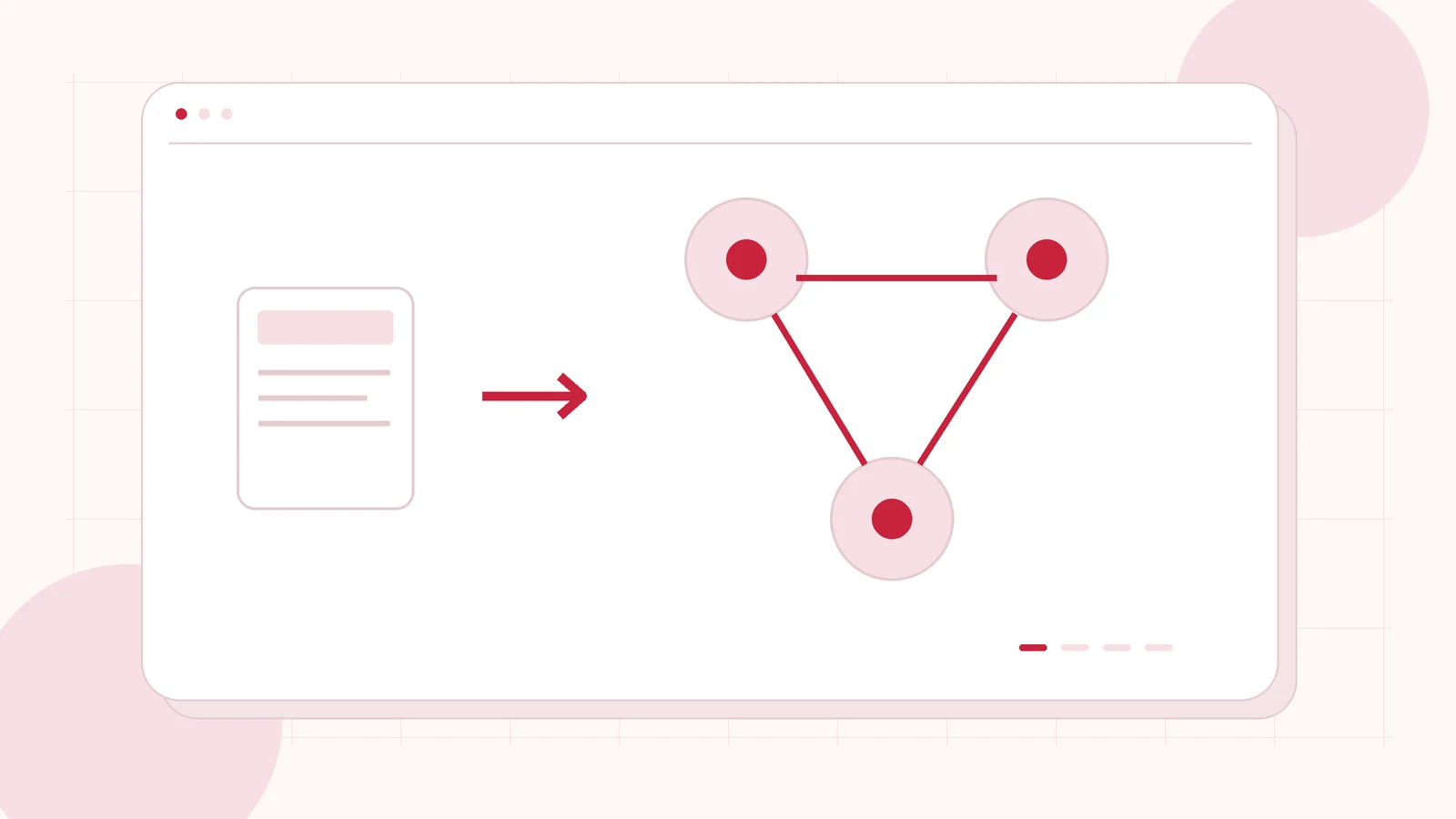
Original editorial illustration of the topic; not a client screenshot or finished-product demonstration.
Moving content from WordPress into Sanity is also a decision about how the website will be delivered and maintained. A dataset can contain the right words and images while the frontend, preview and publishing experience still need substantial implementation work.
This guide helps businesses and agencies brief those workstreams separately. The destination here is Sanity, not WordPress. I offer CMS to Sanity migration and implementation with source assessment, content modelling and an agreed Studio and frontend scope. The right starting point is the editorial requirement and intended channels, rather than a promise to convert every existing page automatically.
Confirm why a structured content platform fits
Describe the content your organisation needs to reuse and where it will appear. A website and another application may need the same underlying records while presenting them differently. Alternatively, the real problem may be a difficult WordPress editing setup that could be improved without changing the platform. Agree the actual requirement before commissioning a headless rebuild.
Identify the people who will maintain schemas, frontend components and integrations after handover. Editors should understand their publishing tasks, while the technical team understands the development responsibilities that remain. A platform change should be evaluated against that operating model, not solely against the appearance of a demonstration website.
Model content before copying page layouts
Inventory posts, pages, custom fields, taxonomies and reusable information. Decide which values become document fields, which become shared references and which belong to frontend presentation. A source page made from many visual sections may contain several content patterns with different destination requirements.
Use representative examples to resolve those decisions. A team profile might be reused across several pages; a service record may need related resources; an article may include a special embedded component. Ask the migration proposal to show the destination model and explain the editing tasks it supports. This is more useful than storing a whole composed page in an opaque field without considering future reuse.
Budget for rich text and asset transformation
List the source structures used inside content: links, lists, images, downloads, embeds and custom blocks. For each supported structure, agree its destination and public rendering. Some legacy page-builder markup may require a transformation rule or an explicitly approved rebuild, especially when content and styling are mixed together.
Sanity documents Portable Text rendering and bulk imports with assets and references. Your project still needs mapping and validation for its own records. Ask for a sample containing difficult blocks and linked assets, then compare the imported information and frontend output before approving the wider move.
Give frontend delivery its own line in the proposal
| Workstream | Scope to agree |
|---|---|
| Content migration | Source extraction, transformations, assets, references and reconciliation. |
| Studio | Editing structure, field guidance, validation and agreed permissions. |
| Frontend | Layouts, routes, content rendering, navigation, forms and responsive behaviour. |
| Delivery operations | Preview, publishing, deployment, monitoring and maintenance ownership. |
A content import should not be mistaken for a complete website release. Ask whether the existing frontend will be adapted or replaced, which team supplies the design and which integrations are included. Hosting, platform subscriptions and later schema changes should also have named owners and visible costs.
Show editors the whole preview-to-publish journey
The editorial demonstration should start with a new or changed record and end with the approved public result. Include an image update, a relationship change and a long content example. Agree how editors preview unpublished work and which approval step applies before it reaches the live website.
Ask what happens when a field is missing or a reference points to unavailable content. The implementation should provide an agreed review path rather than leave editors guessing whether the public page is correct. Studio validation, imported data checks and frontend rendering checks are related but separate parts of acceptance. Record who approves each and how findings are resolved.
Plan the source-to-destination reconciliation
Create a retained content inventory and a stable way to match source records to destination records. Agree which counts and relationships will be compared, how missing assets are reported and who signs off exceptions. A migration report should make deliberate exclusions distinguishable from accidental omissions.
If the public website changes, include its URL mapping, metadata, redirects and integration checks in the release scope. Plan what happens to edits made after the first import and who authorises the final content window. Review import side effects with the integration owners, including any automated processes that respond to changed documents. A successful import is one milestone within a broader release.
Prepare a brief for the implementation you need
Share your existing CMS, representative page types, content volume, languages and intended channels. Explain whether you have a frontend team or need the public website rebuilt as part of the engagement. Include the editing and preview tasks that are difficult today, plus any launch constraints.
I can assess a migration into Sanity and propose the content, Studio and frontend work separately. If your business instead needs to move from Sanity into WordPress, that is a different service and direction. Establishing the destination early helps produce a proposal the editorial and development teams can both evaluate.
Related planning: Sanity to WordPress Migration: Plan Portable Text, References and the Editor Experience · Contentful to WordPress Migration: Preserve Linked Content, Locales and Publishing Needs · Django to WordPress: Moving Your Marketing Website While Keeping the Python Backend.
Official references, reviewed 24 October 2026: Sanity bulk content import · Sanity Portable Text rendering.
Written by
Jagjeet Singh
Full stack development, WordPress engineering and practical web products. I work with businesses, teams and agencies in India and worldwide.
Explore my work

