
Django to WordPress: Moving Your Marketing Website While Keeping the Python Backend
Plan a Django to WordPress website move while retaining the Python services your business needs. Define content ownership, routes, integrations and handover.

In this article
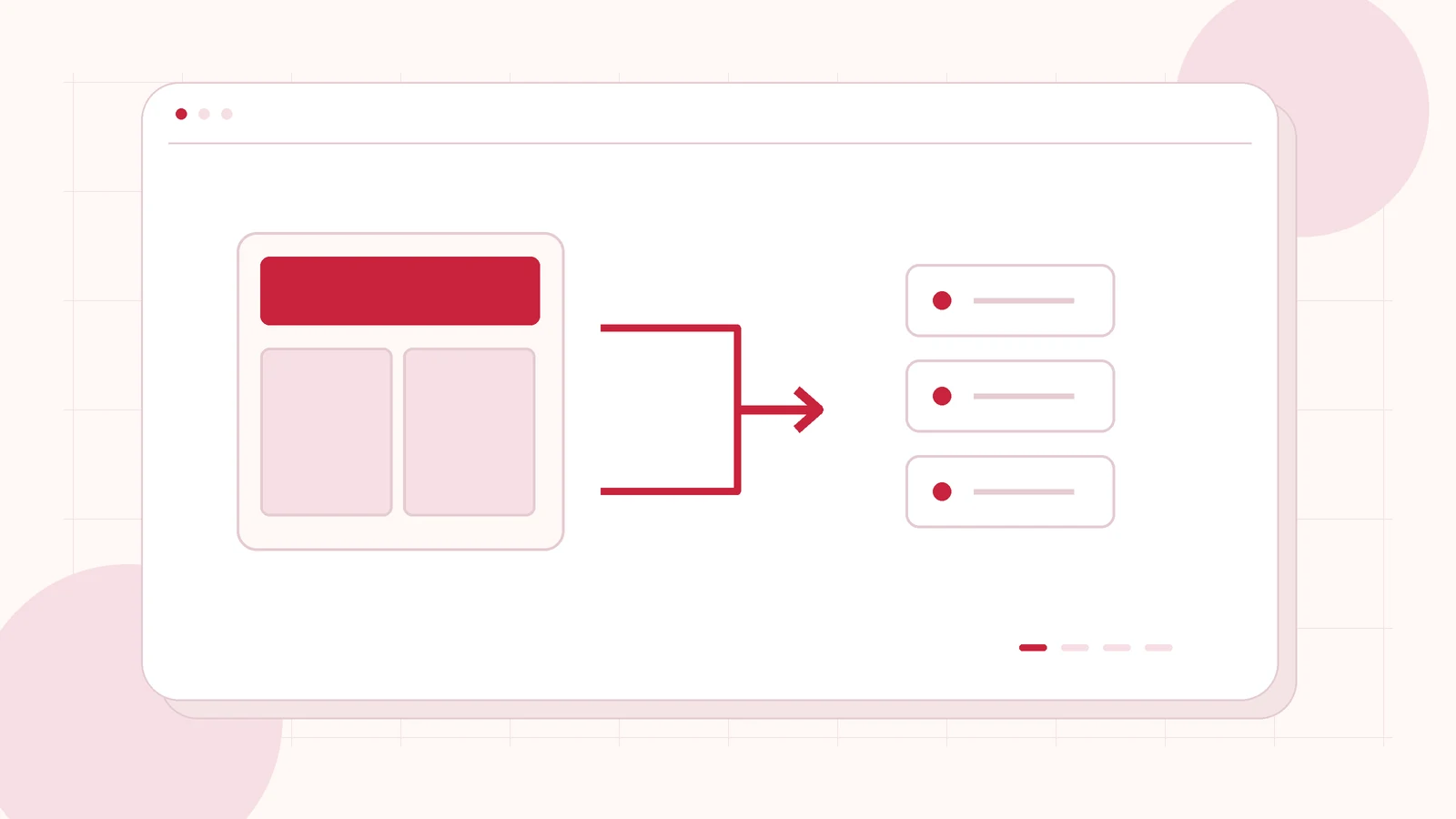
Original editorial illustration of the topic; not a client screenshot or finished-product demonstration.
Your team wants to update service pages and publish campaigns without waiting for an application deployment. At the same time, the Python system behind the website still handles work the business needs. The useful question is which part should move into WordPress and which part should stay where it is.
A Django to WordPress project can be scoped around the public content website while retaining agreed backend services. It needs a clear architecture and ownership plan. My Django to WordPress migration service starts by assessing the content, models and application dependencies, rather than assuming that changing the CMS replaces the whole application.
Draw the website and application boundary
List the public pages and publishing tasks separately from application functions. Marketing pages, articles and resource libraries may have different needs from account management, transactions, reporting or internal operations. Name the team that owns each part and the business journeys crossing between them.
Then decide what WordPress should own. It might handle the public website while an existing service remains responsible for application work. Another project may need only a few new landing pages. A complete replacement should be considered only after reviewing all required behaviour. This boundary is the foundation of the quotation: it explains both the included website work and the dependencies that continue after launch.
Identify the actual Django content source
Django is a framework, not one fixed content model. A custom website, Wagtail installation and django CMS project can expose different records and editing patterns. Share the product and version where applicable, the page types, media storage and any custom publishing features. A public URL is a starting point; it cannot reveal every model relationship.
The Django administration documentation describes model data export capabilities. Such data still needs an agreed mapping into WordPress. Ask which records are in scope, how relationships are retained and how the import will be reconciled. An export file by itself is not a working destination website or a translation of Python application code.
Decide how the two systems communicate
For every connection, describe the action rather than writing only “API integration”. A visitor might submit an enquiry, search approved public information or continue into an existing account area. Name the system receiving the request, the information required and the person who can approve the expected behaviour.
Keep credentials and privileged operations on the appropriate server side. Review access, failure handling and the ownership of any integration endpoint with the responsible developers. Existing sessions, passwords and account permissions should not be assumed to work across a new application boundary. If shared sign-in is necessary, it needs its own assessed identity scope and acceptance criteria.
Give content editors an intentional destination
Choose the information your marketing team needs to update: service descriptions, people, projects, articles or downloadable resources. Map these into WordPress content types, fields and reusable templates. Agree which layouts use Elementor and which values must stay structured so the same content can appear consistently in several places.
Demonstrate those tasks in staging with realistic material. An editor should be able to add a record, replace an asset and understand the relationship between the content and the approved layout. Avoid reproducing an awkward source workflow simply because its database shape is familiar. The rebuild is an opportunity to define a practical editing process while retaining the business information that matters.
Plan routes, assets and visitor handoffs
Assign every important public route to WordPress, Django or a planned redirect. Include login links, campaign URLs, downloads and error pages. Decide how visitors move between the public website and the retained application, and keep the navigation and support context understandable across that handoff.
Review media paths, embedded files and links that point to the old content routes. The release plan should cover canonical URLs, metadata, the sitemap and redirects for changed addresses. Google’s site migration documentation supports planning the URL changes explicitly. Your acceptance check should follow a complete visitor journey, not stop when the new homepage renders.
Assign two-system maintenance before launch
A split architecture can be appropriate, but it leaves responsibilities on both sides. Identify who maintains WordPress, who maintains the retained Python service and who investigates a broken connection. Include hosting, backups, credentials, monitoring and deployment ownership. A person reporting a failure should know where to raise it.
Agree how a future change to an API or route is communicated and reviewed. For launch, use a representative content pilot and test the approved handoffs in a controlled environment. Plan the final content window and a recovery procedure. The proposal should separate website development from continuing application maintenance so the team understands the work it is buying.
Bring the architecture question to the first conversation
Send your public website, the CMS used within Django if any, approximate public content volume and the editing problems you want to solve. Add an outline of the backend functions that must remain and the teams responsible for them. Agencies can specify whether they need content mapping, WordPress implementation or support within a wider delivery team.
I can assess a scoped Django website migration and discuss an implementation boundary before quoting the rebuild. That first conversation should establish the intended destination and the source information needed for discovery. Private database records, credentials and customer account data are not required in the initial brief.
Related planning: Strapi to WordPress Migration: Separate Website Content from Your Backend · Custom WordPress Plugin Development: When Your Business Needs More Than Existing Plugins · WordPress to Sanity Migration: Content Modelling, Frontend Work and Project Scope.
Official references, reviewed 24 October 2026: Django model data export · Google Search Central site migration guidance.
Written by
Jagjeet Singh
Full stack development, WordPress engineering and practical web products. I work with businesses, teams and agencies in India and worldwide.
Explore my work

