
WordPress Staging to Live: Release Changes Without Overwriting New Enquiries
Protect live enquiries during a WordPress release. Separate code, content and settings, then agree what moves, what stays live and how to verify it.

In this article
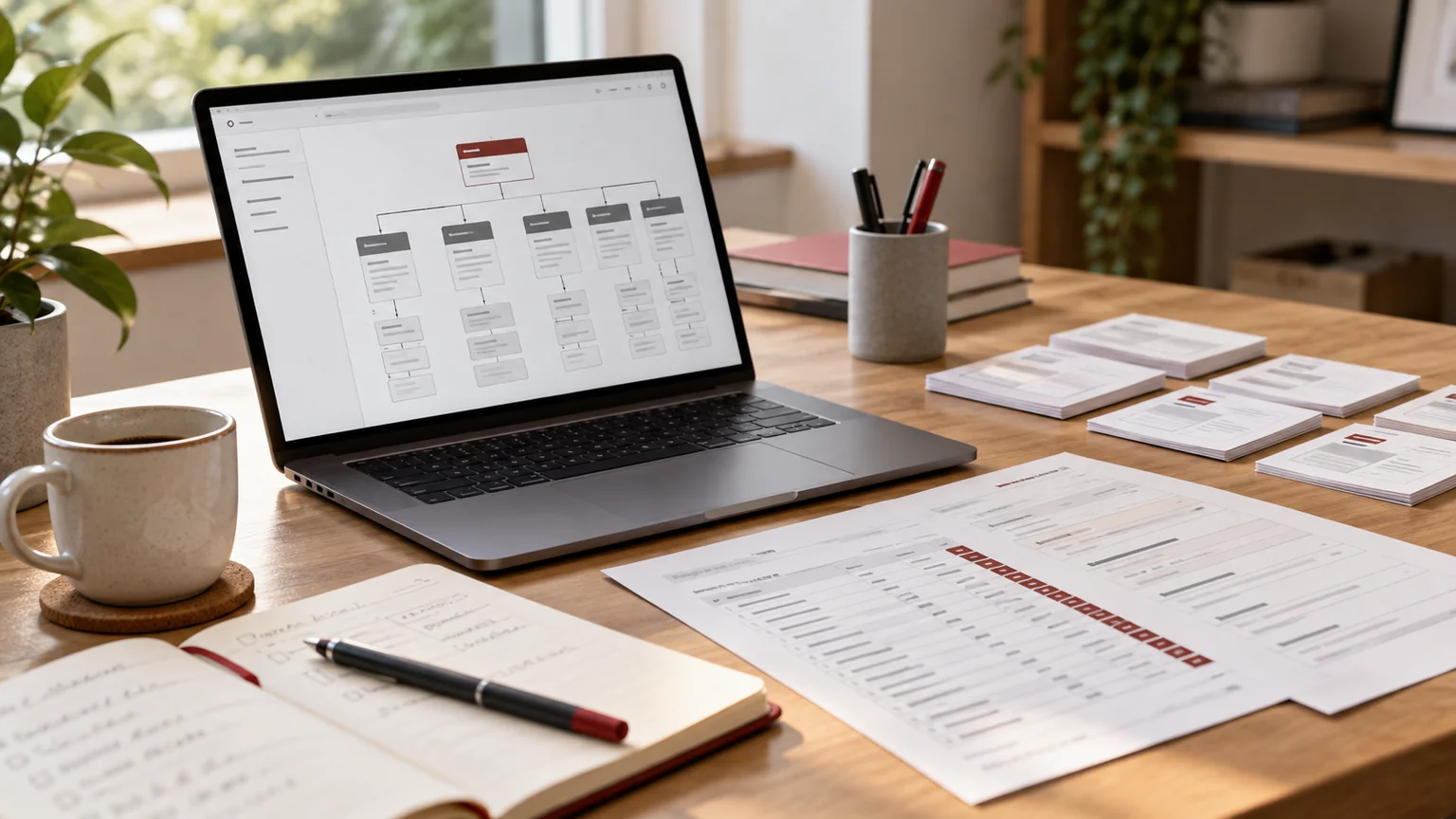
Editorial illustration. Any screens and records are illustrative, not a delivered client system.
Your developer has finished a redesign on staging. Meanwhile, your live WordPress website has received new enquiries, staff have edited a service page and someone has changed an integration setting. Pushing the entire staging copy back to production can replace more than the design.
A safe release begins with a precise question: which changes should move, and which live information must remain authoritative? My WordPress maintenance and support service can include scoped release planning and implementation, with responsibilities agreed before work begins.
Identify what has changed since staging was created
Record when the staging copy was made and list what the live site can create or change: saved forms, user registrations, comments if enabled, editorial updates, scheduled posts and plugin records. Do not assume every important record is stored as a WordPress post.
Ask the site owner which changes are expected during development. A brochure site with one editor has different release needs from a busy site receiving account registrations. The discovery task is to identify live data that must survive, not to assume a full database replacement is acceptable because the homepage looks correct.
Separate files, content, settings and submissions
A redesigned template may involve theme files, Elementor data, images and plugin settings. Those pieces do not necessarily share a safe deployment method. Build a release manifest before deciding which buttons to press in the hosting panel.
| Change type | Illustrative release decision | What must stay live |
|---|---|---|
| Custom code or assets | Deploy the reviewed files | Unrelated uploads and current configuration |
| Page or template design | Move the specific approved items | Other recent editorial changes |
| Plugin configuration | Review each intended setting | Production keys and delivery destinations |
| Saved enquiries | Keep production authoritative | New live submissions and their status |
| URL changes | Apply the approved mapping | Valid destinations and incoming tracking |
The manifest is a planning example, not an instruction to copy particular database tables without understanding their relationships. Hosting and plugin tools differ; the developer must confirm the supported method.
Treat a full database push as a deliberate decision
The WordPress.com staging-sync guidance describes how its database sync can overwrite matching production data, including newer content. This is a host-specific example: confirm the behaviour of your actual hosting tool. A successful staging demonstration is not enough to approve the release.
If a full replacement is genuinely necessary, define an agreed change window and how information arriving during that window will be protected or reconciled. Identify the person who can approve any interruption. Do not quietly disable the enquiry route or ask staff to reconstruct lost messages afterwards.
A small design change should not automatically become a whole-site database operation. Request a narrower deployment when the tools and dependencies support it.
Agree URL handling and environment-specific settings
Staging URLs, notification addresses and integration credentials should not accidentally become production values. Review the settings that differ between the environments, including indexing controls, email delivery, analytics, form destinations and any external callbacks.
WordPress’s migration documentation explains why URL changes can interact with serialized data. Appropriate migration tooling matters; a blanket text replacement is not a reliable substitute for understanding the stored values.
For a site that keeps the same domain, the deployment may require fewer URL changes than a host or domain migration. Scope the actual change instead of adding migration steps that the release does not need.
Use a clear approval and recovery checkpoint
Name the release owner, the person approving content and the person responsible for the live business workflow. Agree the release time, what evidence they will review and the conditions that would stop the release.
- Confirm access and the availability of the agreed recovery method.
- Record the specific design and configuration changes being released.
- Check how newly created production records would be preserved during recovery.
- Decide who can authorise a return to the previous version.
Recovery can also overwrite data if it restores an older database without considering subsequent enquiries. The brief should cover that possibility. A recovery plan is useful only when the people involved understand its data boundaries and can carry it out.
Verify the business journey after deployment
Check the public pages, navigation, responsive layouts, important redirects and the shared header and footer. Then verify the enquiry route using a separately authorised, clearly labelled test, with a named reviewer checking the saved record and notification.
Keep analytics receipt separate from form saving and email delivery. A button click, successful response, saved submission, sent notification and recorded lead event are different observations. Document any unverified step instead of marking the whole journey passed.
Also confirm that production is available for indexing as intended and that staging remains restricted according to the agreed setup. Recheck the specific service pages and documents affected by the release, rather than relying on the homepage alone.
Ask for a release scope your team can review
Send the live and staging addresses, the date the copy was created, the changes being prepared and the types of records your website receives. Add the relevant hosting tools, form plugin and business owner for approving the change.
For broader launch acceptance, see the WordPress relaunch acceptance worksheet. If the work also moves content from another platform, use the Drupal-to-WordPress migration planning guide to define that separate scope.
I can review your proposed deployment through WordPress maintenance and release support. The outcome of the initial discussion should be a readable manifest: what moves, what remains live, who approves it and how the result will be verified.
Written by
Jagjeet Singh
Full stack development, WordPress engineering and practical web products. I work with businesses, teams and agencies in India and worldwide.
Explore my work

