
WordPress Download Library Development: Versions, Filters and Editor Ownership
Commission a download library that visitors can navigate and editors can maintain, with clear rules for versions, access and ownership.

In this article
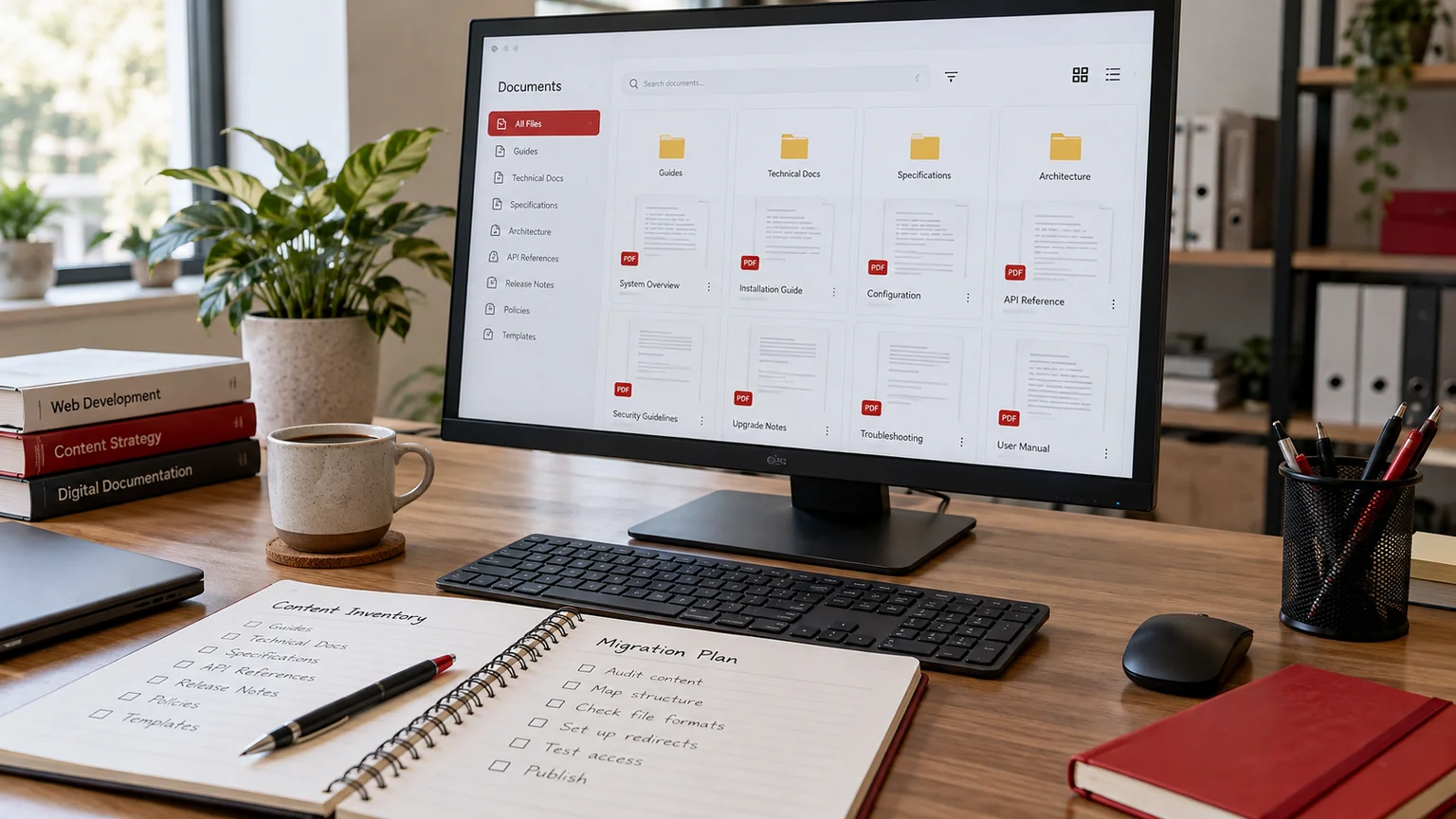
Editorial illustration. Any screens and records are illustrative, not a delivered client system.
A folder of PDFs is easy to upload. A useful download library needs more thought: visitors must find the right document, recognise the current version and understand whether it applies to them. Editors need a manageable way to replace files without breaking links or accidentally withdrawing something another page still uses.
If your team is commissioning a resource centre, product document library or policy collection, define those behaviours before choosing a plugin. I can scope custom WordPress plugin development around the people publishing the documents and the people trying to use them.
Define the library around visitor tasks
Start with three real searches somebody would make. A distributor might need an installation guide for a particular model. A customer might need a specification sheet in a particular language. A staff member might need the policy that applied during an earlier period. Those tasks imply different metadata and access rules.
Agree whether visitors browse by topic, search by reference number or follow direct links from other pages. Also identify the outcome: opening a file, downloading it, requesting restricted access or contacting an adviser. A library should not introduce a lead form in front of every document unless that interruption serves an agreed business purpose.
Use a document model editors can understand
The WordPress Media Library manages uploaded media and attachment information. A public document collection usually needs an additional content model. WordPress supports custom post types, which can provide a structured place for document records.
For a hypothetical manufacturer, the planning matrix might look like this:
| Field | Purpose | Editor rule |
|---|---|---|
| Document reference | Stable identity | Unique and required |
| Product family | Browse filter | Choose an approved term |
| Version and release date | Identify the right edition | Required before publication |
| Document owner | Resolve update questions | Named internal responsibility |
| Superseded record | Link editions | Review before replacement |
Decide what replacing a document means
A new file can replace an old file at the same public address, create a new version at a new address or sit alongside an archived edition. These choices affect links, audit needs and visitor expectations. They should be deliberate rather than determined by whichever upload button an editor happens to use.
Agree what a visitor following an old link sees. It could be the original edition with a clear archive label, a document page explaining the replacement or a redirect where the old resource is genuinely retired. If a document changes materially, a silent file swap may be inappropriate. I would record the chosen behaviour for each document class.
Keep filters useful instead of exhaustive
A filter should answer a recognisable question. Topic, product, language and publication year may help; a long list of internal departments may not. Test the proposed vocabulary against your actual document titles before committing to it. Inconsistent labels can make a technically working filter frustrating to use.
Specify empty states, clear-filter behaviour and what happens when somebody combines several filters. On mobile, controls need visible labels and a simple way to review the active choices. For a related planning example, see my guide to custom search across services and documents. Search relevance and library filtering should support the same visitor tasks.
Separate document discovery from file protection
A restricted document title, a hidden download button and a protected file are different requirements. If confidential files are involved, the scope must address how the file is delivered and how access is checked. Removing a link from the public interface is not an access-control design.
List the permitted audiences, who approves access and what happens when access is revoked. Define whether document metadata can appear in public search results even when the file itself is restricted. Avoid collecting unnecessary personal information to support a simple download. The implementation should match your agreed policy, and its acceptance checks should include a person who is not signed in.
Commission the editor workflow as a deliverable
Include the administration experience in the quote: creating a document record, adding metadata, uploading a replacement, previewing the entry and publishing it. Decide who can edit drafts and who can release a document. If approvals are required, identify the actual reviewer and the action that records approval.
Bulk import also needs a defined scope. A spreadsheet of filenames is different from a prepared register with stable identifiers, owners and version relationships. My document-library migration guide explains related inventory decisions. Existing duplicates and missing originals should be listed for your decision rather than quietly guessed during development.
Agree checks using representative documents
Before launch, test a small but varied set: a current PDF, an archived edition, a long title, a missing translation, a restricted file and a document used on several pages. Confirm that the displayed labels and the downloaded files agree.
- A visitor can find a nominated document through browsing and search.
- Filters can be combined and cleared without losing the page context.
- Old links behave according to the replacement policy.
- Unauthorised visitors cannot retrieve files classified as restricted.
- An editor can publish a new edition without developer assistance.
- Document names, dates and accessible link labels remain readable on mobile.
Record the expected result for each test so approval is based on behaviour, not just appearance.
What to send for a useful development proposal
Send your current library address, a document register, five representative files, proposed filters and a description of who owns updates. Include the approximate collection size, any languages, restrictions and old URLs that must remain useful. Highlight whether this is a new collection or a migration.
I can use that material to propose a document model, interface, import approach and acceptance checklist through my WordPress plugin development service. That gives you a reviewable scope before a large upload exercise begins. The first conversation should establish how the library will stay accurate after launch.
Written by
Jagjeet Singh
Full stack development, WordPress engineering and practical web products. I work with businesses, teams and agencies in India and worldwide.
Explore my work

