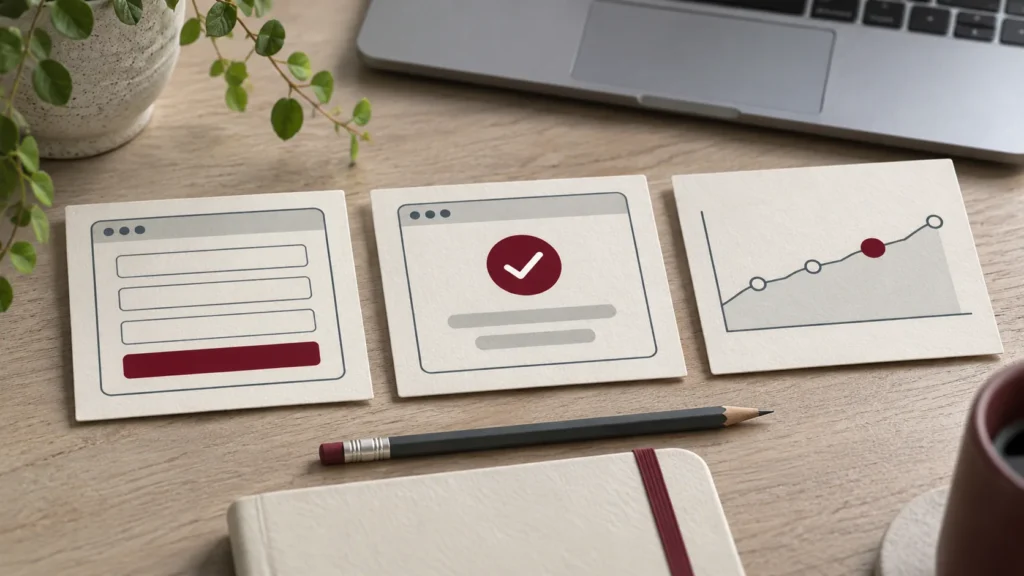

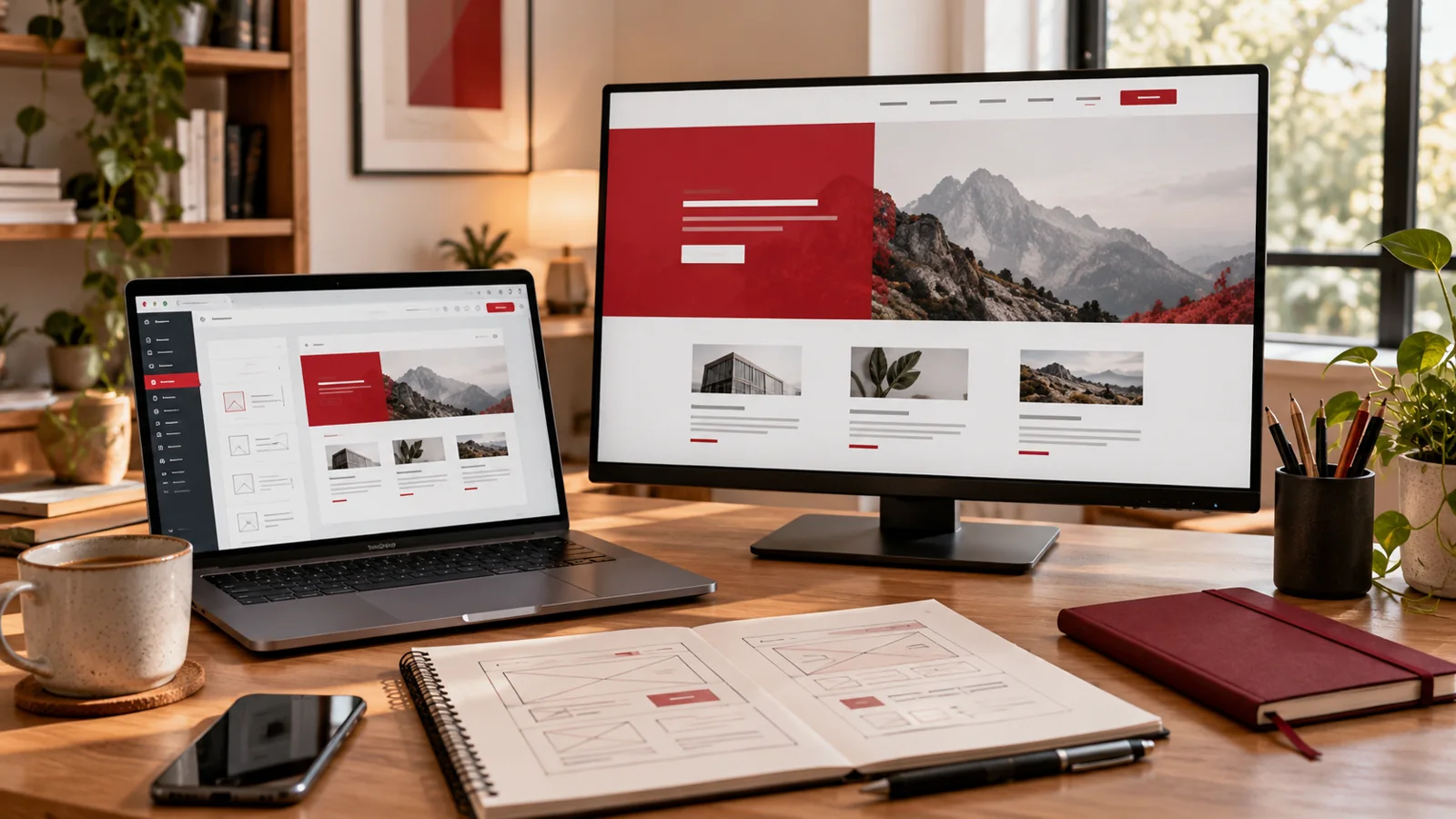
Illustrative workspace, not a photograph of a completed corporate training workshop.
Your marketing team has a WordPress website, but publishing a simple announcement still depends on one colleague or an external developer. Someone is unsure which editor to use; another person can change a page but does not know who approves it. A generic dashboard demonstration rarely resolves those gaps.
WordPress training for marketing teams should follow the work people need to complete: prepare content, create an approved draft, check the page and hand it to the right person for publication. My corporate WordPress training can be scoped around your existing website and responsibilities. Start with the workflow you want staff to practise, then choose the controls they need to learn.
1. Define the publishing tasks before choosing the curriculum
Ask each team to list the updates it makes regularly. Useful examples include publishing a company announcement, replacing a service description, updating a team biography or preparing a campaign article. Separate these from redesigning a shared template, changing a form integration or installing a plugin. The latter tasks need different permissions and technical judgement.
For each routine task, record the starting material, editor, reviewer and intended destination. Include an example of a finished page your team considers acceptable. This turns a vague request to learn WordPress into a workshop brief someone can price and prepare against.
- Which pages or posts should participants manage?
- What should stay under developer or administrator control?
- What currently causes delays, uncertainty or repeated corrections?
2. Match accounts and permissions to the work
Training should use the account level staff will actually have afterwards. Demonstrating everything through an administrator login can leave participants searching for controls they cannot access, or encourage unnecessary access requests. Use individual accounts and agree who can approve, publish and manage other users.
The official WordPress roles and capabilities guide explains the standard permission model. Your developer should check the actual setup because plugins and custom roles can change it. A marketing job title does not by itself determine the correct WordPress role.
Write an access matrix for your site: draft author, content reviewer, publisher and technical owner. Some small teams combine those responsibilities, but the ownership should still be explicit. Account changes remain the responsibility of an authorised administrator.
3. Rehearse one complete draft-to-publish journey
A useful practical exercise is to prepare a fictional company announcement in a training environment or an authorised draft. Give participants approved copy, a sample image and a destination link. Ask them to choose the correct content type, enter the text, apply the established layout and save their work for review.
Then switch roles. A reviewer checks the draft against the brief and records what must change. The editor makes the correction, previews the result and hands it back through the agreed approval route. This exposes gaps that a trainer clicking through menus would miss.
Document how your particular site handles previews, publication and scheduled content if those features are in scope. Avoid using a real public campaign as an unplanned practice exercise. Live changes need the website owner’s agreement and a clear review step.
4. Teach content structure and media as everyday habits
The team needs a repeatable way to make content understandable. Practise writing meaningful headings, using clear link labels and splitting long copy into useful sections. Follow the site’s existing visual styles rather than individually formatting every paragraph to look different.
For images, discuss why a particular asset belongs on the page, whether the organisation may use it and how its crop affects the message. Practise suitable file preparation and meaningful alternative text when an image conveys information. Decorative images need different treatment; adding the same keyword to every image is not a useful editing standard.
Include an example where an important detail appears only inside an image. Ask participants how the page would communicate that information without the picture. These exercises establish sensible publishing habits; they do not replace a specialist accessibility review.
5. Build a short review checklist people will actually use
A checklist should fit the kind of update being published. An event announcement and a service-page rewrite need different scrutiny, but both need a named reviewer and a clear destination for the reader. Keep the list short enough to use, then add checks only when the task calls for them.
- Confirm names, dates, prices and claims against approved source material.
- Check headings, image crops, captions and link destinations.
- Review desktop and narrow mobile presentation, including long headings and buttons.
- Verify the intended enquiry or next-step link still points to the correct place.
- Review the page title and description in the site’s SEO plugin when relevant.
- Record who approved publication and who owns the next review.
For forms or external systems, agree a separate authorised test with the owner. Do not send unexpected test messages or assume an attractive page proves delivery works.
6. Explain revisions, recovery and technical escalation
Editors should know what to do when they spot a mistake, including when to stop editing and contact the website owner. The WordPress revisions documentation describes reviewing saved content changes and restoring a revision. The available history depends on the site’s configuration and the editor being used.
Practise locating an appropriate previous content version in the agreed environment, with the technical owner’s guidance. Do not present revisions as a replacement for a complete website recovery plan. Content history, hosting recovery and changes to integrations are different responsibilities.
Give staff a simple escalation brief: page URL, account role, intended change, what happened and a screenshot without private records. Plugin failures, missing permissions and broken layout behaviour may require developer work rather than another publishing lesson.
7. Measure competence through an agreed publishing task
Attendance is useful administration, but it does not show whether somebody can complete the work. Agree a practical task before the session: create a draft article, correct a supplied mistake, preview the mobile layout and explain who authorises publication. Judge it against criteria the team understands.
Ask participants to repeat the task without copying every trainer click. Note where they need help and whether the issue is knowledge, access, missing documentation or a limitation in the website. A training proposal can include a review of these exercises if agreed in scope.
Keep any follow-up assessment proportionate. The objective is a workable editing process and clearer support needs, not an invented productivity percentage or a promise that the team will never need a developer.
8. Request a workshop based on your website and team
Send your website URL, the editor or page builder in use, participant roles, approximate group size and two or three updates staff should practise. Add the approval route, current confidence level, preferred dates and whether an authorised training environment is available. Do not send passwords or customer records with an initial enquiry.
I can scope WordPress training for your corporate team around those responsibilities, including Elementor where your site uses it. Delivery, session structure, materials and any follow-up are agreed in the proposal. Training is independent and is not presented as an official WordPress or Elementor certification.
If publishing is difficult because the editor itself needs repair, that is a separate implementation requirement. WordPress development or ongoing website maintenance can be discussed alongside the training without making staff responsible for every technical issue.