
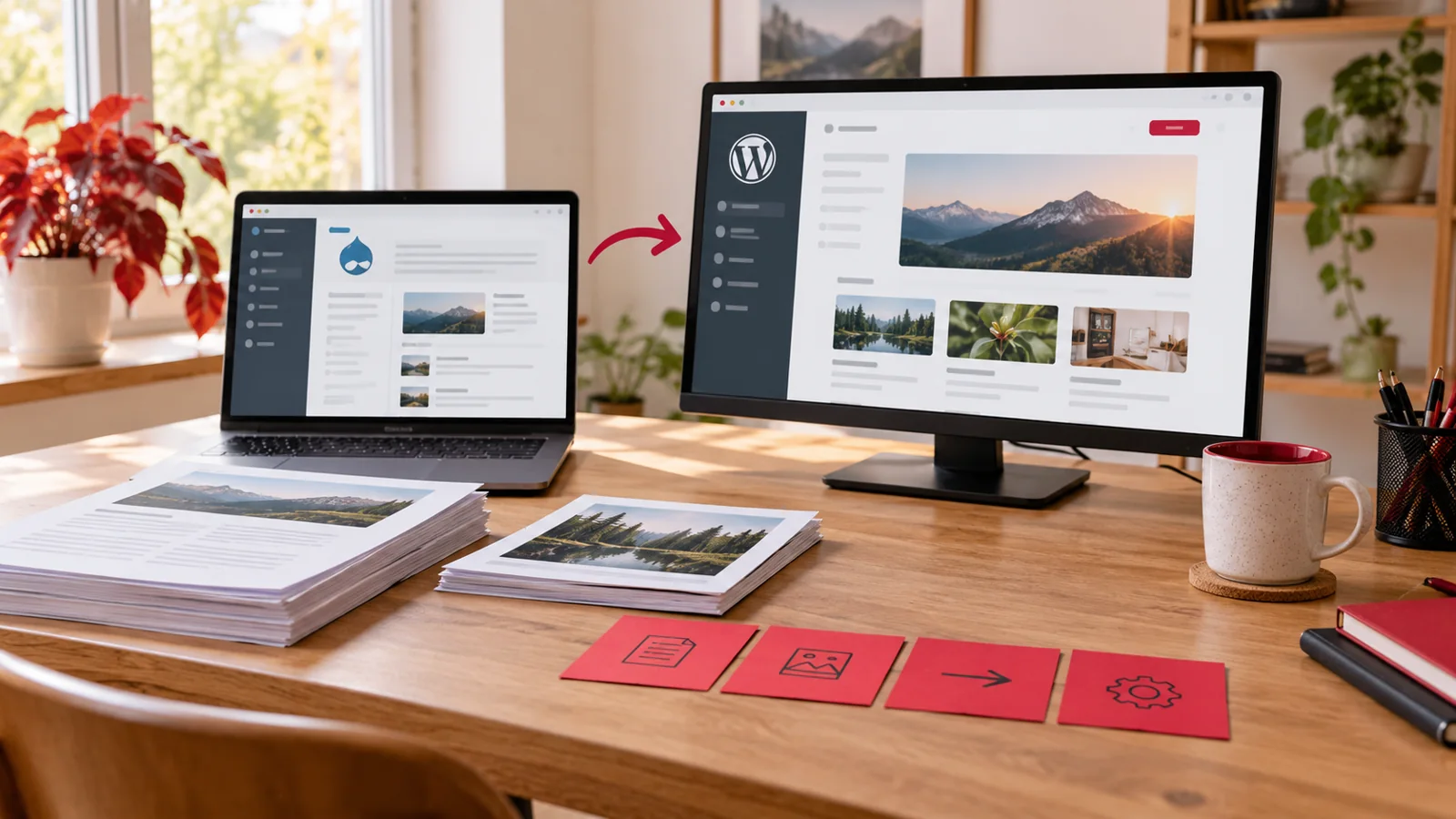
Illustrative workspace or concept artwork; not a photograph of a client office or a screenshot proving delivered project features.
A Drupal page may look like a simple sequence of text and images while its content is stored as several linked, nested components. Flattening that page into one block of copied HTML can preserve part of the appearance and lose the editing structure the team depends on.
For Drupal to WordPress migration using Elementor, the brief should explain how Paragraphs content will become editable fields, containers and templates. This guide concerns that mapping and rebuild decision; it does not describe a universal one-click converter or promise that every Drupal component has an identical Elementor equivalent.
Inventory Paragraph types and actual usage
The Drupal Paragraphs project describes predefined component types with their own fields, which editors can add and reorder. A migration therefore needs more than a list of page titles. Identify the types in use, their fields and the content records that reference them.
Count meaningful variations and exceptions as well as total pages. An old component might appear only once but contain an important enquiry or download journey. Include a representative sample for each type and ask the editorial team which components it still needs, which can be simplified and which should be retired.
Map nested structures and relationships
A section may contain several cards, and each card may reference an image, link or another content record. Record that structure and its ordering. The visible page alone may not explain whether text is stored directly, inherited from a linked record or shared with another page.
Agree how shared references behave in WordPress. If the same content is used in several places, decide whether it remains centrally managed or becomes a separate editable copy in each location. That decision affects the migration script, the new editing experience and the effort required to keep future changes consistent.
Choose the destination editing model deliberately
For an Elementor rebuild, define which content becomes native headings, text, images, buttons and containers, and which repeated information needs structured fields or a reusable template. The objective is an editing model the team understands, with ordinary content accessible through the chosen tools.
Avoid making the entire page one custom HTML widget just because the source markup can be copied. Ask editors to review a sample migrated page and locate the fields they will update. If a source feature needs custom development or a changed interaction, document that choice instead of describing it as a routine content import.
Separate data transport from layout conversion
The WordPress REST API post reference defines fields for records such as titles, content and publication information. It is an interface for working with WordPress records, not an automatic interpreter of Drupal Paragraphs or a converter for page-builder layouts.
The proposal should identify how source data is exported, transformed and imported, and how Elementor structures are produced or rebuilt. Keep a mapping between source records and destinations so the team can inspect errors and repeat an approved test import without casually creating duplicate pages or losing linked content.
Include media, captions and download links
Review image files, captions, alternative text, document links and any language variants connected to each component. A transferred image file does not establish that the right image is attached to the right page or that its caption remains meaningful. Keep the relationship with the source record during migration checks.
Decide what happens to unused or missing assets and which team supplies replacements. For video, maps or other embeds, confirm the approved provider, consent behaviour and mobile layout. An unavailable third-party embed should appear as a known dependency, not disappear silently from the page count.
Review a representative pilot before importing everything
Choose sample pages with the important structures: nested cards, optional sections, long content, a missing image and a multilingual variation where relevant. Compare source meaning, destination appearance and editing behaviour. A clean homepage alone is not a representative pilot for a complex content library.
Record accepted mappings and unresolved exceptions. Ask the client to confirm whether a simplified component still serves its content purpose before repeating the change. This limits expensive rework and gives the agency evidence for the remaining migration estimate, without pretending the pilot proves every page is already complete.
Define content freeze, final import and acceptance
Agree how changes made in Drupal during the rebuild are identified and handled. Name the final export point, publication owner and process for late edits. The team should know which system is authoritative at each stage so important content does not disappear between the pilot and launch.
Acceptance should cover record counts, representative relationships, publication information, links and the agreed visitor journeys. Keep the source-to-destination map and known limitations with the handover. Ask an editor to perform normal updates in Elementor and explain which structural changes require development work.
Send a content sample for a scoped migration quote
Provide the Drupal version, Paragraph type inventory if available, page count, languages, representative pages and the planned design. Include unusual components, custom integrations and the people responsible for content decisions. Share a limited, approved sample through the agreed project channel rather than a full live database in an initial enquiry.
My Drupal to WordPress migration service can scope the content mapping, Elementor rebuild and acceptance checks. Start with the structure and sample pages, then agree the import and custom work needed to make the resulting website practical for your publishing team.