
DOTCMS TO WORDPRESS / CONTENT & WEBSITE REBUILD
dotCMS to WordPress Migration
dotCMS to WordPress migration discovery and implementation for business websites. Review your Content Types, URL Map Patterns, Block Editor content, Sites and languages, then scope an editable WordPress replacement.
Based in India · Remote projects with US, UK and international teams
dotCMS
WordPress + Elementor
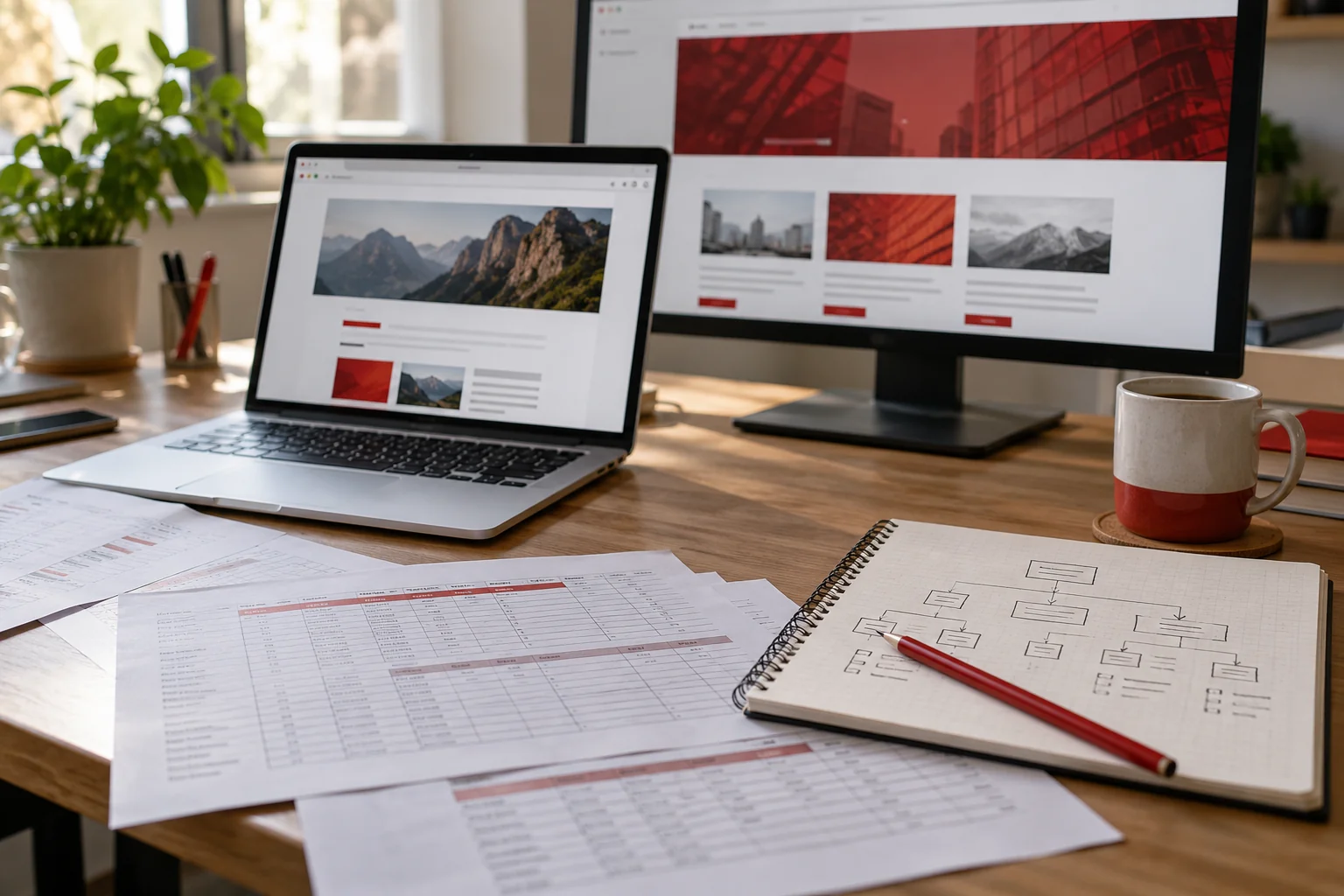
Illustrative workspace. Screens show concepts, not a delivered client project.
CUSTOM DEVELOPMENT & IMPLEMENTATION
Map the website.
Account for the custom work.
A dotCMS website is usually more than its pages. Content Types, URL Map Patterns, Vanity URLs, multiple Sites and language versions all shape how content is stored and addressed. A useful migration identifies what your team actually maintains and which features run behind the pages. The proposal separates website rebuilding from any wider business-system change.
Content Type & field review
Inventory your Content Types, fields and relationships, including the base types in use such as Content, Page, File Asset, Widget and Form. Decide which belong in WordPress posts, pages, custom post types or a connected external system.
URL maps & Vanity URLs
List each URL Map Pattern and the detail page behind it, plus active Vanity URLs and redirects. Plan matching WordPress permalinks and a redirect map you can approve before launch.
Templates & containers rebuilt
Review representative templates, containers and theme or Velocity-based layouts. Rebuild approved designs as native Elementor templates with reusable sections and clear editing controls.
Block Editor & rich content
Block Editor fields store content as JSON. Map each block type, embedded item and media reference to a WordPress or Elementor equivalent, so formatting and structure survive the move.
Sites, languages & media
Plan how multiple dotCMS Sites and language versions map to WordPress: one site, a Multisite network or separate installs. Move files and images with their metadata and alternative text.
Content test & launch planning
Validate representative pages in staging before scaling the migration. Agree content freeze, release responsibilities, recovery steps and post-launch editing support.
THE DETAILS THAT SHAPE THE PROJECT
Website content.
Application dependencies.
Treat those as separate workstreams. A page can be rebuilt while a custom module still needs a supported destination and a named owner.
01
An extraction route check
Confirm how content will leave dotCMS: the REST Content API, GraphQL, the Page API or downloadable content bundles. Access and permissions are confirmed with your current technical team during discovery.
02
Workflows and personalisation
Note which publishing workflows, Personas and personalisation rules the business still relies on. Decide whether WordPress needs an equivalent, a plugin or a simpler agreed process.
03
A component inventory
Record the approved layout, editor controls and output of each important template, container and widget. A source component becomes a scoped rebuild, not an assumed automatic conversion.
A QUOTE BASED ON YOUR ACTUAL SETUP
Clear inputs.
A reviewable scope.
Content and feature complexity, integrations, languages, source access and review requirements determine the work. Discovery, implementation, licences, hosting and ongoing support are separated in the proposal. A schedule follows the agreed scope and availability of the inputs.
Which system remains responsible?
Decide where business records and operational logic belong after the move. The website scope should not silently become a replacement for an internal application.
What belongs in the pilot?
Include an ordinary page, a URL-mapped detail page and a page with Block Editor or language-specific content. Review gaps before the wider build is priced.
What will editors change?
Agree reusable Elementor layouts, structured fields and access roles. Document the practical publishing workflow for the replacement website.
FROM AN ASSESSMENT TO AN AGREED BUILD
Discover. Implement.
Review the result.
01
Review & define
Review the current setup and agree the project boundary, inputs, owners and acceptance checks.
02
Test a representative sample
Build or map a contained example in staging. Use the findings to confirm the wider implementation.
03
Build & review together
Implement the agreed work in stages. Review important pages and functionality against the brief.
04
Release & hand over
Agree the release checks, recovery responsibilities and practical editing or setup documentation.
WORK WITH THE DEVELOPER DOING THE BUILD
A person to talk to.
Work you can review.
I’m Jagjeet Singh, a WordPress developer based in India. Review my portfolio and discuss the contribution relevant to your project. We agree requirements, communication and review checkpoints around the work you need.
Platform reference: dotCMS Content API, URL maps and Vanity URLs and Block Editor. The documented source features inform discovery; the WordPress mapping and rebuild are scoped separately.
BEFORE YOU DECIDE
Good questions.
Clear answers.
Does our dotCMS setup affect the migration approach?
Yes. Content Types, URL Map Patterns, Sites, languages and custom plugins or integrations vary between implementations. We review the actual setup before proposing the migration method.
Can dotCMS templates and containers be imported into Elementor?
They need to be reviewed and rebuilt as suitable WordPress and Elementor equivalents. Source layouts, containers and editor inputs form part of the requirements.
How is Block Editor content moved?
Block Editor fields are stored as JSON. Each block type is mapped to a WordPress equivalent and tested with real content, including headings, lists, images and embedded items.
What happens to URL maps and Vanity URLs?
Each URL Map Pattern and Vanity URL is inventoried. WordPress permalinks match them where practical, and changed addresses get approved 301 redirects that are tested in staging and after launch.
How are URLs and metadata handled?
The migration scope can include a source URL inventory, approved destinations, redirects for changed addresses and relevant metadata. Important content and links are validated in staging and after launch.
How do we start?
Share the website, your dotCMS version, the main Content Types, content volume and connected systems. A discovery scope and representative content sample help establish feasibility, quote and timing.
PROJECT FIT & IMPLEMENTATION
Start with the Content Types and URL structure.
dotCMS to WordPress migration is a scoped rebuild of the agreed website, with the source implementation reviewed before transfer work is priced.
A dotCMS website migration to WordPress starts with the Content Types, URL Map Patterns and API access available. dotCMS to WordPress migration cost depends on retained pages, reusable templates, Sites and language versions, and application dependencies. A pilot content set helps establish the mapping and identify integrations or personalisation that need a separate implementation decision. You can also review CMS migration discovery before preparing your brief.
Which dotCMS details matter most to a migration quote?
The Content Types, URL Map Patterns, number of Sites and languages, and the API access available determine how content can be extracted and mapped. A representative export and page sample help establish the practical transfer approach rather than assuming every dotCMS setup is identical.
Can dotCMS workflows and forms move with the website?
Inventory them separately from page content. Decide which forms, notifications and approval steps are required in WordPress, then review supported plugins or custom development. Test each agreed journey in staging; a website rebuild should not imply automatic equivalence for every dotCMS feature.
For related implementation work, explore WordPress Migration Services or Custom WordPress Plugin Development.
HAVE A PROJECT IN MIND?
Let’s make the
next step clear.
Share the public website or a short brief and the work you are considering. I will review the requirements and follow up to discuss a practical scope and approach.
- dotCMS version and website URL
- Content Types, Sites, languages and approximate volume
- URL Map Patterns, Vanity URLs and existing redirects
- Custom plugins, forms, integrations and launch constraints
Based in India · Collaboration hours and review checkpoints agreed with your team
Your details are used to respond to this enquiry. Please keep passwords and private customer records out of the form. Privacy policy.