
AEM Assets to WordPress: Plan Media Ownership and Editor Workflows
A media migration needs more than file transfer. Define which assets, metadata and publishing responsibilities your WordPress site needs.

In this article
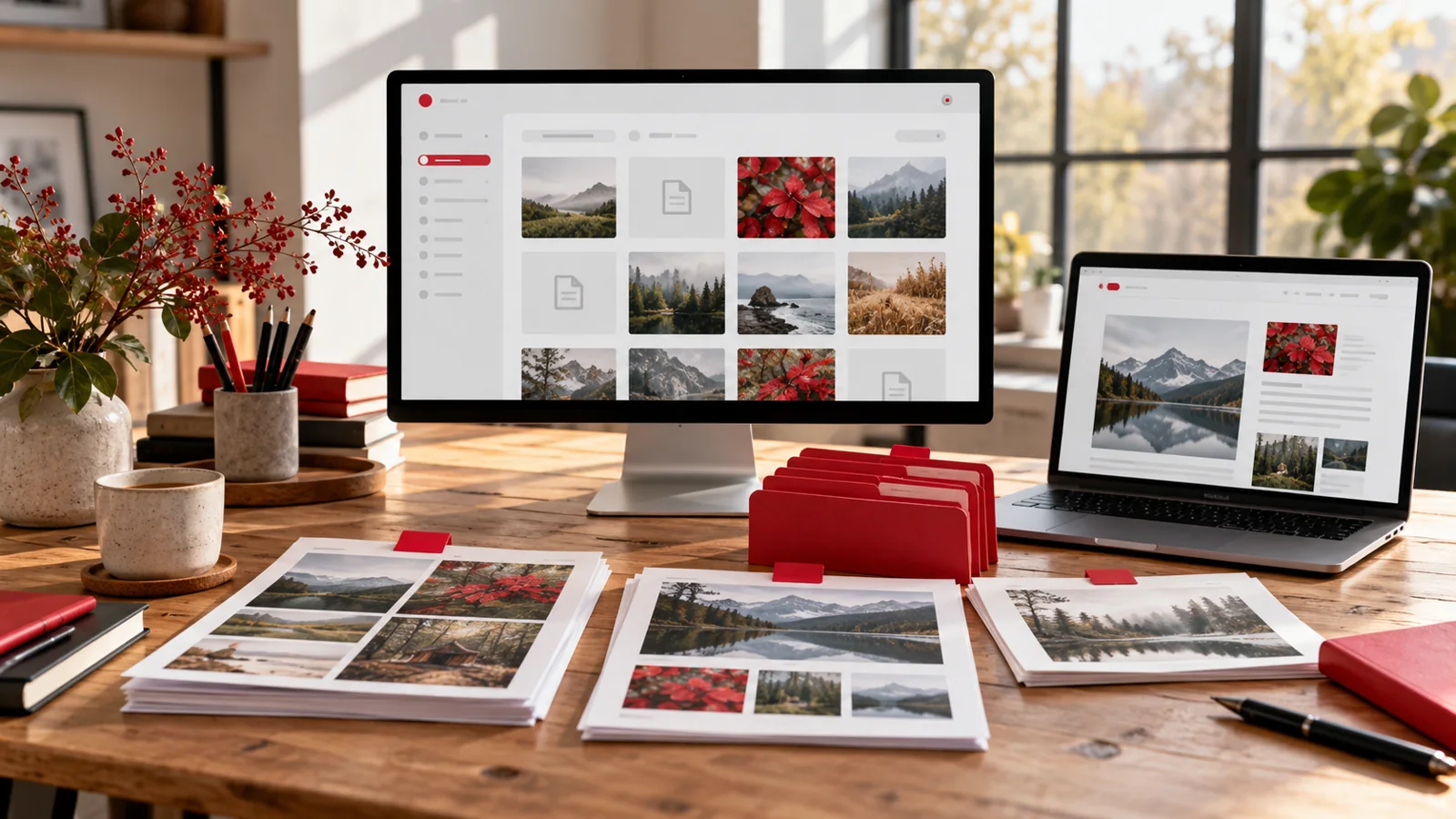
Editorial illustration. Any screens and records are illustrative, not a delivered client system.
An AEM Assets library can contain originals, renditions, metadata and established approval habits. A new WordPress website may need only part of that collection, but it still needs the right files and enough context for editors to use them correctly. Transferring everything without a selection policy can bring old confusion into a new interface.
I would scope AEM to WordPress media migration around the future publishing workflow. Decide what belongs on the website, what remains in an asset system and who keeps the collection accurate.
Define the role of WordPress in the asset workflow
Decide whether WordPress becomes the publishing library for selected website assets or continues to use assets managed elsewhere. Those models require different integration, ownership and operational decisions. Neither should be assumed simply because the website is moving platforms.
Identify the editors’ daily tasks: finding an approved image, selecting a crop, replacing a brochure or checking whether a file can be used. If the current workflow includes specialist asset approval, agree where that approval will happen after the move. A website media library should not accidentally become responsible for an organisation-wide asset process that was never included in the project.
Inventory a representative sample before bulk transfer
Choose examples across image types, documents, folders and content owners. Record the original asset identifier, website references and the version intended for publication. Include items with complicated metadata or several renditions rather than selecting only clean sample images.
Adobe’s metadata import and export guidance describes working with asset metadata. A metadata export is not the same deliverable as the asset binaries or a recreated editorial workflow. Review what is actually available from your installation and validate the relationship between the exported information and the selected files.
Create a field and ownership mapping
A hypothetical migration register might contain these columns:
| Source information | Destination decision | Review owner |
|---|---|---|
| Asset identifier | Keep a traceable migration reference | Migration lead |
| Title and description | Map useful editorial fields | Content editor |
| Rights or usage notes | Preserve in an agreed workflow | Business rights owner |
| Tags and folder context | Select usable search vocabulary | Publishing owner |
| Original and renditions | Choose required destination files | Design and content owners |
| Current page references | Replace or retain each reference | Website owner |
Mark missing information for review. Do not infer permission to publish from the fact that a file exists in an export.
Treat renditions and crops as design decisions
The file an editor downloads from AEM may be an original, a prepared derivative or a crop used in one context. Identify what the new page layouts require and whether existing renditions remain appropriate. Avoid assuming that the largest available file is the correct public asset.
The Adobe asset migration guidance reinforces the need to assess the transfer path rather than assume one universal export route. I would validate representative assets with the destination layout, including image quality, file size, focal point and document readability. Any replacement artwork should be separately approved rather than silently substituted during migration.
Make assets findable for future editors
An editor needs more than a successfully imported filename. Agree a naming approach, useful metadata and a manageable way to distinguish approved files from superseded ones. Decide whether the destination needs structured asset records or whether a simpler media workflow is sufficient.
Website alternative text also needs context. A source description can help, but it is not automatically suitable for every use of an image. Decorative and informative uses have different needs. My AEM migration planning guide covers the wider content model. Keep media decisions aligned with the page structures editors will actually maintain.
Plan references and the transition period
Pages may refer to AEM files through old URLs, embedded fragments or component configuration. Inventory those references so a visually correct page does not depend unknowingly on a service scheduled for retirement. Identify public document addresses that people may have bookmarked or linked externally.
Agree whether old file URLs redirect, remain available temporarily or are retired with an approved alternative. Also define how assets changed during the migration are included in the final transfer. My guide to AEM content fragments and web rebuilding discusses related dependencies. File transfer and page reconstruction need a shared reference map.
Approve both asset accuracy and editor operation
Use a sample-based acceptance set supported by inventory reconciliation:
- Selected originals and destination files match the register.
- Metadata lands in the agreed fields without silent truncation.
- Required usage notes remain available to the responsible people.
- Images and documents work in representative page layouts.
- Old references follow the agreed transition policy.
- An editor can find, replace and publish an approved asset.
- Unresolved duplicates and missing files have recorded decisions.
- The final change transfer includes the agreed publication period.
Counts alone are not enough. A collection of imported files can still be unusable if editors cannot identify the right edition.
What to include in an AEM media migration enquiry
Send an asset inventory, representative exports, sample files and the pages that use them. Explain the AEM setup, future asset-management arrangement, usage restrictions and who will approve metadata mapping. Include any retirement date for the source environment and the publication workflow you want to simplify.
Through my AEM to WordPress migration service, I can scope a pilot transfer, metadata map and editorial acceptance plan before a larger migration. The proposal should state what moves, what stays elsewhere and what needs owner review. That gives the website a manageable media workflow rather than an unexplained collection of transferred files.
Written by
Jagjeet Singh
Full stack development, WordPress engineering and practical web products. I work with businesses, teams and agencies in India and worldwide.
Explore my work

