
Custom CRM Audit Logs: Agree What Must Be Recorded Before Development
Decide which CRM events need recording, who may view them and how staff will investigate a change before commissioning audit logs.

In this article
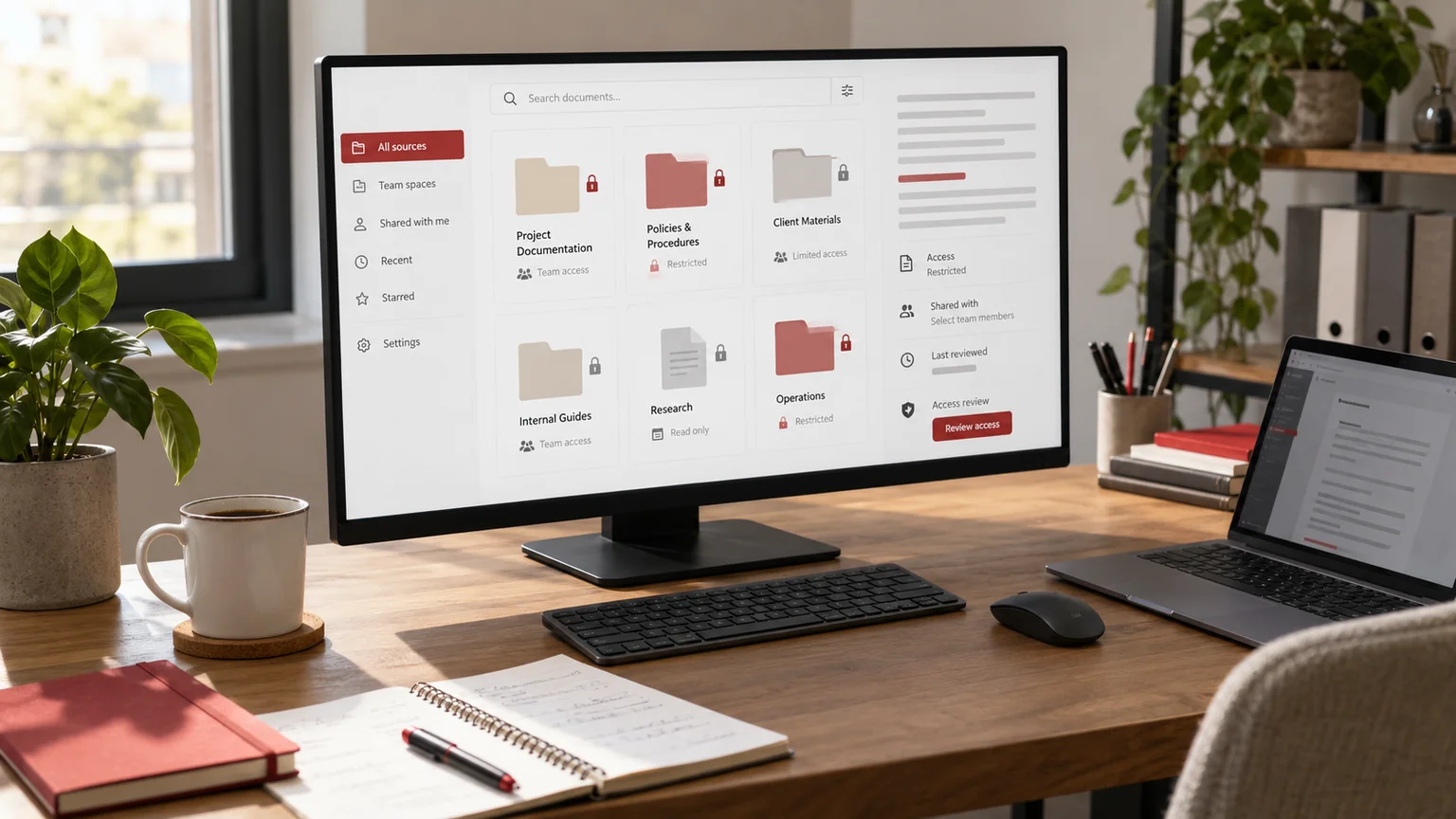
Editorial illustration. Any screens and records are illustrative, not a delivered client system.
“Add an audit trail” sounds like a small CRM feature until a manager asks who changed a record, which value was replaced and whether an exported history is complete. A basic activity feed may not answer those questions. The useful requirements depend on the decisions your team needs to investigate.
I scope custom CRM audit log development as an explicit recording and review workflow. The implementation needs agreed events, access rules and limitations. A log is not an automatic regulatory certification, proof that every action was authorised, or a guarantee that records cannot be altered.
Decide which questions the history must answer
Begin with operational questions rather than a list of database fields. Do staff need to understand an ownership change, investigate an unexpected status, trace an import or explain why a reminder was cancelled? Each question suggests different events and context.
Separate a customer-facing activity timeline from an administrative audit history. They may use some of the same events but have different visibility and retention needs. State what is outside the first release, such as reconstructing history from before logging existed. A developer cannot reliably recreate missing facts just by adding a history screen today.
Define meaningful events and useful context
OWASP’s logging guidance supports deliberate event selection and careful handling of sensitive information. Recording every request body is not the same as creating a useful investigation trail. Decide what context is needed and exclude secrets or unnecessary personal information.
For a record change, useful context may include the actor, event time, record identifier, affected field and outcome. Decide whether previous and new values are necessary and safe to retain. A failed change can matter too, but its event should not imply that the underlying record was successfully updated. Keep system actions distinguishable from human actions.
Write the event matrix before the screen design
The following is an illustrative requirements example for a custom implementation, not a claim about a finished CRM product.
| Event | Context | Who may review | Open decision |
|---|---|---|---|
| Owner reassigned | Actor, record, previous and new owner | Authorised manager | Retention period |
| Status changed | Record, transition, outcome | Agreed team role | Sensitive fields excluded |
| Bulk import | Job identifier, scope, result | Import administrator | Error detail handling |
| History exported | Actor, scope, time | Security or system owner | Export access controls |
Add failure behaviour, timestamps and the approved retention rule. Give every event a business reason. A smaller, coherent event set is easier to interpret than a crowded history full of messages nobody can explain.
Protect access to the logs themselves
OWASP’s authorisation guidance is relevant to viewing and exporting audit information as well as changing CRM records. Logging an action does not authorise it. Access rules need enforcement separately, including direct requests that bypass a visible button.
Decide who can inspect one record, search across the organisation or export a history. A user allowed to see a sales record may not need access to every employee action. Review the export route and file handling as part of the feature. A hidden navigation item is not sufficient protection for sensitive history.
Agree retention, corrections and failure behaviour
Your business should supply a retention decision with appropriate professional input where needed. Define how expired events are handled, who approves a change to that policy and whether a deletion request has implications for the recorded context. These are requirements to resolve, not compliance claims a developer should invent.
Also decide what happens when a logging operation fails. Different actions may need different handling. For an important administrative change, the business might require a visible failure and an investigation route. Whatever is chosen, document it and test it. Avoid a silent gap that leaves the interface claiming a complete history when one was not recorded.
Run an investigation-based acceptance test
A pilot should produce the event specification, access matrix, sample history, implementation notes and a test record of known actions. Use fictional records and compare the observed history with the agreed sequence. Do not fill a demonstration with copied customer data.
- Create, update and reject selected actions; check actor, outcome and order.
- Verify which fields are included, masked or intentionally excluded.
- Attempt history viewing and export with permitted and forbidden roles.
- Review a bulk operation without losing its job-level context.
- Exercise the agreed logging-failure behaviour.
- Confirm staff can answer the original investigation question from the record.
Scope the handover as part of the project
Ask for documentation that an administrator can use after development ends. It should explain event meanings, filters, permissions, retention ownership and known limitations. An unexplained technical identifier is not enough if the person investigating an incident cannot connect it to the relevant workflow.
Changes to business processes can require changes to logging. Name the person who reviews new fields, integrations and bulk actions before release. If the team later asks for tamper-evidence or an external log service, assess that separately with its operational responsibilities. Do not relabel a basic database activity feed as immutable storage.
Prepare a useful audit log development brief
Share the workflows you need to investigate, role definitions, sample records with fictional values, existing integrations and approved retention decisions. Explain who will use the history and the questions they must answer. Include the expected record volume as a planning input, not a reason to capture unnecessary information.
My CRM permissions planning guide covers adjacent access decisions. The custom CRM comparison guide helps assess the wider build. I can plan custom CRM implementation around a defined event set, controlled visibility and evidence-based acceptance.
Written by
Jagjeet Singh
Full stack development, WordPress engineering and practical web products. I work with businesses, teams and agencies in India and worldwide.
Explore my work

