Hospital CRM vs HIMS: Plan Enquiries, Appointments and Callbacks
A planning guide for hospitals and clinics: define enquiry and appointment coordination, identify system boundaries and brief a custom CRM implementation.

In this article
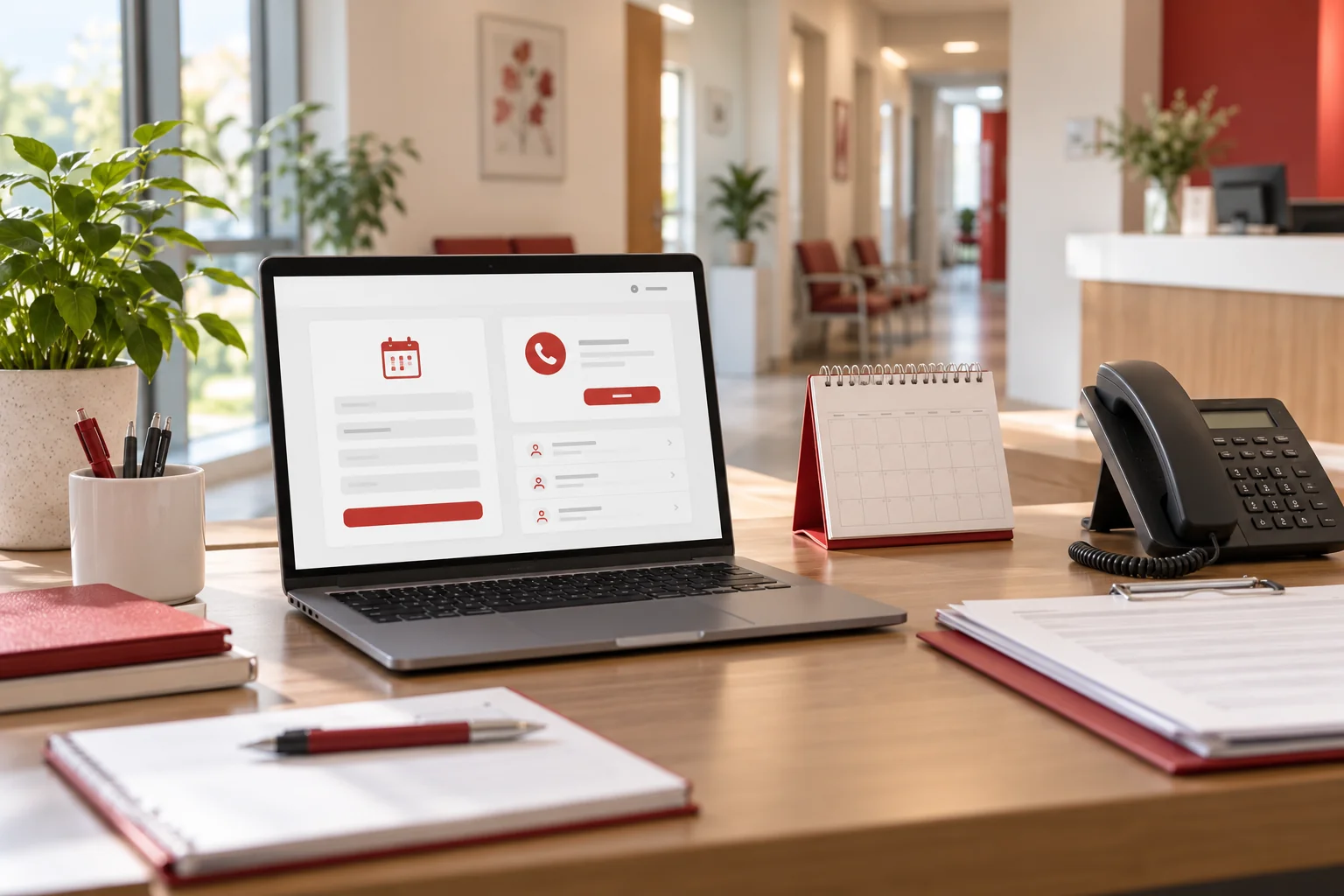
Illustrative workspace. Screens show concepts, not a delivered client system.
A hospital or clinic may already have a hospital information management system, yet still coordinate website enquiries and callbacks in spreadsheets. Front-desk staff need to know who requested an appointment, which team should respond and whether the next action is complete.
When comparing hospital CRM vs HIMS, focus on the work each system should own. A custom CRM project can concentrate on enquiry routing, appointment requests, referrals and communication history. This guide explains how to scope that operational layer without assuming a replacement for clinical or hospital-management software.
Define the boundary between the CRM and HIMS
Products vary, so begin with your existing system’s actual capabilities. For this planning guide, CRM scope means coordinating enquiries, assigned staff, appointment requests, callbacks and referral context. HIMS, HIS, EHR or EMR scope may include broader administrative or clinical processes, depending on the product.
Write down which system controls appointment availability and confirmed bookings. If the CRM only records requests, its interface must distinguish a requested slot from a confirmed one. Clinical records, diagnosis, prescribing and treatment decisions are outside this operational CRM brief.
Check whether configuration or an existing module can meet the need before commissioning a separate application.
Map an enquiry from arrival to a recorded outcome
An enquiry may arrive through a website, a phone call, a referral partner or another approved source. Capture the details needed to route it, the location or department, assigned staff, contact preference and next action.
For an illustrative workflow, an appointment request goes to a scheduling team, staff confirm the available option in the authoritative system and the enquiry is updated with the result. If the person requests a callback, the task remains assigned until staff record its outcome.
Agree what happens when the required team is unavailable. An unassigned request should be visible in a queue rather than disappearing into an individual inbox.
Model confirmations, reschedules and callbacks separately
Define request received, awaiting scheduling, confirmed, rescheduled, cancelled and recorded attendance outcomes where your process requires them. Decide who may change each status and which system confirms the booking.
A reschedule should retain a relationship to the original request and update the next action. A no-show callback should follow your organisation’s approved process, with an owner and outcome; it should not trigger repeated messaging without a defined contact policy.
Reminders are one part of coordination. The system needs to distinguish a planned message, a provider-accepted message and any available delivery event. A failed notification should leave a visible operational task.
Plan access and data handling before integrations
Decide what front-desk, call-centre, department and management roles need to see. Limit the fields collected in enquiry workflows to the agreed purpose, and define access to notes, downloads and exports. Use fictional records during early design and testing.
For organisations subject to US HIPAA, the HHS minimum-necessary guidance discusses limiting access by workforce role and includes important exceptions. Your responsible privacy and legal teams should determine the applicable requirements; this guide does not establish compliance.
Agree hosting, retention, backups, activity history and offboarding as part of the project. The OWASP authorization guidance is an engineering reference for enforcing and testing permissions, including on direct record requests.
Assess HIMS, telephony and messaging connections
List the information that must move between systems and the owner of each record. Review vendor APIs, authentication, supported events and charges before promising a connection.
- Decide whether appointment availability is read live or checked by staff.
- Define how the same enquiry is matched across systems.
- Make unsuccessful updates visible and recoverable.
- Test repeated events so they do not create duplicate requests.
- Agree approved message content, recipients and consent handling.
Keep a manual fallback for a provider outage. A WhatsApp shortcut, telephony connection and clinical-system integration are different capabilities with different requirements.
Use source and referral reporting with care
Operational reports can show requests awaiting assignment, callbacks due, unconfirmed appointments and enquiry outcomes by location or source. Start with the queues that help staff coordinate today’s work.
Referral records can connect an enquiry to an approved partner or source, with access and reporting rules agreed by the organisation. Define the outcome categories before drawing a dashboard. Duplicate enquiries and repeated appointment requests should be handled consistently.
Prefer aggregated management views where detailed personal information is unnecessary. A CRM can organise recorded work; it should not claim clinical benefits or a guaranteed increase in appointments without evidence.
Pilot a first release with practical acceptance scenarios
Choose a defined operational journey and a small authorised staff group. Bring the current process, departments, user roles, system names and anonymised examples of statuses or handovers.
- A request reaches the correct location and responsible queue.
- Staff distinguish an unconfirmed request from a confirmed booking.
- A reschedule preserves history and updates the pending action.
- A restricted user cannot view another team’s unauthorised records.
- A provider failure appears as an exception and can be resolved.
Validate migration, access, provider behaviour and handover procedures before rollout. Development cost depends on locations, roles, workflows, data requirements and integrations; identify hosting and paid-provider costs separately.
Hospital CRM development questions
Do we need a CRM if we already have HIMS?
Only if there is an unmet workflow requirement. Review your current product’s capabilities first; a configuration or integration may be sufficient.
Can multiple locations share the system?
They can, with explicitly scoped routing, access and reporting. Define which roles need cross-location visibility and test the restrictions.
Is a custom CRM automatically compliant?
No. Jurisdiction, architecture, data flows, provider agreements, access and operating policies all need review by the responsible teams.
What should we send in a first enquiry?
Describe the operational process, roles, current tools and desired connections. Leave patient records and sensitive medical information out of this website enquiry.
Discuss an operational CRM implementation
My hospital CRM development service focuses on custom enquiry, appointment-coordination, callback and referral workflows. The final scope and integrations are agreed with your organisation.
Tell me which handover causes difficulty, the locations and staff roles involved, and the systems already in place. I can review the operational requirement and discuss a first-release scope. For general software-selection questions, the custom CRM comparison guide is a useful starting point.
Written by
Jagjeet Singh
Full stack development, WordPress engineering and practical web products. I work with businesses, teams and agencies in India and worldwide.
Explore my work