
WordPress Booking Enquiry vs Live Availability: What Should You Build?
Decide whether visitors need to request a booking or reserve a confirmed slot before commissioning your WordPress integration.

In this article
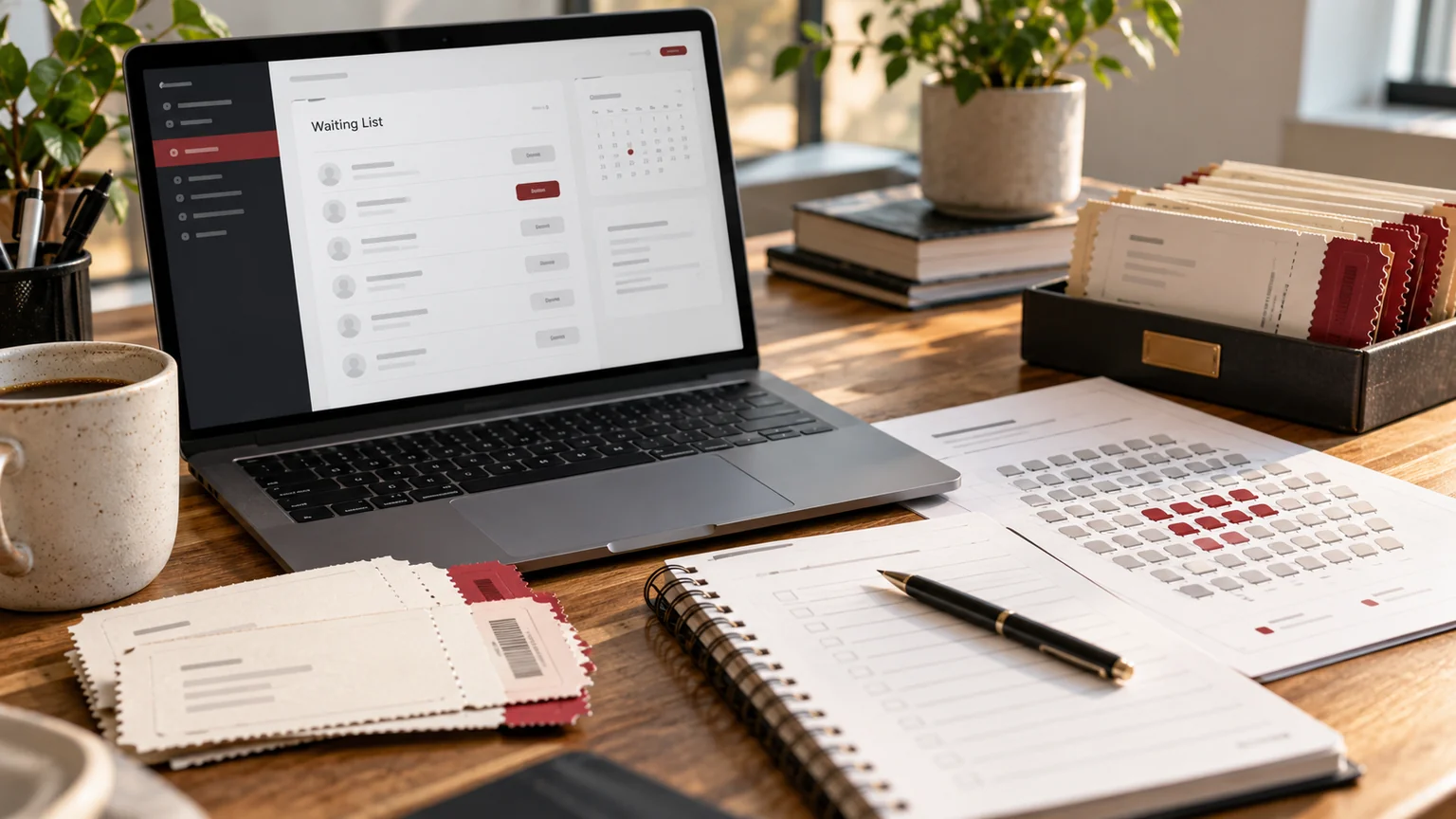
Editorial illustration. Any screens and records are illustrative, not a delivered client system.
A booking button can mean two very different things: “please contact me about this date” or “this slot is now mine.” Confusing them creates disappointed visitors and extra administration. Before commissioning a WordPress booking feature, decide who makes the commitment and which system has authority over availability.
I approach custom WordPress booking development by mapping the request, confirmation and cancellation journey first. A simple enquiry can be the right solution when your business needs a conversation. Live reservations need stronger rules and a wider testing scope.
Start with the promise made to the visitor
If a service requires assessment, a tailored quote or a member of staff to check resources, an enquiry is often a better description than an instant booking. The confirmation screen should say the request was received and explain the next step. It should not imply the appointment is guaranteed.
Live availability suits a more defined offer: a known duration, resource, capacity and set of rules. Even then, displaying a free time is only one part of making a reservation. The scope must explain when availability is rechecked, when a reservation becomes final and how the visitor receives an authoritative confirmation.
Compare the two journeys before choosing software
Use a decision table with the person responsible for appointments. Here is a hypothetical service-business example:
| Decision | Enquiry journey | Live reservation |
|---|---|---|
| Visitor action | Request preferred dates | Select a reservable slot |
| Staff involvement | Review before confirmation | Handle agreed exceptions |
| Capacity authority | Staff scheduling process | Defined source system |
| Immediate message | Request received | Confirmed only after reservation succeeds |
| Primary risk | Slow follow-up | Conflicting or incomplete reservations |
If your operational process cannot support the live-reservation commitments yet, start with a reliable enquiry journey and define a later integration phase.
Identify the source of availability
Ask whether availability comes from a staff calendar, a resource scheduler or another booking platform. A website should not become a competing schedule that staff must reconcile manually. Identify the owner of each calendar and whether private appointment details should remain outside WordPress.
The Google Calendar free/busy API, for example, returns busy-time information. That does not itself reserve a slot or enforce your business rules. An integration using such information still needs a defined confirmation process. My WordPress API integration guide covers the account ownership and connection questions to put into your brief.
Write the rules people usually remember too late
List working hours, appointment duration, preparation time, breaks, minimum notice and the furthest future date that can be booked. Decide how time zones appear and which time zone controls the underlying schedule. A visitor’s preferred display should not silently change the business’s operating rules.
Then define cancellations, rescheduling, duplicate requests and staff overrides. If several resources are needed for one appointment, make that dependency explicit. A meeting room being free does not mean the specialist is available. These rules are valuable project inputs because they determine whether an existing booking platform is suitable or a custom integration is justified.
Design the failure journey alongside the successful one
A visitor may choose a slot while someone else is reserving it. A calendar connection may be unavailable. A confirmation email may be delayed. Define what the interface says in each case and whether staff can see an incomplete request that needs attention.
Do not treat a loading spinner or a generic error as the complete exception plan. Agree whether retrying can create a duplicate, how the visitor can recognise success and how support identifies the original request. The operational record and the visitor-facing status should agree. For an enquiry workflow, this may be as simple as a stored reference and an honest “awaiting review” state.
Include permissions and data handling in scope
A public visitor, a receptionist and a site administrator should not have the same controls. Define who can view contact details, amend bookings or override availability. Collect the information needed to arrange the appointment, and identify where it will be retained.
WordPress’s custom endpoint documentation describes permission callbacks and input validation. Those controls belong in an integration design; hiding an administrative button is insufficient. I would also separate public scheduling information from private calendar detail so the interface exposes only what the booking journey requires.
Approve the system through operational scenarios
Test with the staff member who will actually manage appointments. A useful acceptance list includes:
- A valid enquiry produces the correct pending status.
- A live reservation confirms only after the authoritative system accepts it.
- Two attempts at the same slot produce the agreed result.
- Time zones and daylight-saving boundary dates display consistently.
- Cancellations and rescheduling update the correct records.
- An unavailable integration gives a usable recovery message.
- Keyboard and mobile visitors can complete the journey.
Use a test environment and synthetic details. An acceptance exercise should not accidentally reserve staff time or send real customer communications.
Prepare a brief that makes proposals comparable
Send your current scheduling process, the service types, the systems involved and three example journeys. State whether confirmation is manual or immediate, who owns connected accounts and which exception is currently causing the most work. Include any existing booking platform before commissioning a replacement.
My custom plugin planning guide helps distinguish configuration from a new feature. Through my WordPress plugin development service, I can assess the smallest suitable scope, including an enquiry-first option, an integration or a custom component. The decision should follow the operational promise you can keep.
Written by
Jagjeet Singh
Full stack development, WordPress engineering and practical web products. I work with businesses, teams and agencies in India and worldwide.
Explore my work

