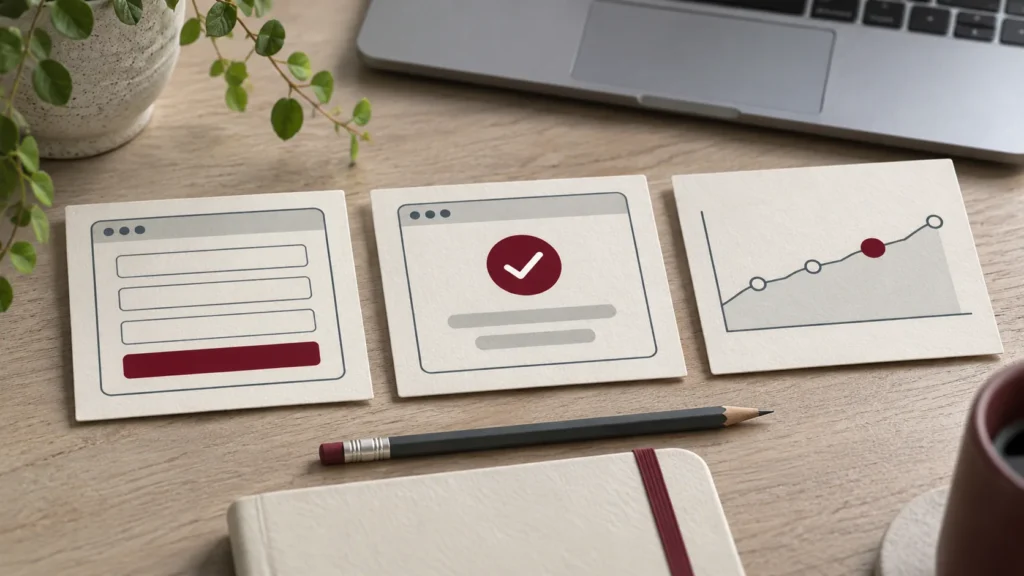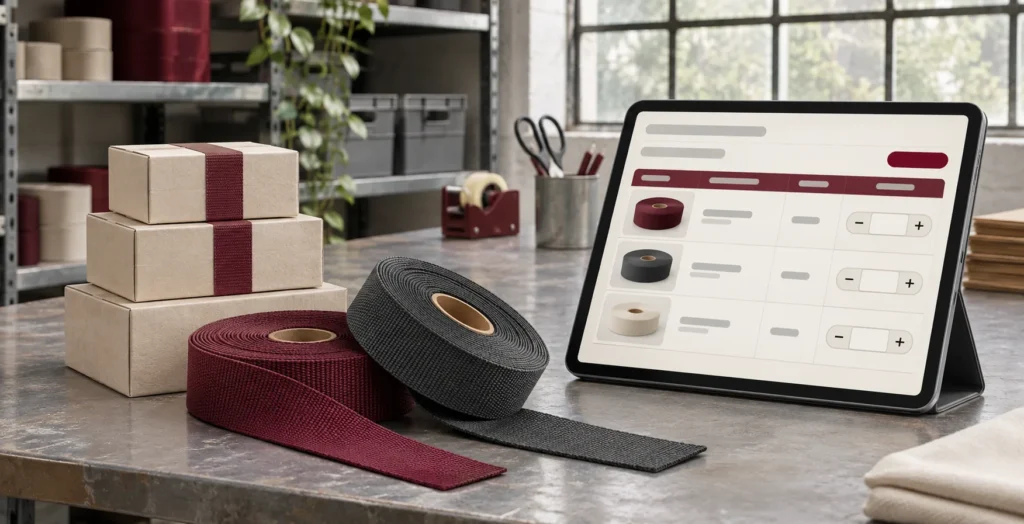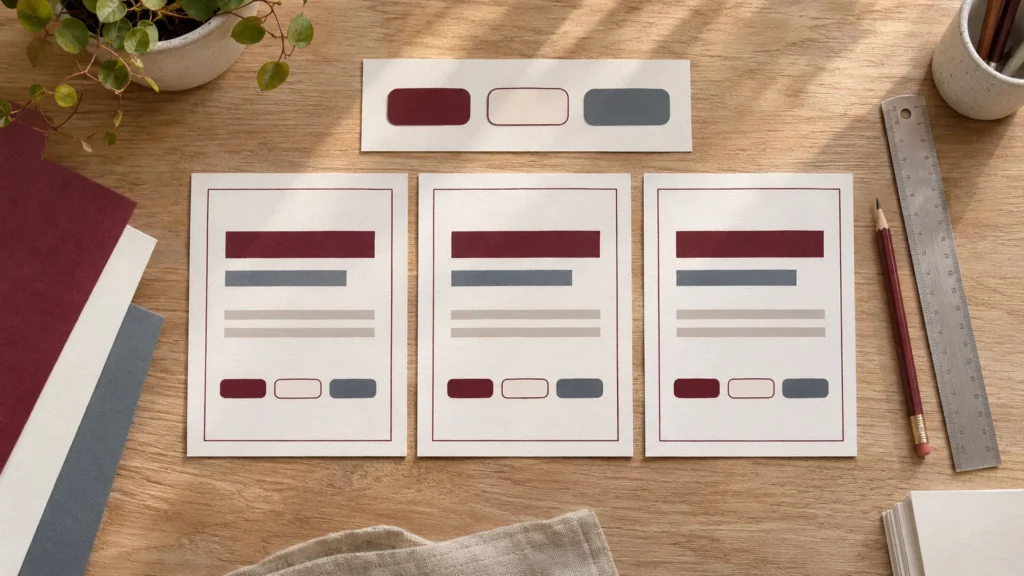
Illustrative wireframes for a component that can appear in several layouts.
Your team can arrange a heading, a photo and a button in Elementor in a few minutes. The development work begins when editors also need dependable rules for which details appear and what happens when a record changes. A custom Elementor widget can put that behaviour behind one set of editor controls.
Picture a training provider with session cards across a course page, a calendar and a partner landing page. The card may show dates, a location, an enrolment link or a waitlist. Before asking for a widget, agree where those facts come from and when each action is appropriate.
Prototype the design with native widgets first
Use a saved template or a collection layout with dynamic content when the requirement is mostly visual and editors can maintain it with familiar tools. The training card might pull a title and date from a WordPress record and render the same way everywhere.
Custom development becomes useful when changes in the record must drive consistent behaviour. A full session might need a waitlist link that appears in every instance. A cancelled session might need a clear status and space for an alternative date. List the rules you want a developer to implement and test.
Define the record, the controls and the display rules
Separate the session data from the widget’s presentation controls. Keep the date, venue, booking status and registration URL in an agreed WordPress record if several pages need them. Let the editor choose the record and, where helpful, the display style in Elementor. Agree which values are required and which have defaults.
Define the output for a session with a booking link, a full session with a waitlist, a cancelled session and a record with incomplete details. Include long course titles, time zone display if relevant, and the copy you want for each action. An examples list like this gives the developer and your reviewer a shared specification.
Keep the editing panel focused
Group the widget’s fields and selectors around the work editors do. Choose control labels they can recognise, such as “Select session” and “Show venue”. Keep global brand rules in the design system and allow local choices where the brief calls for them. See Elementor’s editor controls.
Agree sensible starting settings. Ask a client editor to add the widget, select a real record on staging and preview it. A short editing test often exposes a missing field label or an unclear default faster than reviewing another screenshot.
Plan the widget's markup and assets
Use meaningful links and buttons, clear status text and a layout that accommodates narrow columns. If an image is decorative, handle it accordingly in the final markup. If the component has no interaction beyond a link, it may need very little JavaScript.
Ask how the component’s styles and scripts will be registered and when the page will load them. Test a page with multiple instances and a page with none. Include existing caching and performance settings in that review. See the Elementor docs on widget development and widget dependencies.
Test realistic data and editing flows
Build a test list with a normal card, a long title, omitted optional fields, a full session and a cancelled session. If several client sites will use the same widget, choose representative Elementor versions and theme configurations. Depending on the brief, test it in the editor, a preview and the published page after caching.
Use keyboard navigation to check the actions, test on a phone and try updating the underlying record. Confirm that every instance shows the update. Agree which part of the handover covers defects found in these scenarios and how new variations are quoted.
Include the source and the upgrade plan in the brief
For a widget packaged in a plugin, specify who receives the source, who can install it, how it is versioned and who tests WordPress and Elementor updates. Document the content fields it expects. Include a plan for displaying important information if a client moves away from the widget later.
My guide to commissioning custom WordPress plugins covers broader questions about scope and ongoing ownership. If your team needs delivery under its own name, review the white-label WordPress workflow.
Send one example of the behaviour you need
Share an approved design, two or three example records, the fields an editor should control and the sites that need the widget. Include one tricky state, such as a full class with a waitlist. I can use those details to discuss a native Elementor option or quote a defined custom component.