
Shopify Product Feeds for Google Merchant Center: A Development Brief
Map product data, channel responsibilities and status checks before commissioning Shopify feed development for Google Merchant Center.

In this article
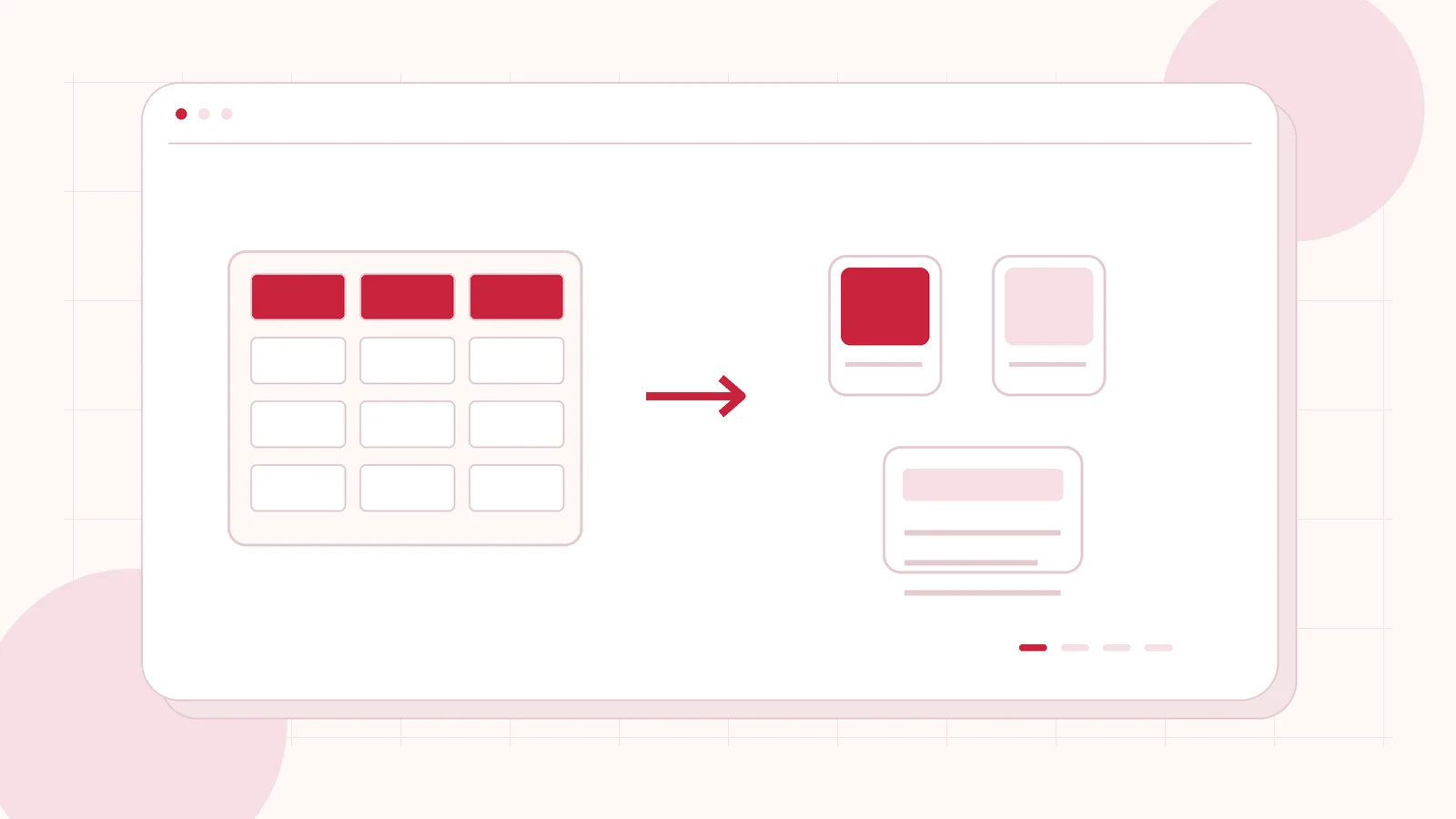
Editorial illustration. Any screens and records are illustrative, not a delivered client system.
A product can look complete in Shopify and still need work before it is ready for another sales channel. Titles, identifiers, images, availability and shipping settings have different owners. If those responsibilities are unclear, teams can spend days editing the wrong system while a product remains unavailable in Merchant Center.
My Shopify product feed development starts with a source-to-channel mapping. The objective is a maintainable feed and a clear review process. It is not a promise that Google will approve every product, display it in search, or generate sales.
Separate catalogue completeness from channel readiness
First agree what the project changes. An import project puts product information into Shopify. A Merchant Center feed project prepares the information that a downstream channel receives and establishes how the team checks its status. Those scopes can overlap, but they need different acceptance checks.
Use a representative product set rather than assuming every variant behaves alike. Include products with different identifiers, stock states, shipping requirements and image arrangements. Ask the merchandising team to explain which source is authoritative for each attribute. That prevents a feed fix from being overwritten by the next catalogue update.
Review requirements before writing integration code
Shopify’s Google channel requirements cover store, account and product requirements. Some products need additional information for the channel beyond what was enough to create the Shopify listing. Account and shipping configuration also belong in the review, rather than being treated as theme-development problems.
The business should confirm the markets and products it intends to advertise or list, and own any policy, tax or legal decisions. I can identify technical gaps, map fields and implement agreed changes. I would not label a store “Google compliant” simply because a feed connection completes or a test product synchronises.
Create a source-to-destination ledger
The following illustrative ledger is a practical buyer artifact. Replace the example owners with the people responsible in your business.
| Shopify source | Channel use | Owner | Review evidence |
|---|---|---|---|
| Product and variant identifiers | Product matching | Merchandising | Sample mapping checked |
| Price and availability | Current offer data | Commerce operations | Known changes reconciled |
| Images and descriptions | Listing content | Content team | Approved source assets |
| Shipping configuration | Delivery information | Operations | Settings reviewed |
| Product status | Follow-up queue | Channel manager | Issue and action recorded |
Add transformation rules and a last-reviewed date. The useful output is traceability: the team should know where to fix an error and what to check after the next sync.
Choose the simplest supported sync route
Google’s Shopify integration guidance explains the Google & YouTube app connection and product synchronisation options. Check the supported route before commissioning a separate feed generator. Additional code should solve a defined data or workflow gap rather than duplicate a connection that already exists.
List other tools that might send the same products. Competing feeds or manual edits can make ownership difficult to understand. Document which source should publish each product set and who may change that configuration. Keep account access limited to the responsibilities needed for the work, with the merchant retaining ownership of the accounts.
Make status review part of the deliverable
A successful transmission and an approved product are different milestones. Build a review sheet that records the product, observed issue, source field, responsible owner and next action. Record whether the issue concerns data, account settings or a Google review decision so it is routed correctly.
Do not keep resubmitting unchanged information and call that development progress. Where source data is wrong, correct its authoritative location. Where a policy question appears, ask the merchant to review the relevant Google guidance or obtain appropriate advice. Approval and visibility remain Google decisions; the implementation should make the evidence and follow-up understandable.
Test changes as well as the first connection
The pilot should cover a small catalogue slice with agreed edge cases. Deliver the mapping, connection inventory, change log and operating instructions. Acceptance should include updates after the first sync, because an initial snapshot alone does not establish a maintainable workflow.
- A sampled variant maps to the intended channel record without confusing its identity.
- An agreed price or availability change reaches the expected destination.
- An excluded product remains outside the agreed publishing scope.
- A reported issue can be traced to a source attribute or account responsibility.
- Staff know how to review status and escalate an unresolved problem.
Include a handover session for the person who maintains the catalogue. They should be able to identify the authoritative field, understand the publishing scope and record a follow-up action without editing integration code. If a supplier changes the input format later, the mapping should make the affected products and responsibilities clear enough to scope the next change.
Prepare the brief and connect related work
Send the store URL, target product groups, intended markets, existing channel tools and examples of current issues. Include the current data owner and the cadence of catalogue updates. Remove customer information and secrets from screenshots. If you need content cleanup, identify that as a separate responsibility rather than hiding it in an integration estimate.
For upstream preparation, read my Shopify product data migration guide. The Shopify launch checklist covers the wider store release. I can scope Shopify channel and feed implementation around a controlled pilot, with clear technical deliverables and a merchant-owned status review.
Written by
Jagjeet Singh
Full stack development, WordPress engineering and practical web products. I work with businesses, teams and agencies in India and worldwide.
Explore my work

