
Shopify Metaobjects: Build Reusable Product Guides Your Team Can Edit
Replace repeated product-page copy with editable Shopify guides. Plan reusable content, product references, compatible theme layouts and staff handover before development.

In this article
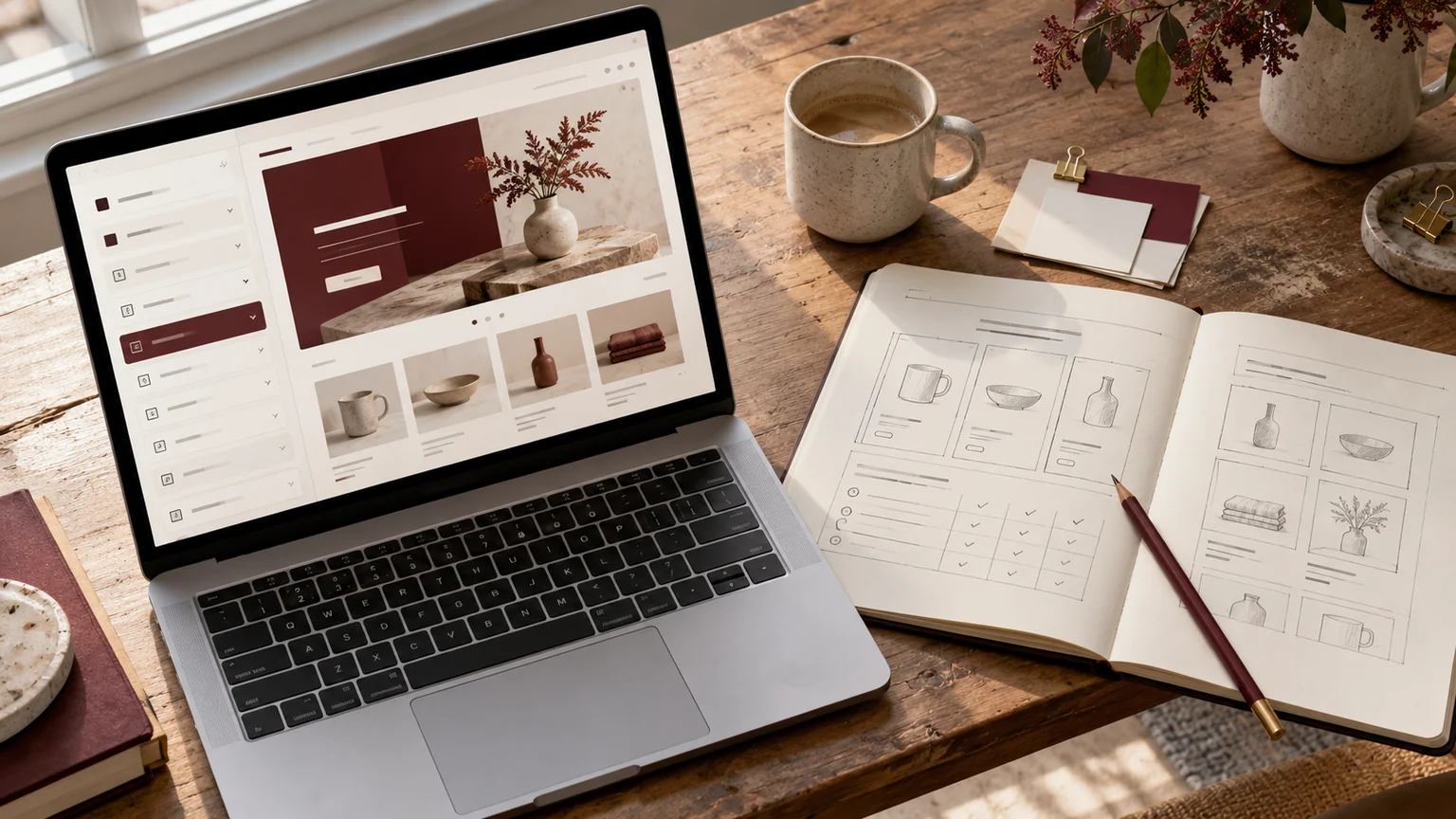
Editorial illustration. Any screens and records are illustrative, not a delivered client system.
If your team copies the same care instructions, material details or buying advice across dozens of Shopify products, a design change can become a content maintenance job. A reusable guide is useful only when staff can find the right entry, update it confidently and see where that update will appear.
Shopify metaobjects can support that workflow. Before commissioning development, decide what is shared, what belongs to an individual product and how your theme should handle missing content. My Shopify development service can scope the content model and storefront implementation together.
Start with a repeatable customer question
Choose a question that occurs across a meaningful group of products: how to care for a fabric, which measurement matters when choosing a size, or what a material finish looks like. Gather the current answers and identify where they disagree. A content model should organise an approved answer, not make inconsistent information look consistent.
A guide is a good candidate when several products share it and someone owns future updates. A one-off promotional sentence may be simpler as normal page content. Decide this before requesting a library with dozens of fields that editors will rarely use. Agree who reviews that decision.
Choose fields before designing the card
A metaobject definition describes the fields in a reusable entry. Shopify’s metaobject documentation explains definitions, entries and field validation. For the buyer, the practical task is to identify what an editor must supply and what the storefront can safely omit.
| Field | Illustrative requirement | Owner |
|---|---|---|
| Guide name | Internal label that editors recognise | Content lead |
| Heading and body | Approved customer-facing explanation | Product team |
| Image and description | Useful image with meaningful alternative text | Content team |
| Related link | Destination checked before publishing | Store manager |
| Review note | Internal ownership and update reminder | Named reviewer |
This is a proposed care-guide model, not a claim that every store needs these fields. Avoid storing private supplier notes in content intended for public display.
Separate shared guides from product-specific values
Imagine two hypothetical jackets made from the same fabric. They may reference one shared care guide while keeping their individual measurements on the product. Changing the shared cleaning advice should affect both; changing one jacket’s sleeve length should not affect the other.
Write those rules explicitly. The brief should say whether a product can reference one guide or several, who chooses the reference and how guide ordering works. If the wrong shared entry could publish inaccurate instructions across a collection, add a review step to the editing workflow.
Check what the existing theme can display
Creating entries in the admin does not automatically create the layout you have in mind. Shopify’s connection guide describes connecting compatible fields to theme settings; available sources depend on the template context.
Ask the developer to demonstrate the intended product template with your actual field types. A simple text block might connect directly, while a structured comparison, image sequence or ordered guide list may need theme development. Shopify’s dynamic-source documentation is the technical reference for that connection. Include the section’s editable settings in the handover, rather than accepting content that is hardcoded into a template.
Define empty, long and retired content states
The attractive example is only one state. Test a product with no guide, an entry without an image, a very long heading and a guide removed from publication. Decide whether an empty section disappears, displays a fallback or stops publication for review.
- Keep the page readable when optional fields are empty.
- Check text, image cropping and link placement on a narrow phone screen.
- Avoid duplicated headings when several guides appear together.
- Confirm how retired entries affect products that still reference them.
These decisions are inexpensive to discuss in a brief and frustrating to discover after editors have populated the whole catalogue.
Commission a pilot with real editing tasks
Start with a small set of representative products rather than converting the entire catalogue immediately. Ask a staff member to create an entry, attach it to a product, change the shared content and remove the reference. Watch where instructions are missing.
Acceptance should cover both storefront output and the admin workflow. Agree which templates are included, whether existing content will be imported, who checks product accuracy and how much editor training is required. Translation, external product-data synchronisation and a larger content cleanup should be separately assessed, rather than assumed to be part of a theme section.
Bring a content model to the development conversation
Send three representative product links, examples of repeated content, the current theme and your preferred presentation. Add the names of the people who will maintain the content and any existing app that currently supplies it. These inputs make a development discussion much more precise than asking for a custom product page.
If you are also changing product data, read the Shopify product-data migration guide. For layout work, the custom Shopify sections guide helps separate presentation from content ownership.
I can review your examples and propose the smallest useful content-and-theme build through my Shopify development service. The starting point is an editable pilot your team can evaluate, with the catalogue rollout scoped after the model works.
Written by
Jagjeet Singh
Full stack development, WordPress engineering and practical web products. I work with businesses, teams and agencies in India and worldwide.
Explore my work

