
WordPress Membership Renewal Emails: Define Rules Before Building Automation
Define reminders, suppression rules and access responsibilities before building a membership renewal email workflow in WordPress.

In this article
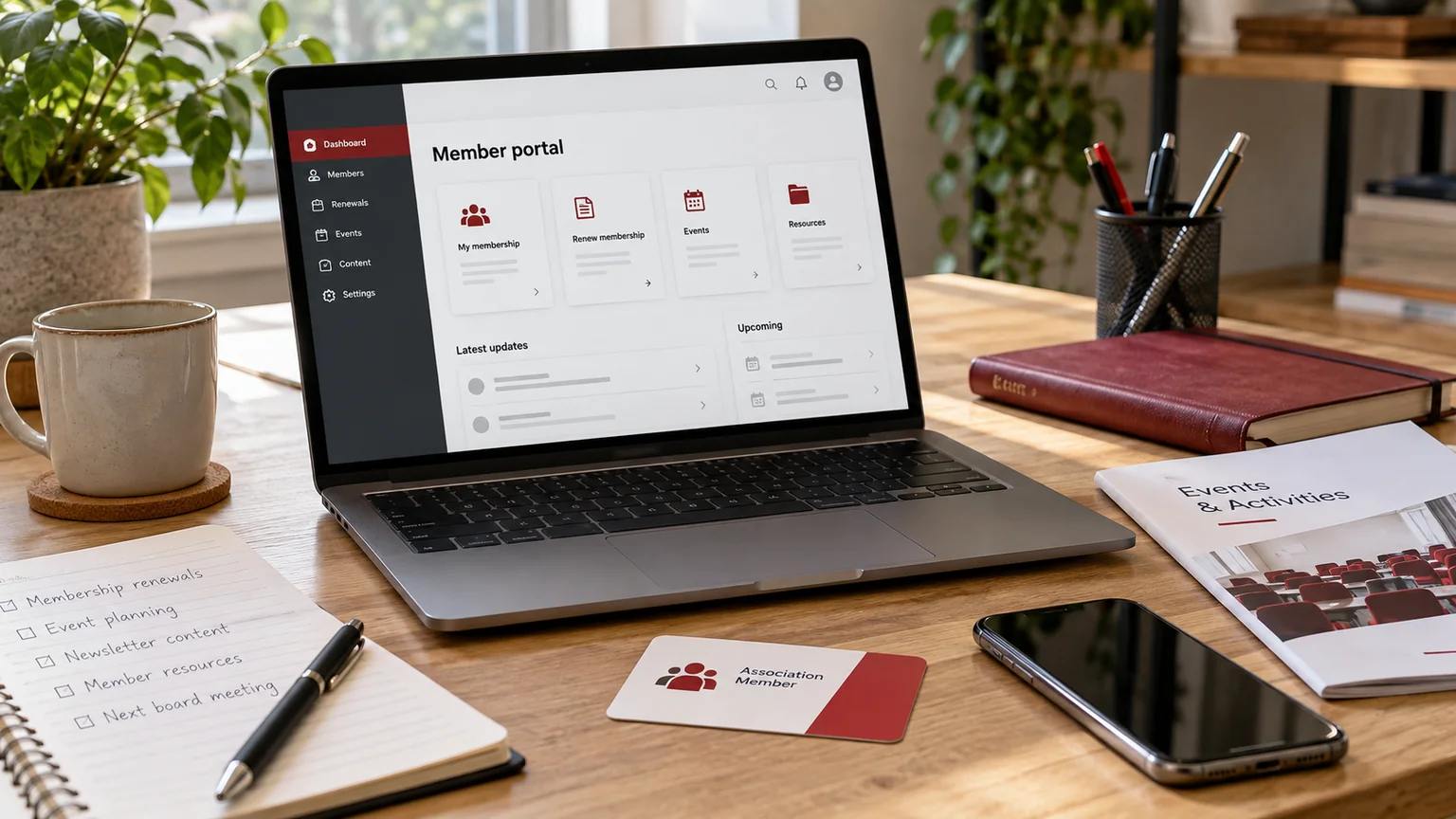
Editorial illustration. Any screens and records are illustrative, not a delivered client system.
“Send a renewal reminder” sounds like one task. In practice, it raises several questions: which membership date is authoritative, who should receive the message, what stops later reminders and who handles an incorrect expiry record? Without those rules, automation can make an unclear process repeat more quickly.
This guide concerns membership communications and the handoff to an agreed access-renewal process. It does not specify a transaction system. I can scope WordPress reminder automation around your existing membership records, staff responsibilities and visitor experience.
Start with the membership record you trust
Identify the system that owns the membership identifier, expiry date, status and contact address. WordPress may own those fields, or it may receive them from another system. Choose one authoritative record rather than allowing several applications to update expiry dates independently.
Define the date semantics carefully. Does access expire at the start or end of a day, and in which time zone? Can staff grant an extension? How do suspended or cancelled memberships differ from expired memberships? Those distinctions determine who enters the reminder schedule and when the automation must stop. Include a correction process for records that staff discover are wrong.
Write a reminder rule table first
A hypothetical professional association might use the following planning table. The timings are examples, not a recommendation for every membership:
| Stage | Condition | Message purpose | Stop condition |
|---|---|---|---|
| Before expiry | Active, expiry approaching | Explain the next action | Renewal recorded or extension granted |
| Expiry day | Still unresolved | Clarify membership status | Status corrected |
| After expiry | Eligible for follow-up | Offer an appropriate recovery route | Closed, renewed or excluded |
Add the recipient, sender identity and responsible staff contact to each stage. Agree how many reminders are appropriate rather than creating an indefinite daily loop.
Define exclusions and duplicate protection
Decide how the workflow treats recently renewed members, records with missing email addresses, approved extensions, disputed records and people already being handled by staff. A membership reminder should not restart simply because somebody edits an unrelated profile field.
Define what constitutes the same reminder: for example, one membership period and one reminder stage. Then agree what happens after a temporary failure or a manual retry. The expected result should be a controlled retry or a recorded exception, not an accidental series of identical messages. Staff also need a way to see why a particular reminder was suppressed.
Treat scheduling and receipt as different checks
The WordPress WP-Cron documentation explains that its normal scheduling is triggered by website requests. A scheduled action therefore needs an execution plan suited to your timing requirements; a low-traffic site should not assume precise clock-time execution from the default behaviour.
Separately, WordPress documents that a successful mail function result does not prove recipient receipt. Distinguish a reminder becoming due, the job running, the send attempt and delivery evidence available from the mail provider. Your report should describe what it knows rather than labelling every attempted message “delivered.”
Keep access changes under an agreed authority
A reminder can explain that a membership is nearing expiry without changing access itself. Decide whether access changes happen in WordPress, in another application or after staff review. Identify how a confirmed renewal reaches that system and how an unsuccessful transfer is noticed.
Do not let an unreviewed date import revoke access unexpectedly. Where access changes are included, agree a small test set covering renewal, extension, suspension and expiry. My member portal access and renewal guide discusses the related separation between membership records, permissions and the actions members can perform.
Give staff a useful operational view
The administration view should answer practical questions: who is due, which reminder stage has run, which records are excluded and what needs intervention? It does not need to expose every technical detail, but it should explain the next useful action.
Agree who can pause reminders and who can amend the underlying expiry date. Record meaningful changes so a staff member can explain why a message was sent. For message content, use approved wording and a clear support route. Avoid putting unnecessary private membership details in the subject line. The business should decide retention and communication policies; the implementation should follow those decisions.
Test complete membership journeys
Use synthetic members and an agreed test destination before enabling real communications. Test the lifecycle rather than just pressing a send button:
- A due member enters the correct reminder stage.
- A recorded renewal suppresses later reminders.
- An extension changes the next action as agreed.
- A duplicate job does not create an unintended duplicate.
- A missing address creates a visible staff exception.
- A failed send is distinguishable from a completed attempt.
- Paused automation stays paused until an authorised person resumes it.
- Access changes follow the agreed source record.
Approve both the member-facing wording and the staff workflow.
What to include in the commissioning brief
Send anonymised membership fields, your current reminder messages, expiry rules and the system that owns renewal status. Include the approximate record volume, desired timing precision, current email provider and the person responsible for exceptions. State whether access changes are included or remain a separate process.
My custom plugin development guide can help establish the feature boundaries. Through my WordPress plugin development service, I can turn the rules into a defined reminder workflow with acceptance scenarios and an operational handover. That gives staff visibility before the automation begins contacting members.
Written by
Jagjeet Singh
Full stack development, WordPress engineering and practical web products. I work with businesses, teams and agencies in India and worldwide.
Explore my work

